
1. Ներածություն
This manual provides instructions for the installation, operation, and maintenance of the Emerson F145RF-1600 Wireless Remote Temperature Sensor. This sensor is designed to work with the Emerson BLUE Wireless Easy Install Universal Wireless Thermostat System to enhance temperature control and reduce hot and cold spots within your home.
Հիմնական հատկանիշները:
- Reduces temperature inconsistencies in various areas.
- Supports up to four wireless remote sensors with the Emerson BLUE Wireless Easy Install Thermostat System.
- Designed for easy installation and pairing.
2. Անվտանգության տեղեկատվություն
Please read and understand all instructions before installing or operating this device. Failure to follow these instructions could result in property damage or personal injury.
- Always turn off power to the thermostat system before performing any installation or maintenance.
- Do not expose the sensor to extreme temperatures, direct sunlight, or moisture.
- Օգտագործեք միայն նշված տեսակի մարտկոցը (2 AA մարտկոց):
- Հեռացրեք հին մարտկոցները պատասխանատու կերպով՝ համաձայն տեղական կանոնակարգերի:
- Պահել երեխաներից հեռու:
Առաջարկ 65՝ Զգուշացում. Այս արտադրանքը կարող է պարունակել քիմիական նյութեր, որոնք, ըստ Կալիֆոռնիայի նահանգի, կարող են առաջացնել քաղցկեղ և բնածին արատներ կամ այլ վերարտադրողական վնաս։
3. Ապրանքը ավարտված էview
The Emerson F145RF-1600 is a compact, battery-powered wireless sensor designed to monitor ambient temperature. It communicates wirelessly with a compatible Emerson BLUE thermostat system.
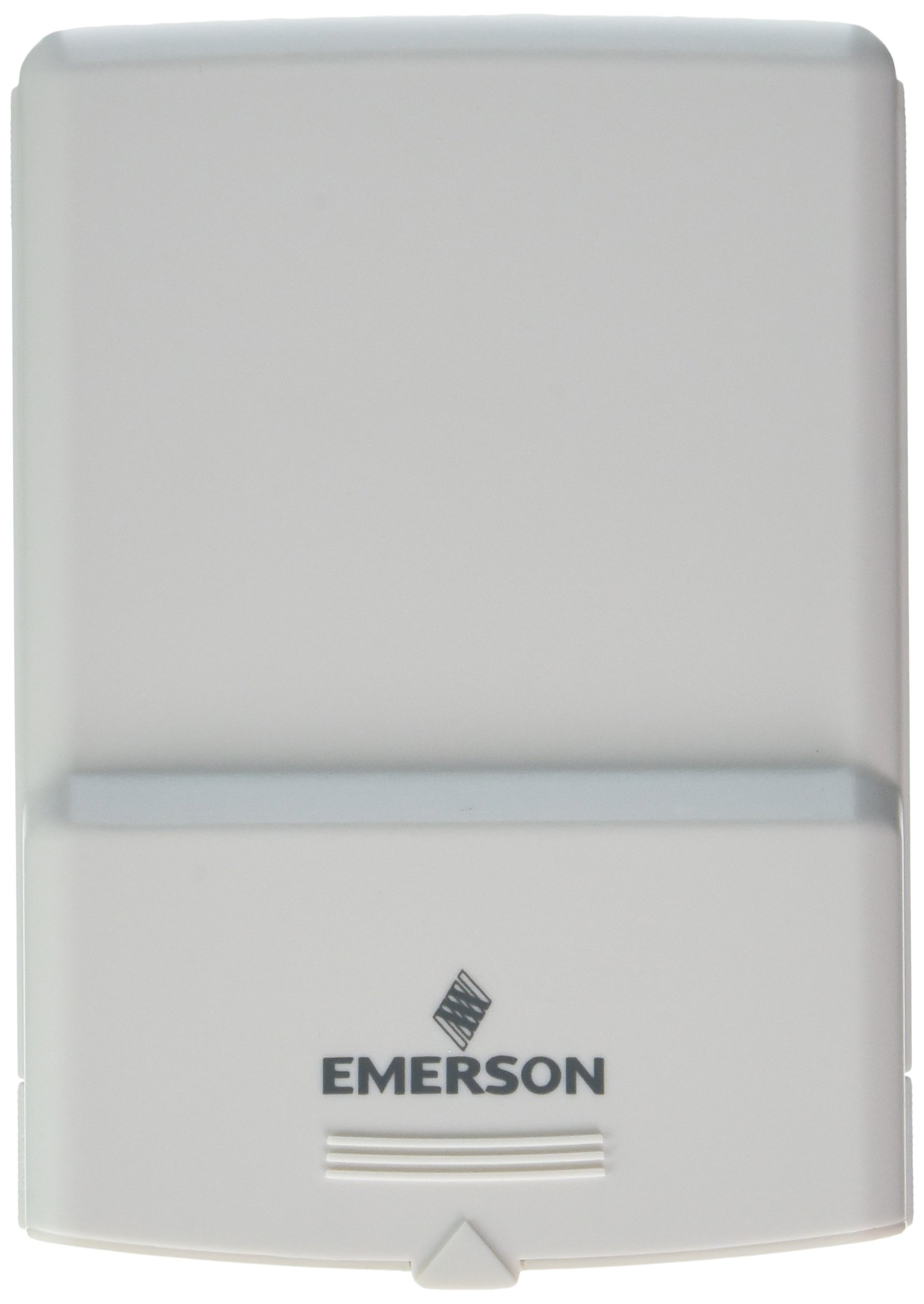
Նկար 1: Emerson F145RF-1600 Wireless Remote Temperature Sensor. The image displays the sensor in a hand, indicating its approximate height of 4.8 inches (12 cm). The sensor is light-colored, likely white or light grey, with the 'EMERSON' logo visible at the bottom front.
4. Կարգավորում
4.1. Մարտկոցի տեղադրում
- Գտեք մարտկոցի խցիկը սենսորի հետևի մասում։
- Բացեք մարտկոցի խցիկի կափարիչը:
- Տեղադրեք երկու (2) AA ալկալային մարտկոցներ՝ ապահովելով ճիշտ բևեռականություն (+/-):
- Ապահով փակեք մարտկոցի խցիկի կափարիչը:
4.2. Pairing with Thermostat System
Refer to your Emerson BLUE Wireless Easy Install Universal Wireless Thermostat System manual for detailed pairing instructions. Generally, the process involves:
- Placing the thermostat system into pairing mode.
- Activating the sensor's pairing function (often a button press or battery insertion).
- Confirming successful pairing on the thermostat display.
Up to four F145RF-1600 sensors can be paired with a single Emerson BLUE Wireless Easy Install system.
4.3. Սենսորների տեղադրում
Proper placement is crucial for accurate temperature readings and effective system operation.
- Ներքին տեղակայում.
- Place the sensor in a central location within the area you wish to monitor.
- Avoid placing near heat sources (lamps, appliances, direct sunlight) or cold drafts (windows, vents).
- Ensure it is not obstructed by furniture or curtains.
- Outdoor Placement (if applicable):
- Mount the sensor in a shaded area, away from direct sunlight, which can cause inaccurate readings.
- Protect it from direct rain and snow.
- Ensure it is easily accessible for battery replacement.
5. Գործառնական հրահանգներ
Once successfully paired and placed, the F145RF-1600 sensor will automatically transmit temperature data to your Emerson BLUE Wireless Easy Install Thermostat System. The thermostat system will then use this data to optimize heating and cooling, helping to maintain a more consistent temperature throughout your home.
- The sensor operates continuously, sending updates to the main thermostat.
- The thermostat system will display the temperature readings from the remote sensors and use them for its control logic.
- No direct user interaction is typically required with the sensor after setup, other than battery replacement.
6. Պահպանում
6.1. Մարտկոցի փոխարինում
The sensor requires two (2) AA batteries. When batteries are low, your Emerson BLUE thermostat system may indicate a low battery warning for the sensor. Replace batteries promptly to ensure continuous operation.
- Բացեք մարտկոցի խցիկը:
- Հեռացրեք հին մարտկոցները:
- Insert new AA batteries, observing polarity.
- Փակեք խցիկը:
6.2. Մաքրում
Wipe the sensor's exterior with a soft, dry cloth as needed. Do not use liquid cleaners or abrasive materials, as these can damage the device.
7: Անսարքություն
| Խնդիր | Հնարավոր պատճառ | Լուծում |
|---|---|---|
| Sensor not reporting temperature / No signal |
|
|
| Ջերմաստիճանի ոչ ճշգրիտ ցուցանիշներ |
|
|
8. Տեխնիկական պայմաններ
| Մոդելի համարը | F145RF-1600 |
| Արտադրող | Ուայթ-Ռոջերս (Էմերսոն) |
| Էլեկտրաէներգիայի աղբյուր | սնուցվում է մարտկոցով |
| Պահանջվում է մարտկոցներ | 2 AA մարտկոց |
| Նյութի քաշը | 3.2 ունցիա |
| Ապրանքի չափերը | 3.5 x 2.5 x 5.25 դյույմ |
| Նյութ | Պլաստիկ |
| Գույն | Կապույտ (Note: Product image shows light grey/white) |
| Նյութի փաթեթի քանակ | 1 |
9. Երաշխիքային տեղեկատվություն
Specific warranty details for the Emerson F145RF-1600 Wireless Remote Temperature Sensor are typically provided with the product packaging or can be found on the official Emerson/White-Rodgers webկայք։ Խնդրում ենք պահպանել գնման ապացույցը երաշխիքային պահանջների համար։
Երաշխիքի մանրամասն պայմաններին և դրույթներին ծանոթանալու համար, խնդրում ենք այցելել Էմերսոնի պաշտոնյա webկայք կամ կապվեք հաճախորդների աջակցության հետ:
10. Աջակցություն
If you encounter issues not covered in this manual or require further assistance, please contact Emerson customer support.
- Առցանց աջակցություն. Այցելեք Emerson Support Page Հաճախակի տրվող հարցերի, փաստաթղթերի և կապի տարբերակների համար։
- Հեռախոսային աջակցություն. Refer to your product packaging or the Emerson webկայք՝ հաճախորդների սպասարկման ամենաթարմ հեռախոսահամարների համար։