
1. Անվտանգության կարևոր ցուցումներ
Խնդրում ենք տեղադրելուց և օգտագործելուց առաջ ուշադիր կարդալ բոլոր հրահանգները: Պահպանեք այս ձեռնարկը հետագա հղումների համար:
Ընդհանուր անվտանգություն
- Համոզվեք, որ էլեկտրամատակարարումն անջատված է տեղադրումից, սպասարկումից կամ մաքրումից առաջ։
- Այս սարքը նախատեսված չէ ֆիզիկական, զգայական կամ մտավոր կարողություններով կամ փորձի և գիտելիքների պակաս ունեցող անձանց (ներառյալ երեխաներ) օգտագործելու համար, բացառությամբ այն դեպքերի, երբ նրանց հսկողություն կամ հրահանգ չի տրվել սարքի օգտագործման վերաբերյալ իրենց անվտանգության համար պատասխանատու անձի կողմից:
- Երեխաները պետք է վերահսկվեն, որպեսզի նրանք չխաղան սարքի հետ:
Էլեկտրական անվտանգություն
- All electrical connections must be made by a qualified electrician and conform to local codes and regulations.
- Ապահովել հատtage and frequency of your power supply match the specifications of the fan.
- The fan must be properly grounded to prevent electric shock.
Տեղադրման անվտանգություն
- Mount the fan to a ceiling structure capable of supporting a minimum of 15 kg (33 lbs).
- Ensure there is adequate clearance between the fan blades and any obstacles (walls, furniture) and the floor. A minimum distance of 2.3 meters (7.5 feet) from the floor to the blades is recommended.
- Do not install the fan in a location where it can be easily reached by children or pets.
2. Ապրանքը ավարտված էview
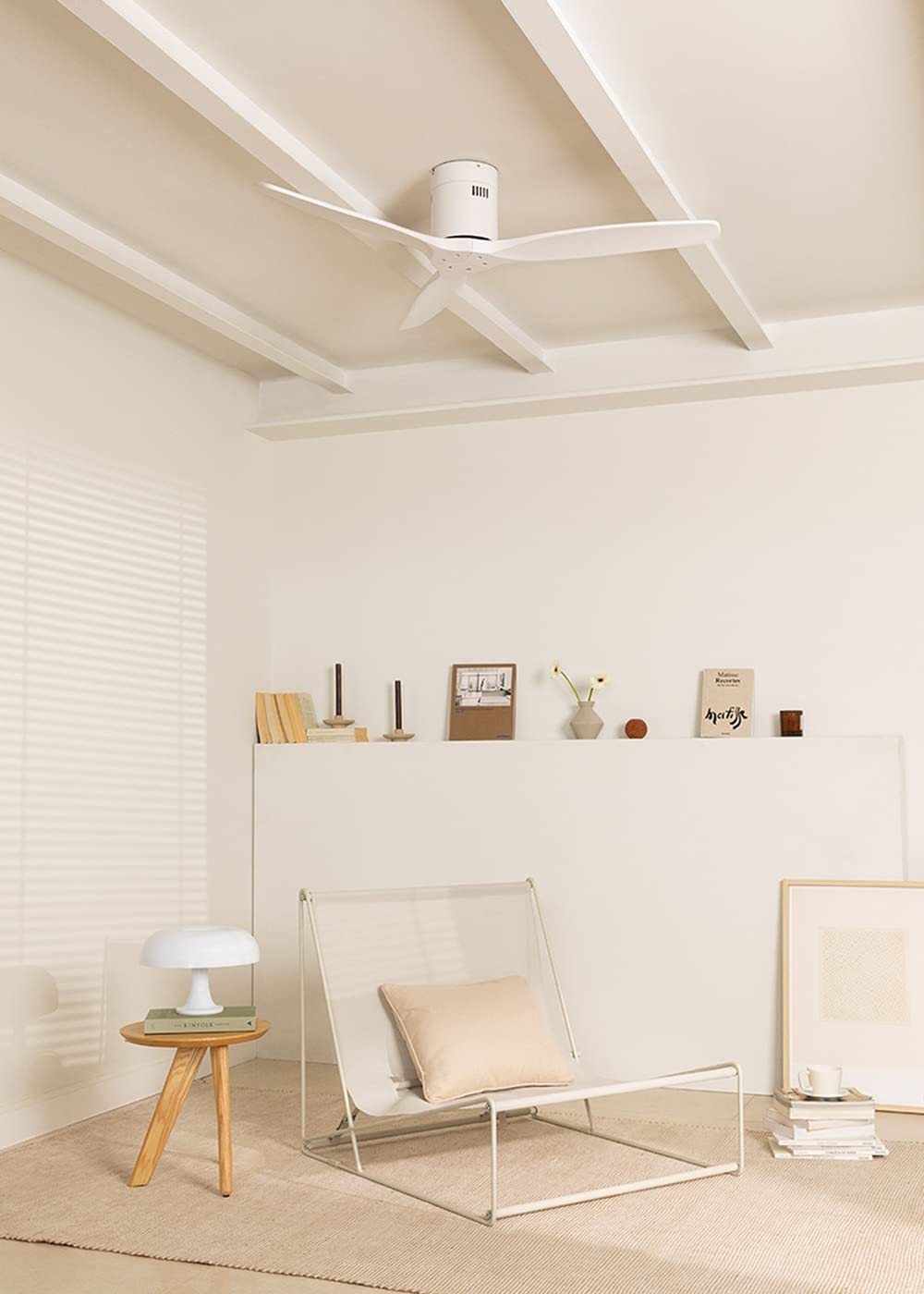
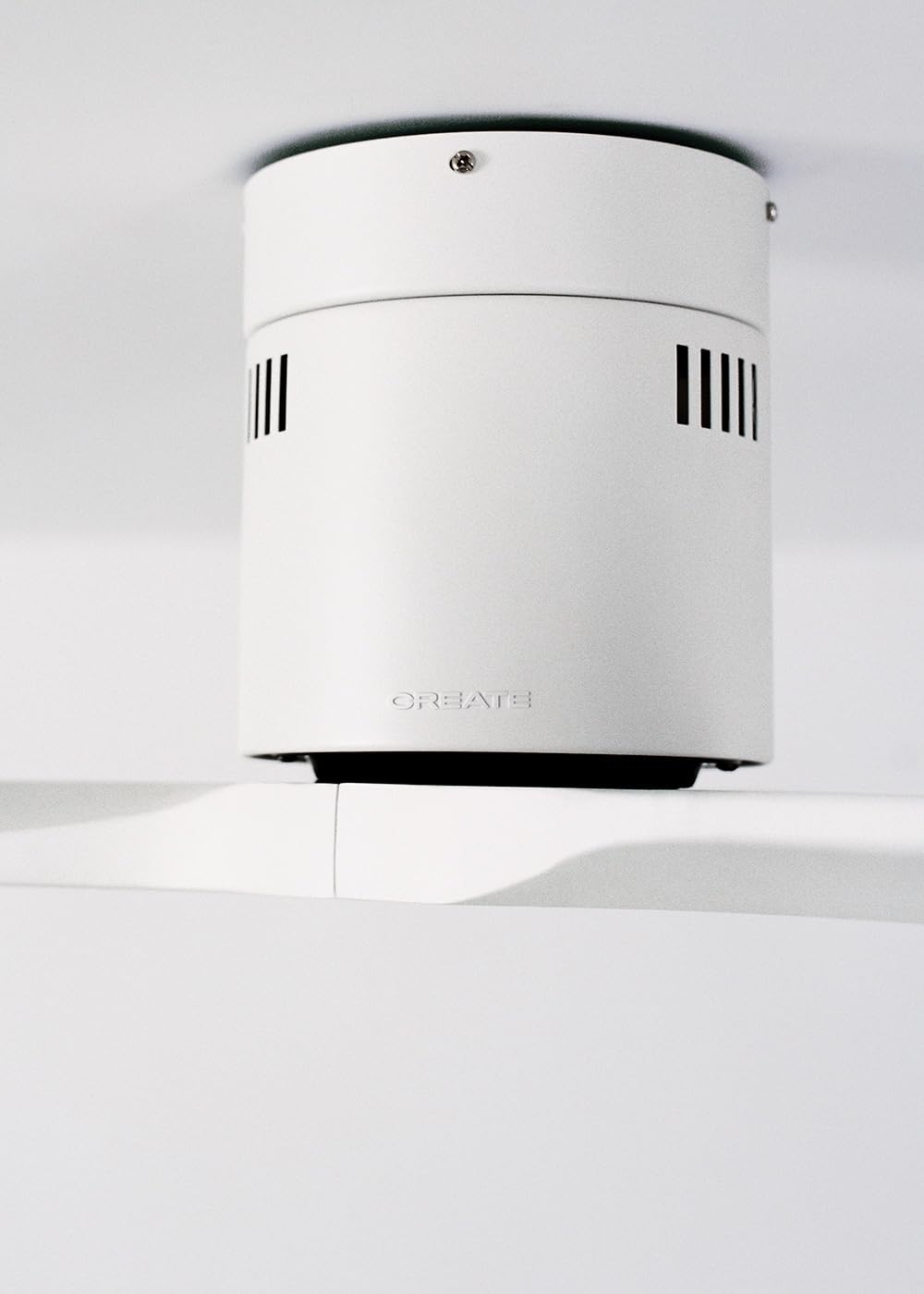
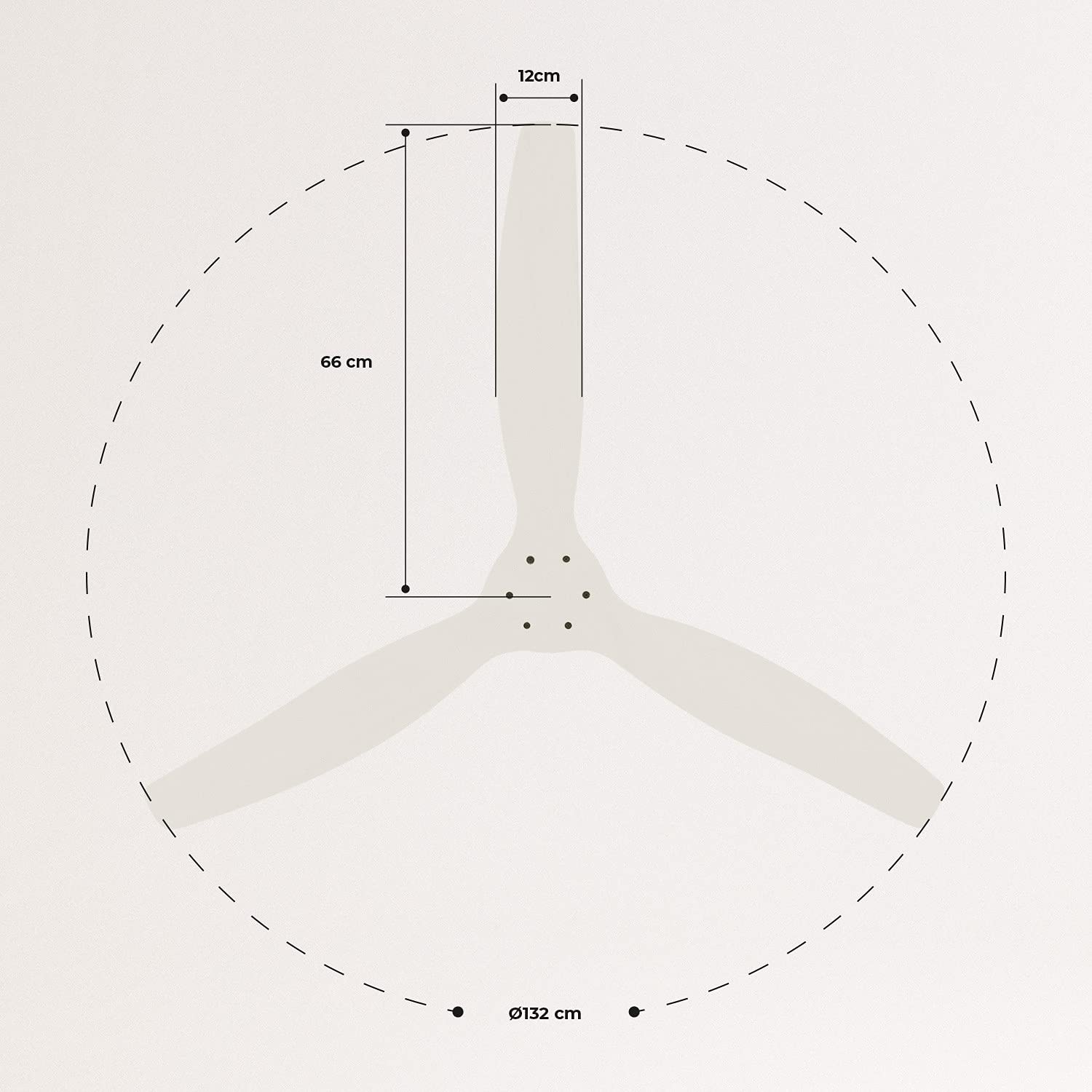
The CREATE WINDCALM DC Ceiling Fan is designed for efficient and quiet air circulation in various indoor spaces. It features a durable aluminum body, a silent DC motor, and three lightweight blades, ensuring minimal noise operation. The fan offers 6 adjustable speeds and a programmable timer for convenience.

3. Տեխնիկական բնութագրեր
| Առանձնահատկություն | Հստակեցում |
|---|---|
| Բրենդ | ՍՏԵՂԾԵԼ |
| Մոդելի համարը | 43479_88375 |
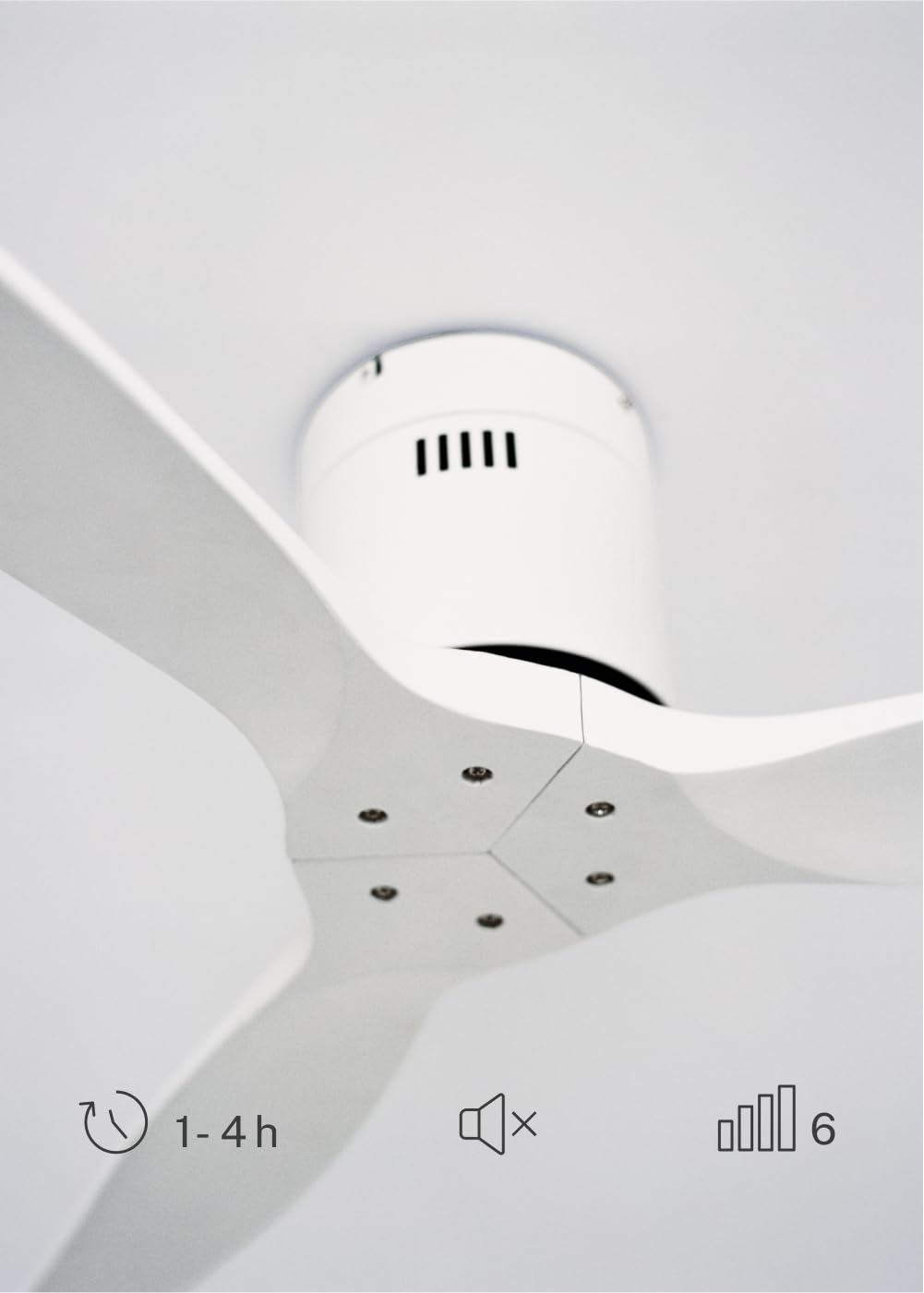
| Չափերը (L x W x H) | 132 x 132 x 29 սմ |
| Քաշը | 6.38 կգ |
| Fan Design | Առաստաղի վառարան |
| Էլեկտրաէներգիայի աղբյուր | Էլեկտրական մալուխ |
| Հատուկ առանձնահատկություն | High Speed, Silent DC Motor, Timer, Summer/Winter Function |
| Առաջարկվող Օգտագործում | Օդափոխում |
| Սենյակի տեսակը | Living Room (suitable for 13m² to 25m² rooms) |
| Գույն | White Blades |

4. Տեղադրման ուղեցույց
Proper installation is crucial for the safe and efficient operation of your ceiling fan. It is highly recommended that installation be performed by a qualified electrician.
Նախնական տեղադրման ստուգումներ
- Բացեք բոլոր բաղադրիչները և համեմատեք դրանք փաթեթավորման ցանկի հետ։
- Ensure the ceiling joist or support structure is strong enough to hold the fan's weight.
- Turn off power at the main circuit breaker before starting any electrical work.
Օդափոխիչի տեղադրում
- Secure the mounting bracket to the ceiling outlet box using appropriate screws and washers.
- Զգուշորեն բարձրացրեք օդափոխիչի շարժիչի հավաքածուն և ամրացրեք այն ամրացման փակագծին։
Հաղորդալարերի միացումներ
Connect the electrical wires according to the wiring diagram provided in the separate detailed installation manual (not included in this general overview). Ensure all connections are secure and insulated.
Attaching Blades
Attach the fan blades to the motor hub using the provided screws. Ensure all screws are tightened securely.

5. Գործառնական հրահանգներ
Your CREATE WINDCALM DC Ceiling Fan comes with a remote control for convenient operation of all its functions.
Հեռակառավարման գործառույթներ
Հեռակառավարման վահանակը թույլ է տալիս.
- Միացում/անջատում. Միացրեք կամ անջատեք օդափոխիչը:
- Արագության կարգավորում. Select from 6 different fan speeds to control airflow intensity.
- Ժամաչափի կարգավորում. Program the fan to automatically turn off after 1, 2, or 4 hours.
- Ամառային/Ձմեռային ռեժիմ. Change the direction of blade rotation to optimize air circulation for different seasons.
Ամառային ռեժիմ
In summer mode, the fan blades rotate counter-clockwise, pushing air downwards. This creates a cooling breeze effect, helping to dissipate heat and refresh the room.

Ձմեռային ռեժիմ
In winter mode, the fan blades rotate clockwise, drawing air upwards. This helps to circulate warm air that accumulates near the ceiling, distributing it evenly throughout the room and improving heating efficiency.
6. Սպասարկում և խնամք
Կանոնավոր սպասարկումը ապահովում է ձեր առաստաղի օդափոխիչի երկարակեցությունը և օպտիմալ աշխատանքը։
Մաքրում
- Մաքրելուց առաջ միշտ անջատեք օդափոխիչի հոսանքը անջատիչի մոտ։
- Օգտագործեք փափուկ, դamp cloth to wipe down the fan blades and motor housing. Do not use abrasive cleaners or solvents, as they may damage the finish.
- Հոսանքը վերականգնելուց առաջ համոզվեք, որ օդափոխիչը լիովին չոր է։
Պարբերական ստուգումներ
- Periodically check all screws and fasteners on the mounting bracket and blade attachments to ensure they are secure. Tighten if necessary.
- Listen for any unusual noises during operation, which may indicate a loose part or an issue with the motor.
7: Անսարքություն
If you encounter any issues with your fan, refer to the following common problems and their solutions:
| Խնդիր | Հնարավոր պատճառ | Լուծում |
|---|---|---|
| Օդափոխիչը չի միանում | Էլեկտրաէներգիայի մատակարարում չկա Չամրացված լարերի միացում Հեռակառավարման մարտկոցի լիցքաթափումը | Ստուգեք անջատիչը և պատի անջատիչը Verify all wiring connections are secure (consult electrician) Փոխեք հեռակառավարման մարտկոցները |
| Վինտիլյատորը չափազանց աղմուկ է հանում | Loose screws on blades or mounting Կռացած սայր Շարժիչի խնդիր | Ամրացրեք բոլոր պտուտակները Check blades for damage and replace if necessary Կապվեք հաճախորդների աջակցության հետ |
| Հեռակառավարումը չի աշխատում | Մարտկոցը սպառված է Խոչընդոտում հեռակառավարման և ստացողի միջև Հեռակառավարիչը զուգակցված չէ (եթե կա) | Փոխեք մարտկոցները Ապահովեք հստակ տեսադաշտ Refer to detailed manual for pairing instructions |
| Օդափոխիչը տատանվում է | Չամրացված մոնտաժային բրա Անհավասարակշռված շեղբեր | Համոզվեք, որ ամրացման փակագիծը ապահով կերպով ամրացված է Check blade balance and use balancing kit if needed |
8. Երաշխիք և աջակցություն
For warranty information, technical support, or replacement parts, please contact CREATE customer service. Keep your purchase receipt as proof of purchase.
You can find more information and contact details on the official CREATE webկայքը: www.create-store.com