
VTech CS2051
VTech CS2051 անլար հեռախոսի օգտագործողի ձեռնարկ
Model: CS2051 | Brand: VTech
Ներածություն
This user manual provides comprehensive instructions for the setup, operation, maintenance, and troubleshooting of your VTech CS2051 Cordless Phone system. Please read this manual thoroughly before using your new phone to ensure proper functionality and to take full advantagե նրա հատկանիշներից։
The VTech CS2051 is a DECT cordless phone system designed for home and office use, featuring two handsets and an integrated answering machine. It offers advanced features such as call blocking, ECO mode for energy efficiency, and a clear backlit display.
Կարգավորում
Փաթեթի բովանդակությունը
Համոզվեք, որ բոլոր իրերը առկա են փաթեթում։ 1.
- 1 x Հիմնական միավոր
- 2 x անլար հեռախոսներ
- 2 x Handset Chargers (for additional handsets)
- 2 x NiMH վերալիցքավորվող մարտկոցներ
- 1 x Հիմնական սարքի սնուցման ադապտեր
- 1 x հեռախոսագծի լար
- Օգտագործողի ձեռնարկ (այս փաստաթուղթը)

Image: The VTech CS2051 cordless phone system, showing the main base unit with one handset docked, and a second standalone handset with its charger.
Մարտկոցի տեղադրում
- Բացեք մարտկոցի խցիկի կափարիչը յուրաքանչյուր հեռախոսի հետևի մասում։
- Insert the supplied NiMH rechargeable battery, observing the correct polarity (+ and -).
- Փակեք մարտկոցի խցիկի կափարիչը:
Բազային միավորի միացում
- Հեռախոսագծի լարի մի ծայրը միացրեք բազային սարքի TEL LINE միակցիչին։
- Հեռախոսագծի լարի մյուս ծայրը միացրեք ձեր հեռախոսի պատի միակցիչին։
- Connect the small end of the power adapter to the POWER jack on the base unit.
- Միացրեք սնուցման ադապտերի մեծ ծայրը ստանդարտ էլեկտրական վարդակիցին։
- Place the main handset on the base unit to charge.
Connecting Additional Handset Chargers
- Connect the power adapter for each additional charger to the POWER jack on the charger.
- Միացրեք հոսանքի ադապտեր ստանդարտ էլեկտրական վարդակից:
- Place the additional handset(s) on their respective chargers to charge.
Allow the handsets to charge for at least 16 hours before initial use to ensure optimal battery performance.
Գործառնական հրահանգներ
Զանգեր կատարելը և ստանալը
- Զանգահարելու համար. Վերցրեք հեռախոսը, հավաքեք համարը և սեղմեք Զանգահարեք կոճակը։
- Զանգ ստանալու համար. Երբ հեռախոսը զանգում է, սեղմեք կոճակը Զանգահարեք կոճակը։
- Hands-Free (Speakerphone): Aանգի ընթացքում սեղմեք կոճակը խոսնակ կոճակը՝ բարձրախոսը ակտիվացնելու համար։

Image: A VTech CS2051 handset with a speech bubble indicating hands-free communication, demonstrating the ease of making or receiving calls without holding the handset.
Adjusting Volume and Ringtones
You can adjust the handset's earpiece volume during a call using the navigation buttons. Ringtone volume and melody can be customized through the handset's menu settings.

Image: A VTech CS2051 handset on its base, with a visual representation of sound waves emanating from it, indicating adjustable ringtone volume and melody settings.
Զանգի արգելափակում
The VTech CS2051 allows you to block unwanted and intimidating calls. You can block up to 30 numbers by adding them to a blacklist. Refer to the handset menu for instructions on adding numbers to the call block list.
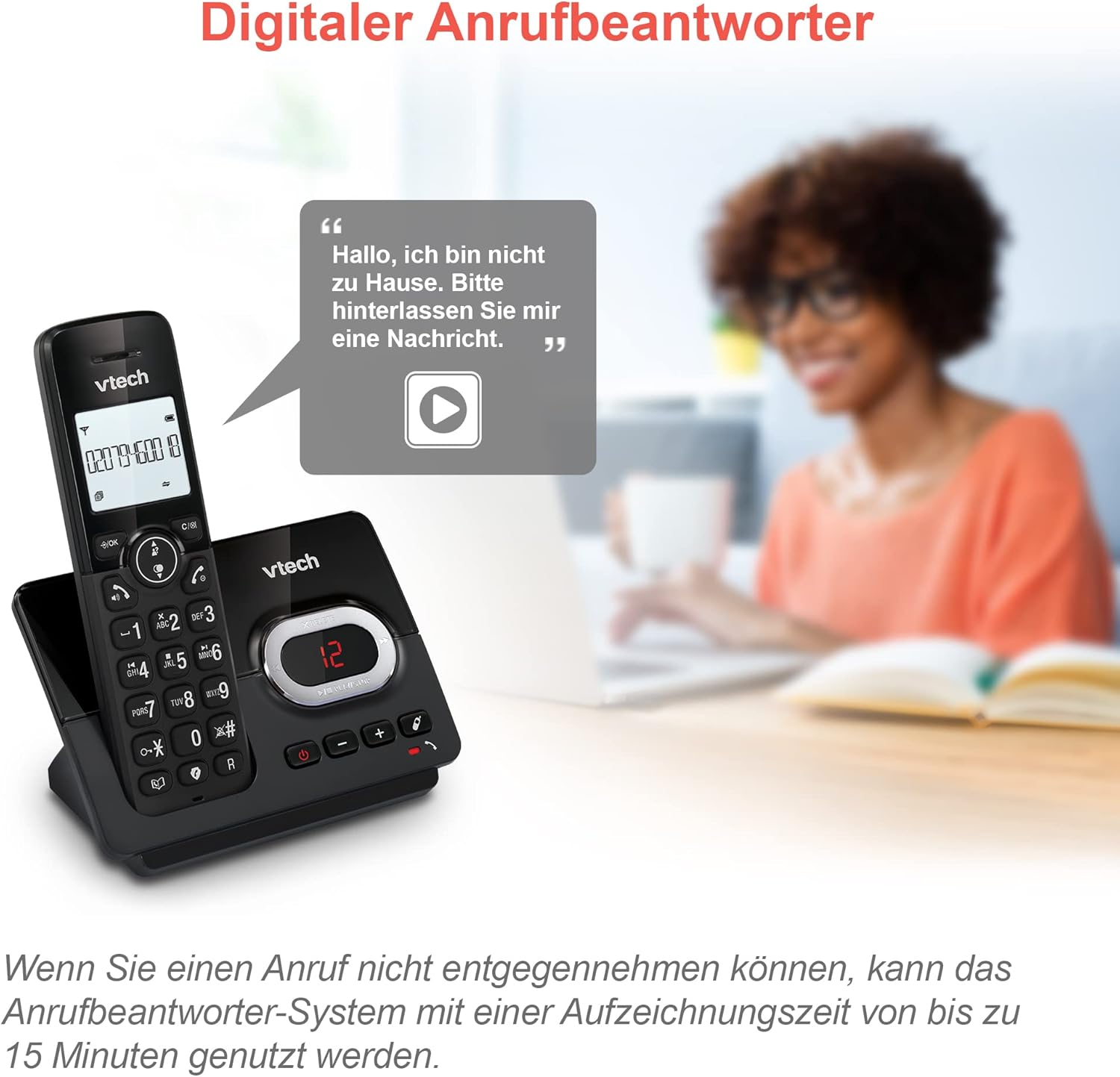
Image: A VTech CS2051 handset next to a television screen, with a "No Entry" symbol over a phone icon, illustrating the call blocking feature for unwanted and unknown calls.
Պատասխանող մեքենա
The integrated answering machine offers up to 15 minutes of recording time. It will automatically answer calls when you are unavailable. The digital message counter on the base unit indicates the number of new messages.
- Հաղորդագրությունների նվագարկում. Սեղմեք PLAY/STOP կոճակը բազային սարքի վրա։
- Ելքային հաղորդագրության գրանցում. Access the answering machine settings via the handset menu.

Image: A VTech CS2051 handset on its base, with a speech bubble showing a voicemail message, highlighting the digital answering machine function with up to 15 minutes of recording time.
Phonebook and Redial
- Հեռախոսագիրք: Store up to 30 names and numbers in the integrated phonebook for quick dialing.
- Կրկնօրինակել ՝ Easily redial the last 10 numbers called by pressing the Redial button.
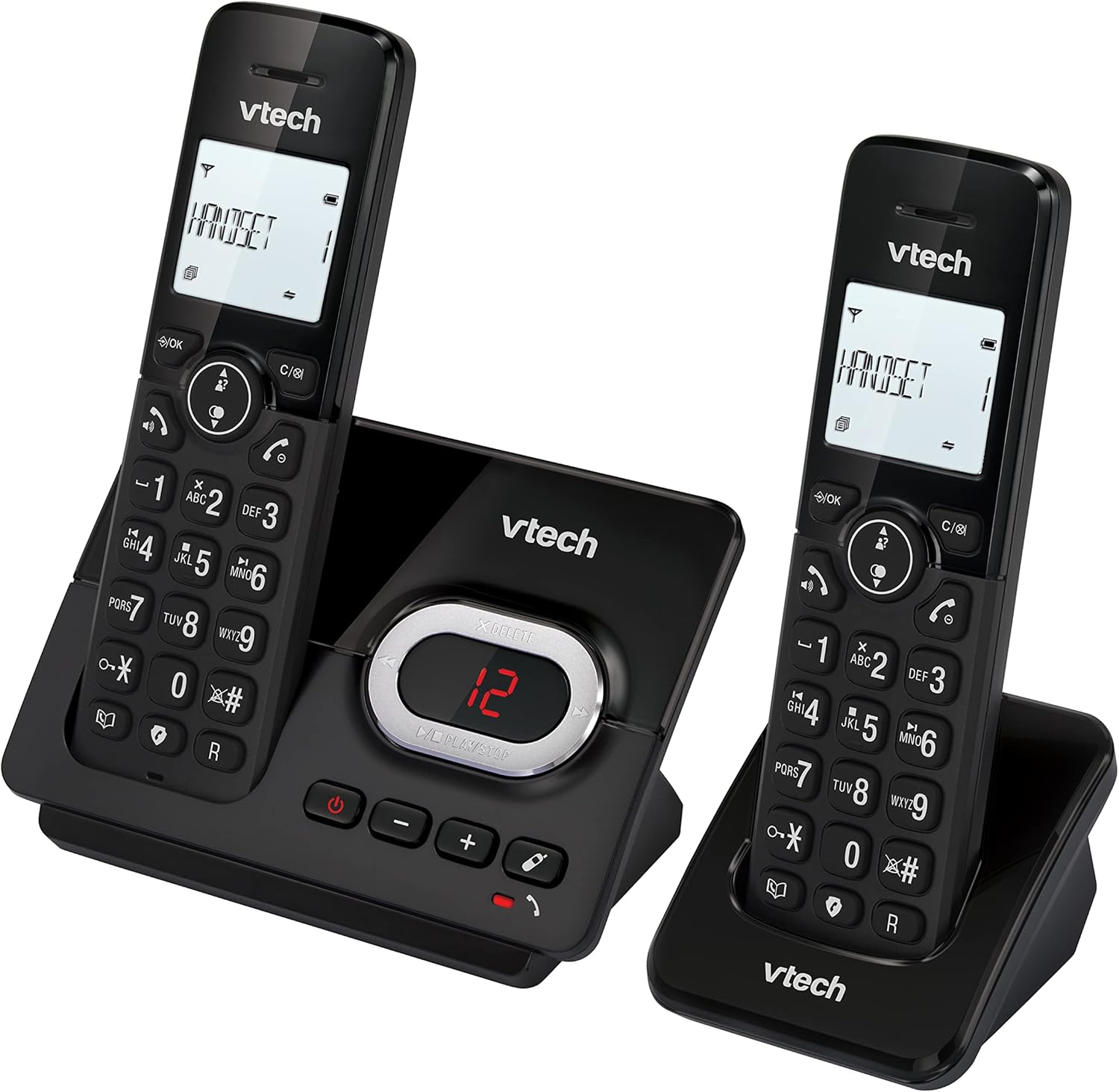
Image: A VTech CS2051 handset on its base, with an overlay showing a phonebook interface, indicating the ability to store up to 30 names and numbers.
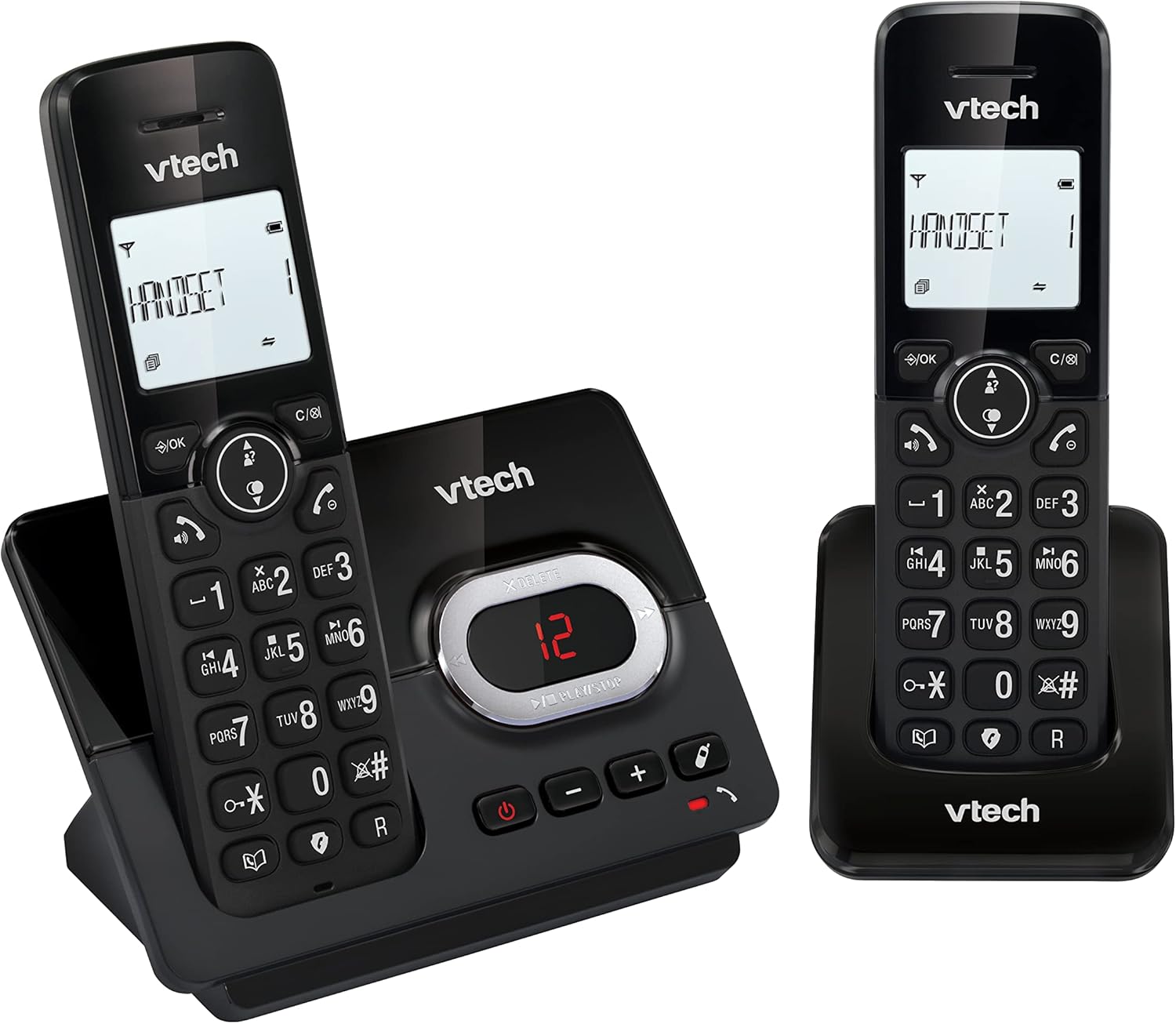
Image: A close-up of the VTech CS2051 handset's navigation buttons, with a circle highlighting the redial button, indicating the ability to redial the last 10 numbers.
Զանգահարողի ID և Զանգի Սպասում
With Caller ID and Call Waiting features, you can see who is calling before you answer. The handset display shows the caller's name, number, time, and date of incoming calls.

Image: A VTech CS2051 handset on its base, with the screen displaying caller information, illustrating the Caller ID and Call Waiting features that show who is calling.
ԷԿՈ ռեժիմ
The handset automatically adjusts the radio frequency power based on its distance from the base unit. In full ECO mode, there is no transmission power in standby mode, contributing to energy saving.
Տեխնիկական սպասարկում
- Մաքրում: Մաքրեք հեռախոսը և բազան փափուկ,amp կտոր։ Մի օգտագործեք մաքրող սփրեյներ կամ կոշտ քիմիական նյութեր։
- Մարտկոցի խնամք. Use only the supplied rechargeable NiMH batteries. If the phone will not be used for an extended period, remove the batteries from the handsets.
- Տեղադրում: Place the base unit and chargers in a dry, stable location away from direct sunlight, heat sources, and moisture. Ensure adequate ventilation.
Անսարքությունների վերացում
| Խնդիր | Հնարավոր պատճառ / լուծում |
|---|---|
| Զանգի ձայն չկա |
|
| Հեռախոսը չի լիցքավորվում |
|
| Զանգի վատ որակ / Ստատիկ |
|
| Answering machine not recording |
|
Տեխնիկական պայմաններ
- Մոդել: CS2051
- Տեխնոլոգիա: ԴԵԿՏ 6.0
- Ցուցադրել: 1.8 դյույմանոց լուսավորվող LCD էկրան
- Պատասխանող մեքենա. Digital, up to 15 minutes recording time
- Հեռախոսագիրք Հզորությունը: 30 entries (names and numbers)
- Call Block Capacity: Մինչև 30 համար
- Զանգահարողի ID հիշողություն. Պահպանում է վերջին 20 զանգերը
- Մարտկոցի տեսակը: NiMH rechargeable battery (included)
- Շրջանակ: Մինչև 300 մետր (բաց դաշտում)
- Գույնը: Սեւ
- Քաշը: 660 Grams (approximate, for the system)
- Համատեղելի սարքեր. Analog telephone networks, router with analog connection
Երաշխիք և աջակցություն
VTech products are manufactured to high quality standards. For warranty information, please refer to the warranty card included in your product packaging or visit the official VTech webկայքը ձեր տարածաշրջանի համար։ Պահպանեք ձեր գնման կտրոնը որպես գնման ապացույց։
For technical support or service inquiries, please contact VTech customer support. Contact details can typically be found on the VTech webկայքում կամ ապրանքի փաթեթավորման մեջ:
Առցանց ռեսուրսներ. For the latest information, FAQs, and support, please visit the official VTech support webկայք։
Ask a question about this manual
Ask about setup, troubleshooting, compatibility, parts, safety, or missing instructions. Manuals+ will review the question and use this page’s manual context to help answer it.