
1. Ներածություն
This manual provides essential information for the safe and efficient operation of your Tornado Shield Smart LED TV, Model 43ES9300E-A. Designed according to prevailing industry standards, this product achieves high levels of utility. The high-quality material used in its structure ensures durability. Please read these instructions carefully before using your TV and retain them for future reference.
2. Ի՞նչ կա տուփի մեջ
Upon opening the packaging, ensure all the following items are present and in good condition:
- Tornado Shield Smart LED TV (43 Inch)
- Հեռակառավարման վահանակ
- Power Cable
- Օգտագործողի ձեռնարկ
- Երաշխիքային քարտ
- Հեռուստացույցի տակդիրներ (2 հատ)
- Պտուտակներ հենարանի տեղադրման համար

Պատկեր՝ առջևի view of the Tornado Shield Smart LED TV.
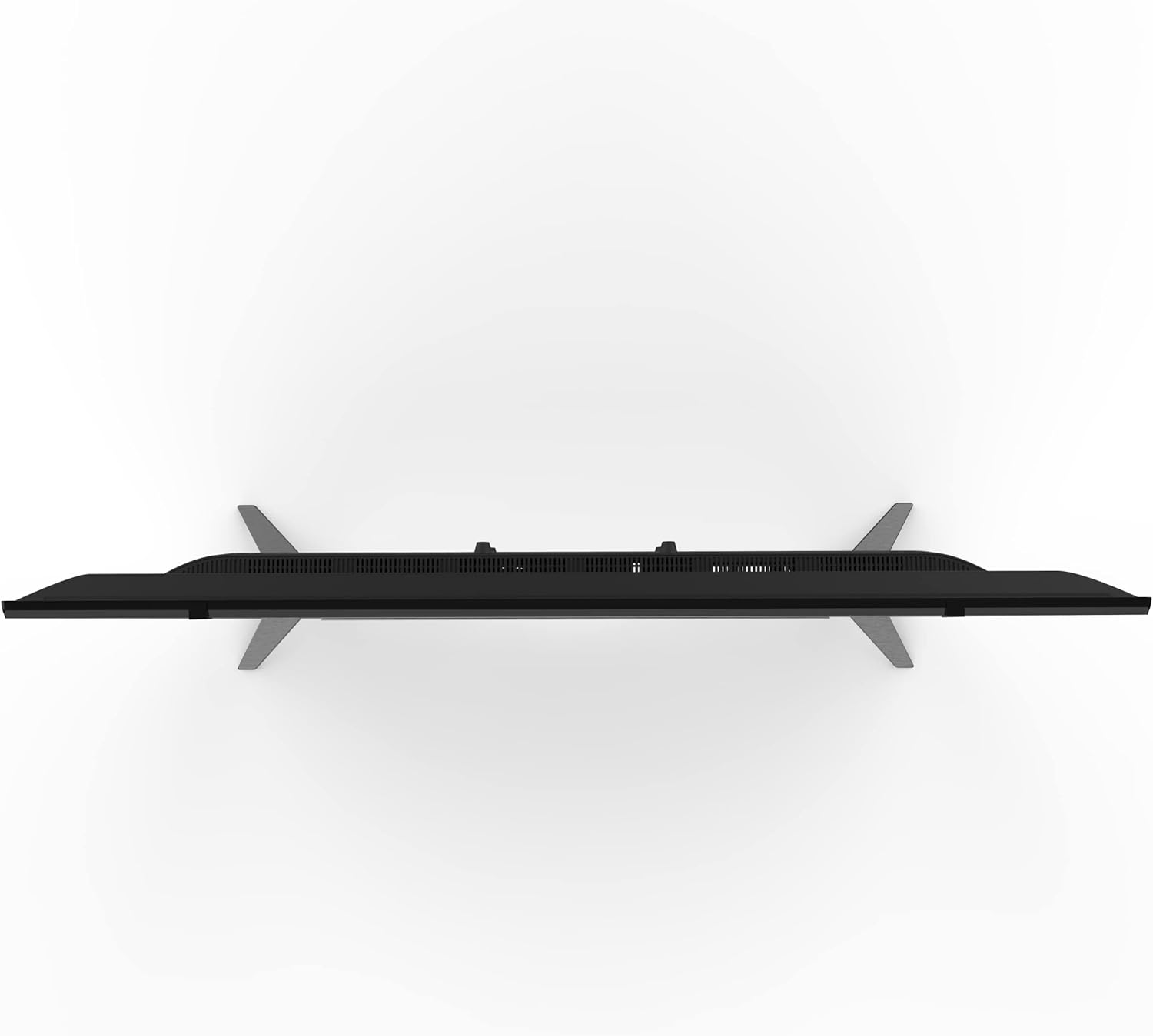
Image: Tornado Shield Smart LED TV with remote control, stands, and screws.
3. Կարգավորման հրահանգներ
3.1 Ստենդի տեղադրում
To install the TV stands:
- Զգուշորեն տեղադրեք հեռուստացույցի էկրանը դեպի ներքև՝ փափուկ, հարթ մակերեսի վրա, որպեսզի կանխեք քերծվածքները։
- Հարմարեցրեք յուրաքանչյուր հենակը հեռուստացույցի ներքևի մասում գտնվող համապատասխան անցքերի հետ։
- Secure each stand with two screws provided.

Պատկեր՝ առջևի view of the TV with its stands properly installed.

Պատկեր՝ Կողմնակի մասնագետfile of the TV showing the stand attachment.
3.2 Պատի ամրացում
If you prefer to wall-mount your TV, you will need a compatible wall mount (sold separately) and professional installation. Ensure the mount is suitable for the TV's size and weight. A qualified technician should perform the installation, securing the mount to the TV using the four screws located on the back of the TV.

Պատկեր՝ Հետևի մաս view of the TV, highlighting the mounting points for a wall bracket.
3.3 Միացնող մալուխներ
Connect the power cable to the TV and then to a power outlet. Ensure the power outlet is easily accessible. Connect your antenna or satellite dish cable to the 'TV' or 'RF IN' port. Use HDMI cables for high-definition devices like Blu-ray players or gaming consoles. USB devices can be connected to the USB ports.

Պատկեր՝ մանրամասն view of the TV's connectivity ports, including HDMI, RJ45, and Earphone Out.

Պատկեր՝ մանրամասն view of the TV's AV IN and USB ports.
3.4 Սկզբնական միացում և լեզվի ընտրություն
After connecting the power, press the power button on the remote control or the TV. The TV will guide you through the initial setup, including language selection. Choose your preferred language (e.g., English) to proceed.
4. Գործառնական հրահանգներ
4.1 Խելացի հեռուստացույցի հնարավորությունները
Your Tornado Smart LED TV operates on the exclusive Tornado Portable operating system. This system provides access to a wide range of applications, including YouTube, Shahid VIP, and various news and entertainment apps. Navigate through the home screen using your remote control to explore available content and services.
4.2 Էկրանի հայելավորում
Utilize the screen mirroring technology to connect your mobile device to the TV. This feature allows you to display content from your smartphone or tablet directly onto the TV screen, enhancing your viewing experience for photos, videos, and other media.
4.3 Աուդիո համակարգ
The TV features a Dolby Digital audio system, providing clear and immersive sound quality for all your entertainment.
5: Անսարքություն
If you encounter any issues with your Tornado Smart LED TV, refer to the following common troubleshooting steps:
5.1 Image Distortion or Interference
- Ստուգեք մալուխային կապերը. Ensure all dish and HDMI cables are securely connected. Loose connections can cause image issues.
- Նվազագույնի հասցնել միջամտությունը. Keep the TV away from potential sources of electromagnetic interference, such as hair dryers or other electronic devices. Ensure dish cables are separated from other power cables.
5.2 TV Shuts Down Automatically
- Check Sleep Timer: Verify that the sleep timer is not activated. Access the 'Time' settings in the menu and ensure the sleep timer is off or set to your desired duration.
- Ավտոմատ սպասման ռեժիմ՝ Confirm that the automatic standby feature is not enabled in the settings.
5.3 Հեռակառավարիչը չի աշխատում
- Ստուգեք մարտկոցները. Ensure the remote control batteries are correctly inserted and have sufficient charge. Replace them if necessary.
6. Տեխնիկական պայմաններ
| Առանձնահատկություն | Նկարագրություն |
|---|---|
| Բրենդ | Տորնադո |
| Մոդելի համարը | 43ES9300E-A |
| Էկրանի չափը | 43 դյույմ |
| Ցուցադրման տեխնոլոգիա | LED |
| Բանաձեւ | 1080 Pixels (HD) |
| Թարմացման արագություն | 60 Հց |
| Միացման տեխնոլոգիա | Լարային |
| HDMI մուտքեր | 2 |
| USB մուտքագրումներ | 2 |
| Ասպեկտների հարաբերակցություն | 16։9 |
| Ապրանքի չափերը (D x W x H) | 8 x 97 x 57 սմ |
| Ապրանքի քաշը | 12 կգ |
| Հատուկ առանձնահատկություններ | Shahid VIP offer (6 months free voucher). Built-in Receiver. |
7. Երաշխիք և աջակցություն
Your Tornado Shield Smart LED TV comes with a 3-year warranty. Please refer to the included warranty card for detailed terms and conditions. For any technical assistance or support, please contact Tornado customer service. Keep your user manual and warranty card in a safe place for future reference.