
1. Ներածություն
This user manual provides comprehensive instructions for the VTech CS1551 DECT 2-Handset Cordless Phone system. It covers setup, operation, maintenance, and troubleshooting to ensure optimal performance and user experience. Please read this manual thoroughly before using your new phone system.
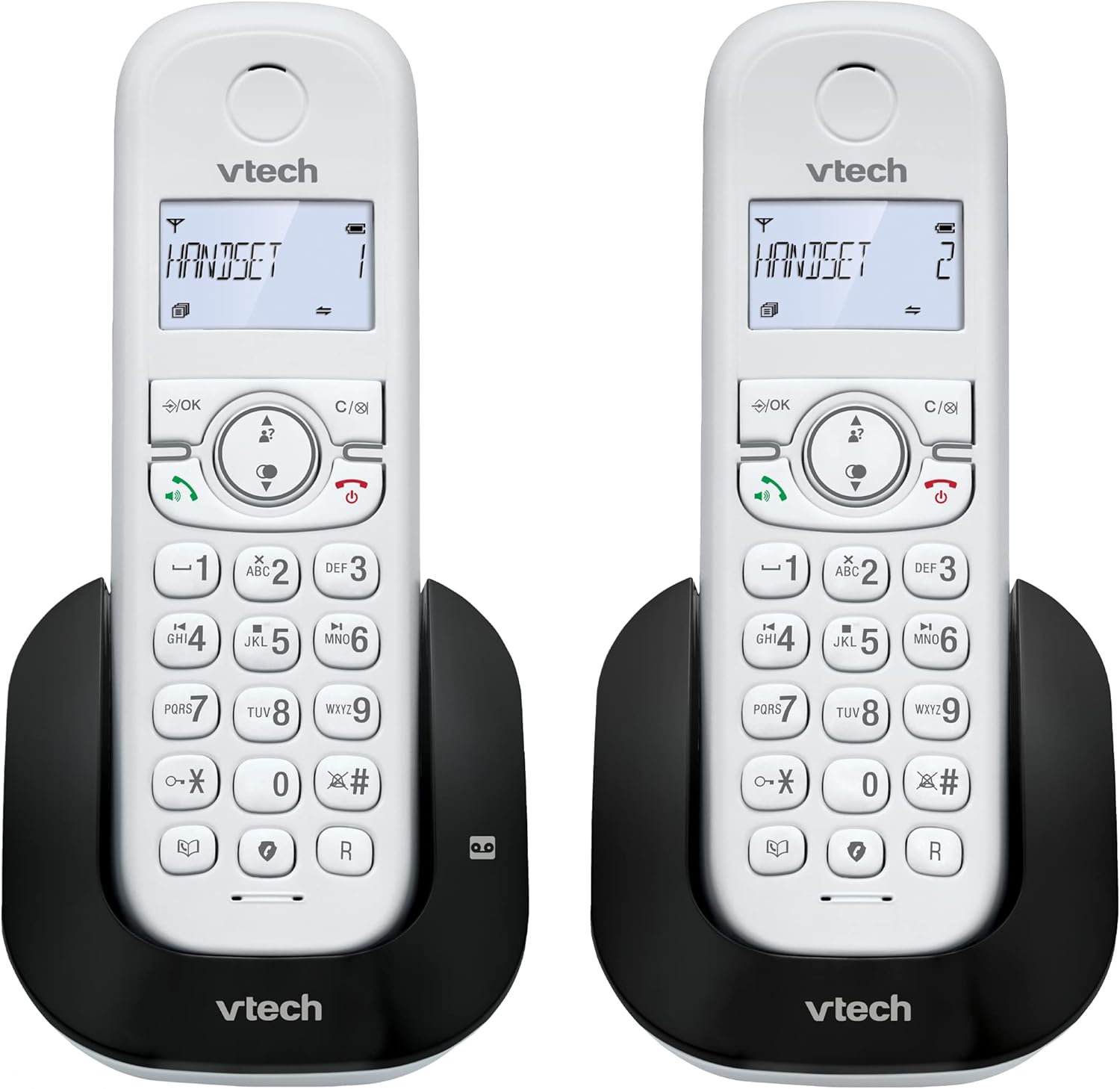
Պատկեր 1.1. Ավարտվել էview of the VTech CS1551 DECT 2-Handset Cordless Phone System.
2. Փաթեթի բովանդակությունը
Ensure all items are present in your package. If any items are missing or damaged, please contact VTech customer support.
- 2 անլար հեռախոս
- 1 Բազային միավոր
- 1 Charger Unit
- 2 AC հոսանքի ադապտեր
- 1 Հեռախոսային լար
- 2 NiMH Rechargeable Battery Packs (4 batteries total, 2 per handset)
- Օգտագործողի ձեռնարկ (այս փաստաթուղթը)
3. Կարգավորում
3.1. Մարտկոցի տեղադրում և լիցքավորում
Before initial use, install the provided NiMH rechargeable battery packs into each handset. Connect the base unit and charger unit to power outlets using the AC adapters. Place the handsets on their respective charging cradles.
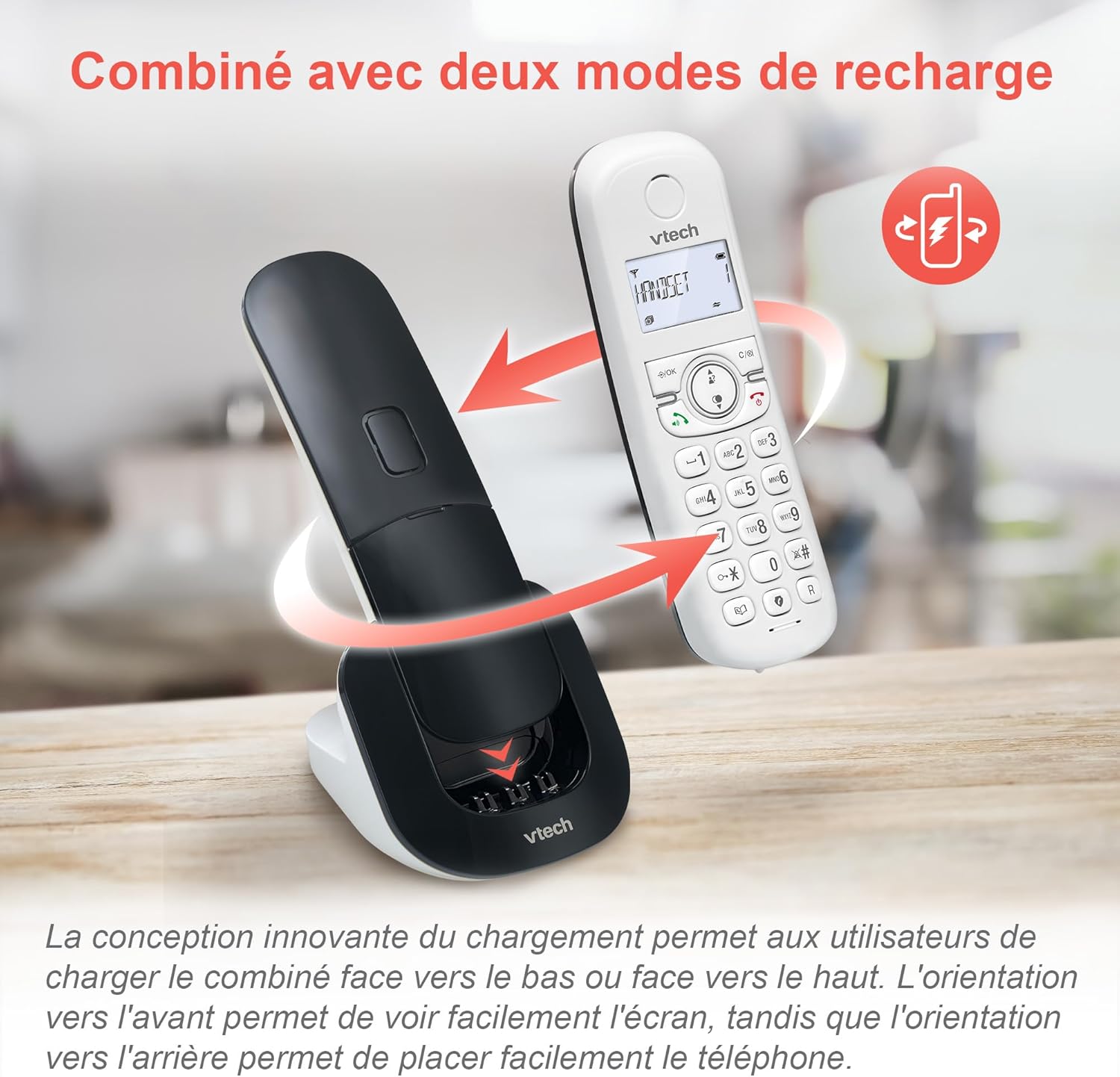
Image 3.1: The innovative dual charging design allows handsets to be charged face-up or face-down. Charging face-up allows for easy screen viewing, while face-down charging offers a compact placement.
Allow the handsets to charge for at least 12 hours before first use to ensure full battery capacity. A full charge provides up to 13 hours of talk time and 200 hours of standby time.
3.2. Հիմքի միացումը
- Հեռախոսագծի լարի մի ծայրը միացրեք բազային սարքի TEL LINE միակցիչին։
- Connect the other end of the telephone line cord to a telephone wall jack.
- Plug the base unit's AC adapter into a power outlet.
4. Գործառնական հրահանգներ
4.1. Զանգերի կատարում և պատասխանում
- Զանգահարելու համար. Մամուլ ԶՐՈՒՅՑ or ԽՈՍՆԱԿ, ապա հավաքեք համարը։
- Զանգին պատասխանելու համար. Մամուլ ԶՐՈՒՅՑ or ԽՈՍՆԱԿ երբ հեռախոսը զանգում է.
- Զանգն ավարտելու համար. Մամուլ ՎԵՐՋ or place the handset back on the charging cradle.
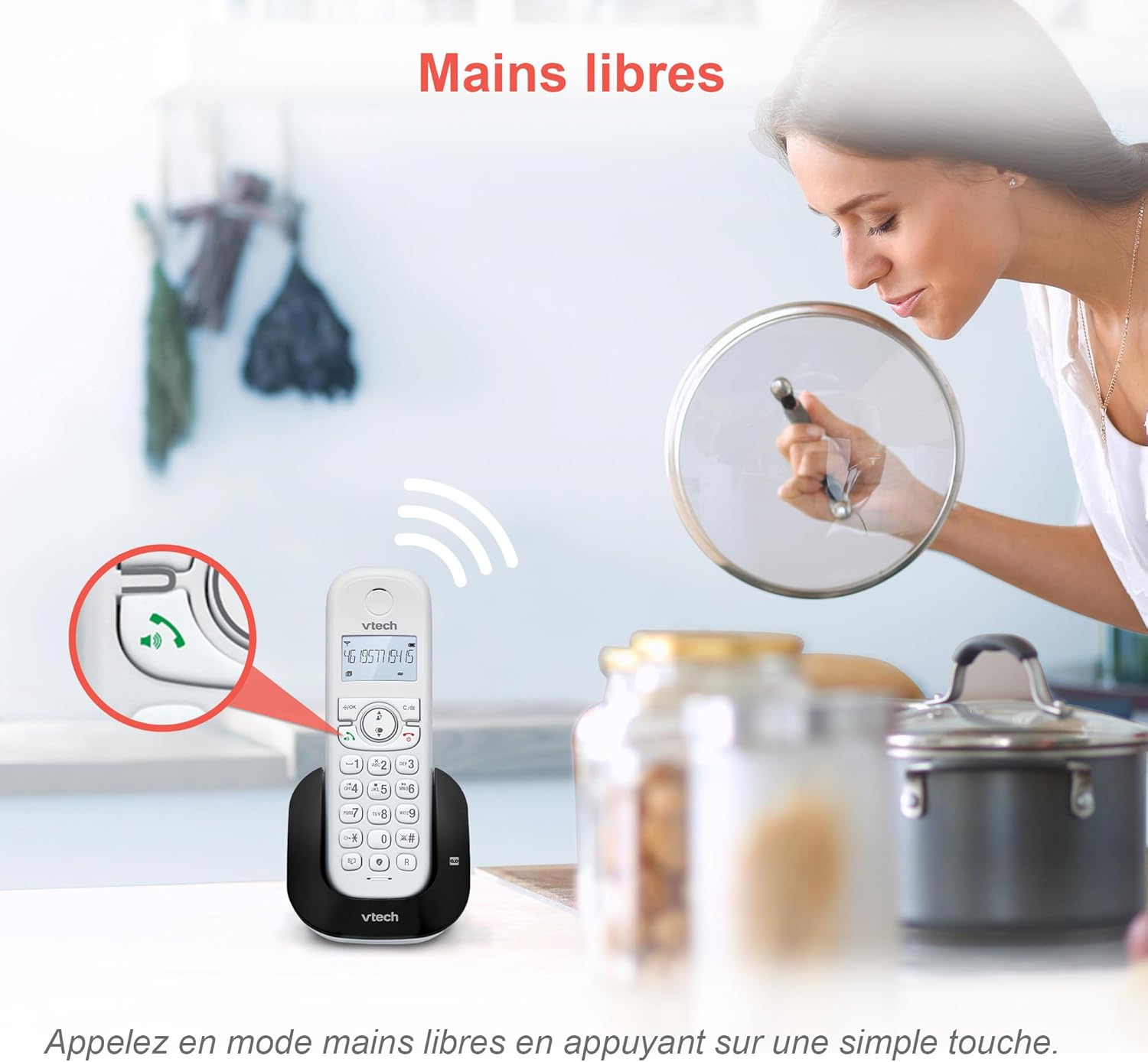
Image 4.1: The hands-free speakerphone function allows for conversations without holding the handset.
4.2. Պատասխանող մեքենա
The integrated digital answering machine records messages when you are unavailable. It offers up to 15 minutes of recording time.
- To Play Messages: Սեղմեք ԽԱՂԱԼ button on the base unit or handset.
- To Record a Greeting: Follow the instructions in the full manual for custom greeting setup.

Image 4.2: The automatic answering machine records messages for up to 15 minutes when you cannot answer a call.
4.3. Զանգերի արգելափակում
The nuisance call blocker allows you to block unwanted calls. You can store up to 60 numbers in the block list.
- Համարը արգելափակելու համար՝ Aանգի ընթացքում սեղմեք կոճակը ԲԼՈՔ button. Alternatively, add numbers manually via the menu.

Image 4.3: The call blocker button allows you to easily add unwanted numbers to a block list, preventing future disturbances.
4.4. Caller ID / Call Waiting
The phone displays the caller's name, number, time, and date for incoming calls. It stores up to 20 caller ID records.

Image 4.4: The handset screen displays incoming caller information, including name, number, time, and date.
4.5. Three-Way Conferencing
The call transfer and intercom features allow multiple users to participate in a conversation simultaneously.

Image 4.5: Engage in three-way conference calls, allowing multiple parties to join the conversation.
5. Հիմնական հատկանիշները
5.1. ԷԿՕ ռեժիմ
The handset automatically adjusts radio frequency power based on its distance from the base unit. ECO DECT technology helps reduce energy consumption.
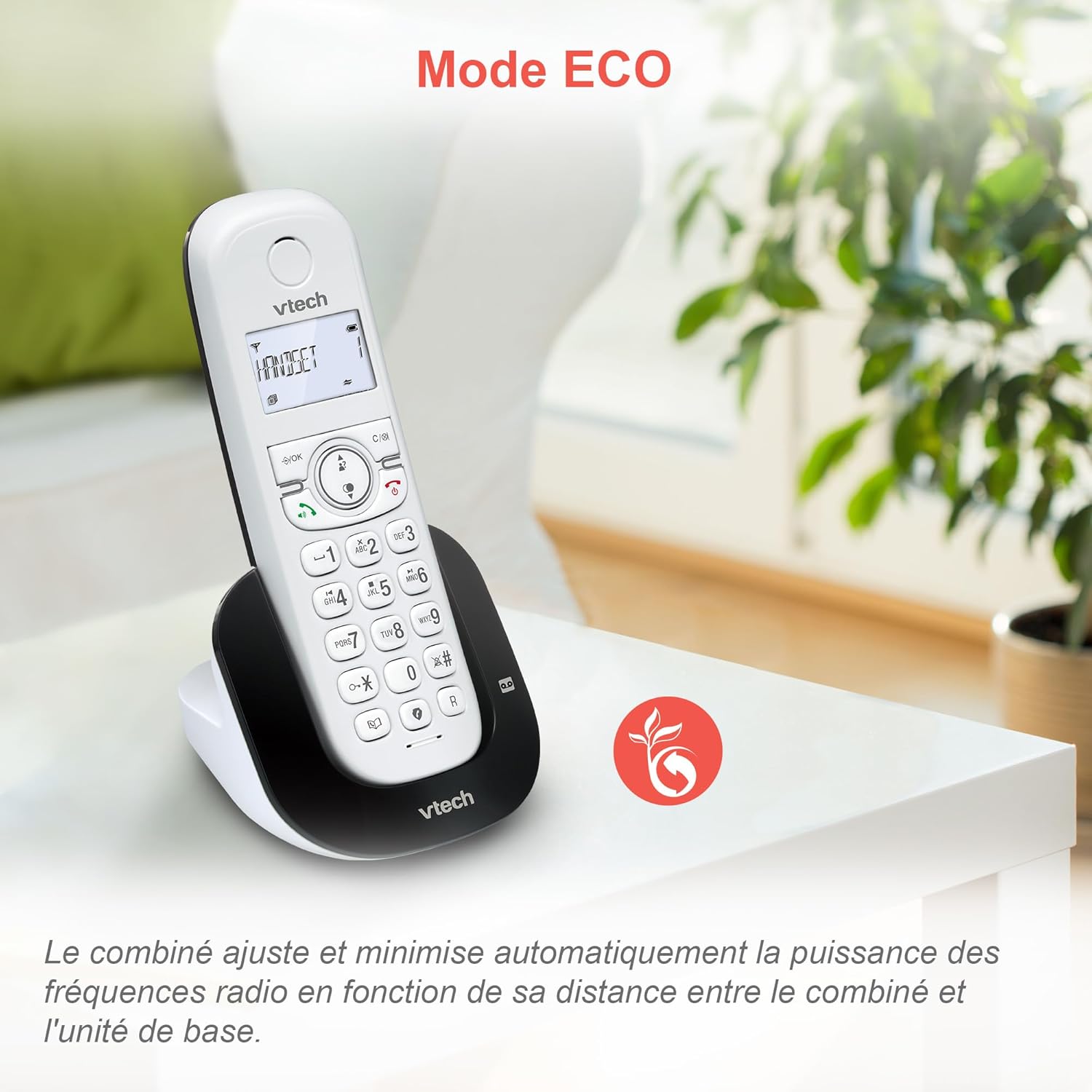
Image 5.1: The ECO mode feature automatically optimizes power usage based on handset proximity to the base unit.
5.2. Phonebook and Redial
- Հեռախոսագիրք: Store up to 60 names and numbers for quick dialing.
- Կրկնօրինակել ՝ Easily redial the last 10 numbers called with a single button press.
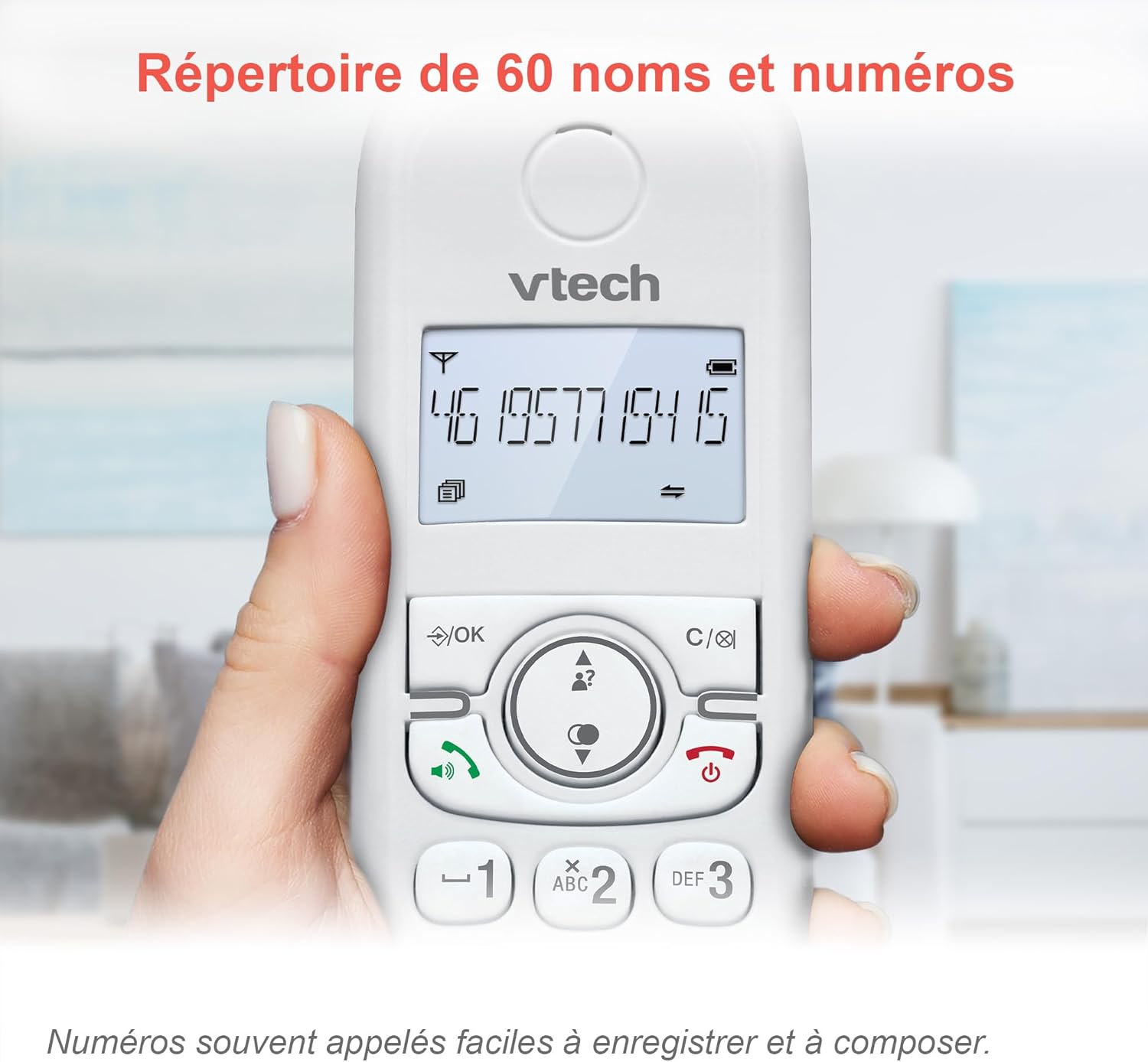
Image 5.2: The phonebook allows for easy storage and retrieval of frequently called numbers.
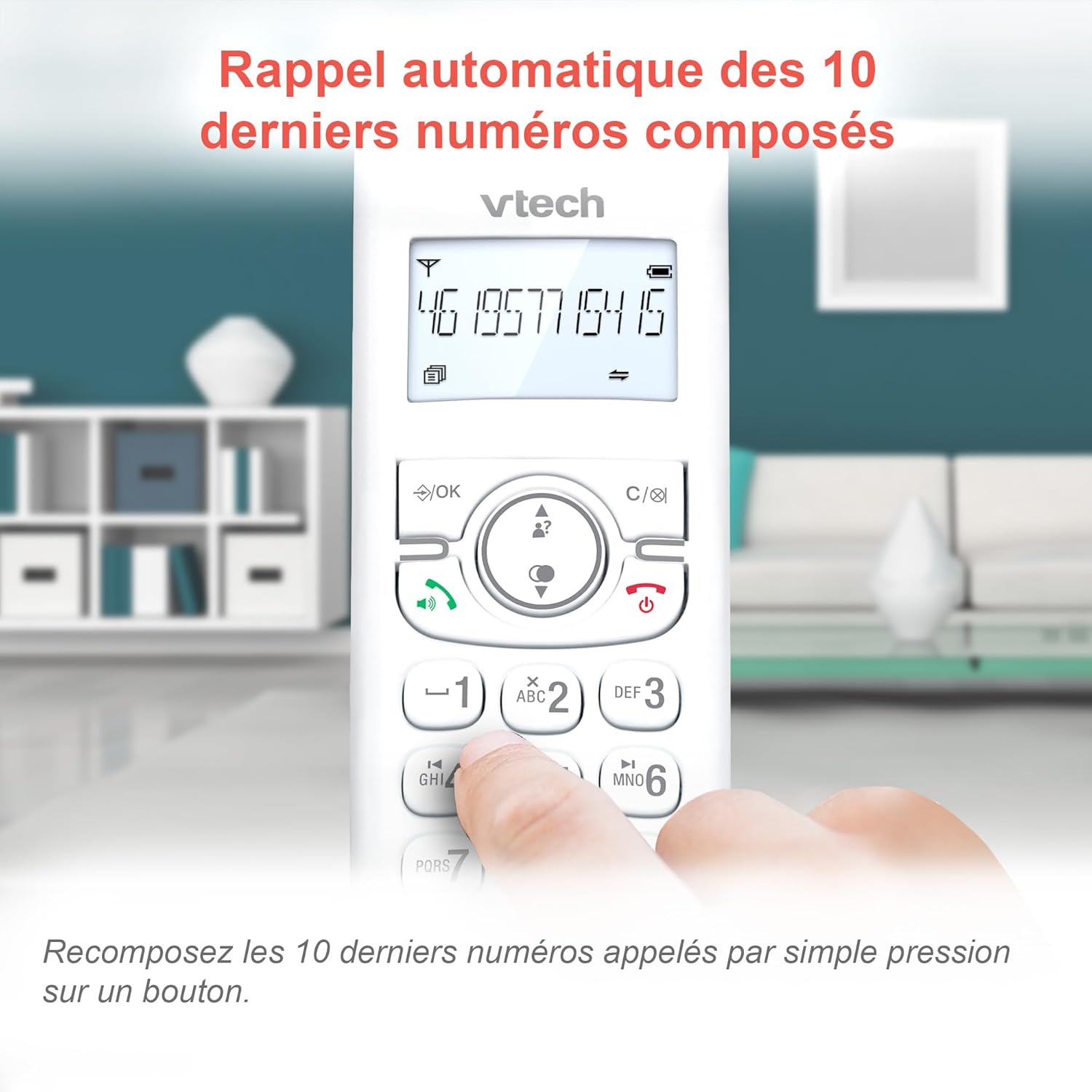
Image 5.3: Quickly redial the last 10 numbers by pressing the redial button.
5.3. Backlit Display and Keyboard
The backlit LCD display and keyboard illuminate, making it easy to view information and dial in low-light conditions.

Image 5.4: The illuminated display enhances visibility in various lighting conditions.
5.4. Adjustable Ringer Volume and Melodies
Customize your phone by adjusting the ringer volume and selecting from various melodies.

Image 5.5: Easily adjust the ringer volume and choose your preferred melody.
5.5. Alarm Function and Mute
Set convenient alarms on the handset or mute your voice during calls for privacy.

Image 5.6: Utilize the alarm function for reminders or mute your microphone during calls for privacy.
5.6. Long Reliable Range
Experience extended coverage and clear communication throughout your home.

Image 5.7: The phone system provides reliable long-range coverage for clear calls throughout your residence.
6. Պահպանում
- Մաքրում: Մաքրեք հեռախոսը և հիմքը փափուկ, չոր կտորով,amp կտոր։ Մի օգտագործեք մաքրող սփրեյներ կամ կոշտ քիմիական նյութեր։
- Մարտկոցի խնամք. Replace batteries when they no longer hold a charge. Use only VTech approved replacement batteries.
- Պահպանում: Եթե հեռախոսը երկար ժամանակով եք պահում, հանեք մարտկոցները հեռախոսներից։
7: Անսարքություն
| Խնդիր | Լուծում |
|---|---|
| Զանգի ձայն չկա |
|
| Handset displays "Low Battery" |
|
| Հնարավոր չէ զանգեր կատարել կամ ստանալ |
|
| Ձայնի վատ որակ |
|
For more detailed troubleshooting, please refer to the full VTech CS1551 user manual available on the VTech support webկայք։
8. Տեխնիկական պայմաններ
| Առանձնահատկություն | Մանրամասն |
|---|---|
| Մոդելի համարը | AX-F-4537 |
| Բրենդ | ՎՏեխ |
| Գույն | Սպիտակ |
| Հեռախոսի տեսակը | Անլար DECT |
| Հեռախոսների քանակը | 2 |
| Պատասխանող համակարգի տեսակը | Թվային |
| Ավտոմատ պատասխանիչի ժամանակի գրանցում | 15 րոպե |
| Call Blocker Capacity | Մինչև 60 համար |
| Հեռախոսագիրքի հզորություն | 60 անուն և համար |
| Զանգահարողի ID հիշողություն | 20 ռեկորդ |
| Խոսելու ժամանակ | Մինչև 13 ժամ |
| Սպասման ժամանակ | Մինչև 200 ժամ |
| Մարտկոցի տեսակը | NiMH (4 batteries included) |
| Նյութ | Պլաստիկ |
| Նյութի քաշը | 499.2 գրամ |
| Ծագում | Չինաստան |
9. Երաշխիք և աջակցություն
For warranty information and customer support, please refer to the warranty card included in your product packaging or visit the official VTech webկայք։
Online resources often include FAQs, detailed user guides, and contact information for technical assistance.