
1. Ներածություն
The JZAQ A13 Bluetooth Helmet Speakers and Intercom System provides wireless communication and audio playback for motorcycle riders, skiers, cyclists, and other sports enthusiasts. This system features Bluetooth 5.3 connectivity, two-way intercom functionality, noise cancellation, and a waterproof design for reliable performance in various conditions.

Image 1.1: JZAQ A13 Bluetooth Helmet Headset overview.
2. Փաթեթի բովանդակությունը
Տեղադրելուց առաջ խնդրում ենք ստուգել, որ ստորև թվարկված բոլոր իրերը առկա են ձեր փաթեթում.
- JZAQ A13 Headphone Host
- Hard Earbuds
- Soft Earbuds
- Clip Base
- Paste Base
- Horn Velcro
- TYPE-C լիցքավորման մալուխ
- Hard and Soft Velcro Pads
- Օգտագործողի ձեռնարկ

Image 2.1: All components included in the JZAQ A13 package.
3. Ապրանքը ավարտված էview
Familiarize yourself with the main unit and its controls:
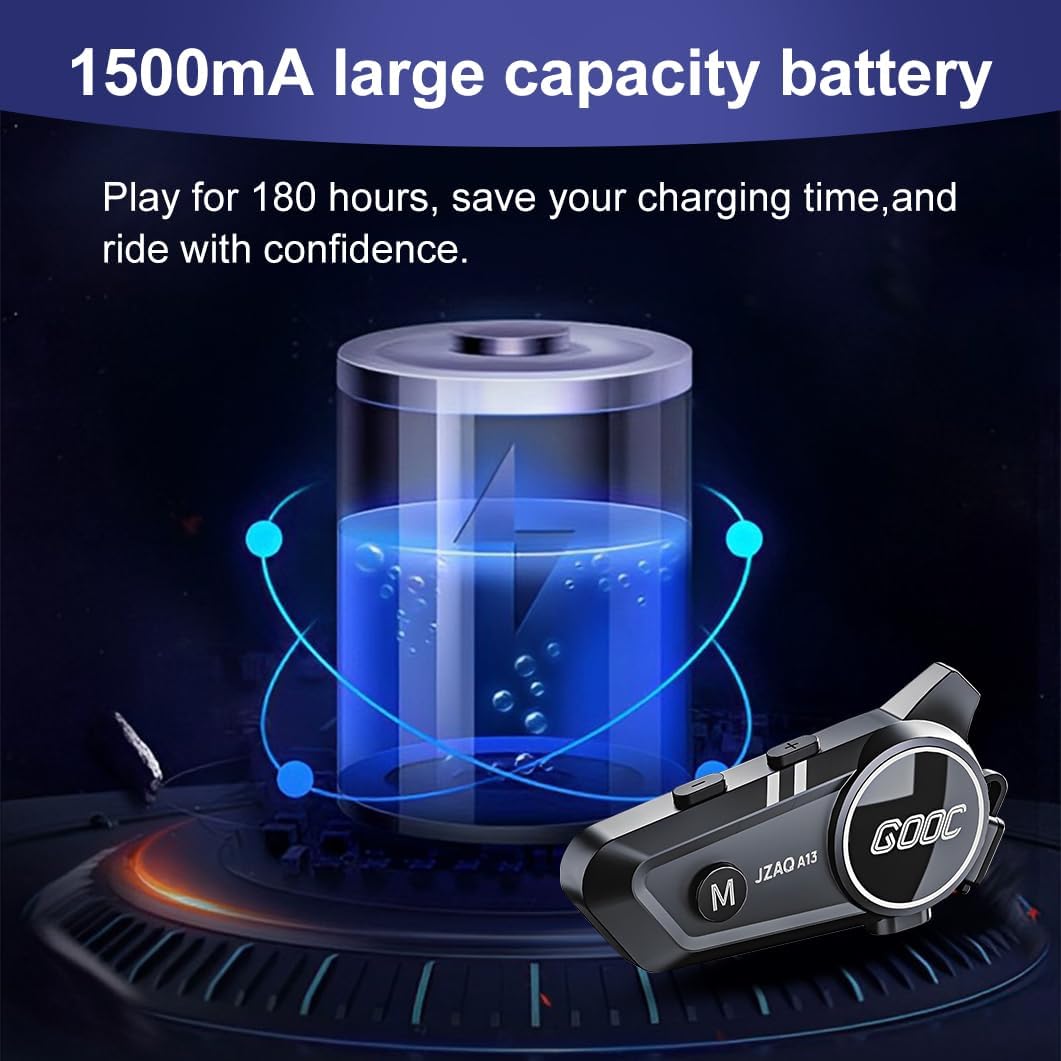
Image 3.1: Diagram illustrating the button functions and ports on the JZAQ A13 unit.
- Power On/Off/Pause/Play/Connect Button: Controls power, music playback, and Bluetooth connection.
- Ձայնի բարձրացման/Հաջորդ երգի կոճակ՝ Բարձրացնում է ձայնը և անցնում հաջորդ երգին։
- Volume Down/Previous Song/Voice Assistant Button: Decreases volume, goes to the previous track, and activates the voice assistant.
- Լիցքավորման նավահանգիստ. USB Type-C port for charging the device.
- Ականջակալներ Jackեկ: Connects the speakers and microphone.
4. Կարգավորում և տեղադրում
4.1 Սարքի լիցքավորում
Before first use, fully charge the JZAQ A13 unit. Connect the provided TYPE-C charging cable to the charging port on the unit and a USB power source. A full charge typically takes approximately 2 hours. The device features a 1500mAh battery, providing up to 180 hours of continuous play time.

Image 4.1: Illustration of the 1500mAh large capacity battery.
4.2 Սաղավարտի տեղադրում
The JZAQ A13 is designed to be compatible with various helmet types. The speakers are ultra-thin (10mm) to ensure comfort and avoid ear pressure.

Նկար 4.2: Օրինակamples of various helmet types compatible with the JZAQ A13.
Follow these steps to install the system in your helmet:
- Բարձրախոսի տեղադրում. Identify suitable locations within your helmet for the speakers, typically in the ear recesses. Use the provided Velcro pads to secure the speakers.
- Միկրոֆոնի միացում՝ Choose between the hard or soft earbuds (microphones) based on your helmet type and preference. Attach the microphone using Velcro in a position that allows clear voice pickup without obstructing your vision or comfort.
- Main Unit Mounting: Use either the clip base or the paste base to attach the main JZAQ A13 unit to the side of your helmet. Ensure it is securely fastened and easily accessible for operation.
- Մալուխի կառավարում. Route all cables neatly within the helmet padding to prevent discomfort or interference.

Image 4.3: Step-by-step visual guide for installing the JZAQ A13 system into a helmet.
5. Գործառնական հրահանգներ
5.1 Միացում/անջատում
- Միացում՝ Press and hold the Power button for approximately 3 seconds until the indicator light illuminates.
- Անջատել: Սեղմեք և պահեք միացման կոճակը մոտ 3 վայրկյան, մինչև ցուցիչի լույսը անջատվի։
5.2 Bluetooth զուգավորում
The JZAQ A13 uses Bluetooth 5.3 for stable wireless connectivity.
- Համոզվեք, որ սարքն անջատված է:
- Սեղմեք և պահեք միացման կոճակը մոտավորապես 5-7 վայրկյան, մինչև ցուցիչի լույսը հերթագայաբար կարմիր և կապույտ թարթի՝ ցույց տալով զուգավորման ռեժիմը։
- On your mobile phone or Bluetooth-enabled device, search for "JZAQ A13" in the Bluetooth settings.
- Select "JZAQ A13" to connect. Once paired, the indicator light will flash blue slowly.
5.3 Երաժշտության նվագարկում
After successful Bluetooth pairing, you can play music from your connected device. The system features Hi-Fi stereo sound and DSP noise reduction technology for clear audio.

Image 5.1: The JZAQ A13 provides clear music playback with noise reduction.
- Նվագարկել/Դադար. Սեղմեք Power կոճակը մեկ անգամ:
- Ձայնի բարձրացում. Սեղմեք ձայնի բարձրացման (+) կոճակը։
- Ձայնի նվազում. Սեղմեք ձայնի իջեցման (-) կոճակը։
- Հաջորդ երգը. Սեղմեք և պահեք ձայնի բարձրացման (+) կոճակը։
- Նախորդ Երգ. Սեղմեք և պահեք ձայնի իջեցման (-) կոճակը։
5.4 Երկկողմանի ինտերկոմ
The JZAQ A13 supports two-way intercom communication between two riders within a range of up to 200 meters. The universal pairing function allows connection with other compatible intercom systems.

Image 5.2: Illustration of two-way intercom communication between riders.
- Գործարկել Ինտերկոմը. Consult the specific instructions for initiating intercom with another JZAQ A13 unit or a universally paired device.
- Վերջնական ինտերկոմ՝ Press the Power button once during an active intercom call.
5.5 Հեռախոսազանգեր
The system supports hands-free calling with automatic answering and DSP noise reduction for clear voice communication.
- Պատասխանել զանգին. The system will automatically answer incoming calls after a few rings.
- Ավարտել զանգը. Սեղմեք Power կոճակը մեկ անգամ:
- Մերժել զանգը. Սեղմեք և պահեք Power կոճակը 2 վայրկյան:
5.6 Ձայնի օգնական
Activate your smartphone's voice assistant (e.g., Siri) directly from the JZAQ A13.
- Ակտիվացնել ձայնային օգնականը. Press the Volume Down (-) button twice quickly.
6. Պահպանում
6.1 Ջրամեկուսացում
The JZAQ A13 features IPX67 deep waterproof technology with Nano coating, making it suitable for use in rainy or snowy conditions and capable of operating in temperatures as low as -20°F.
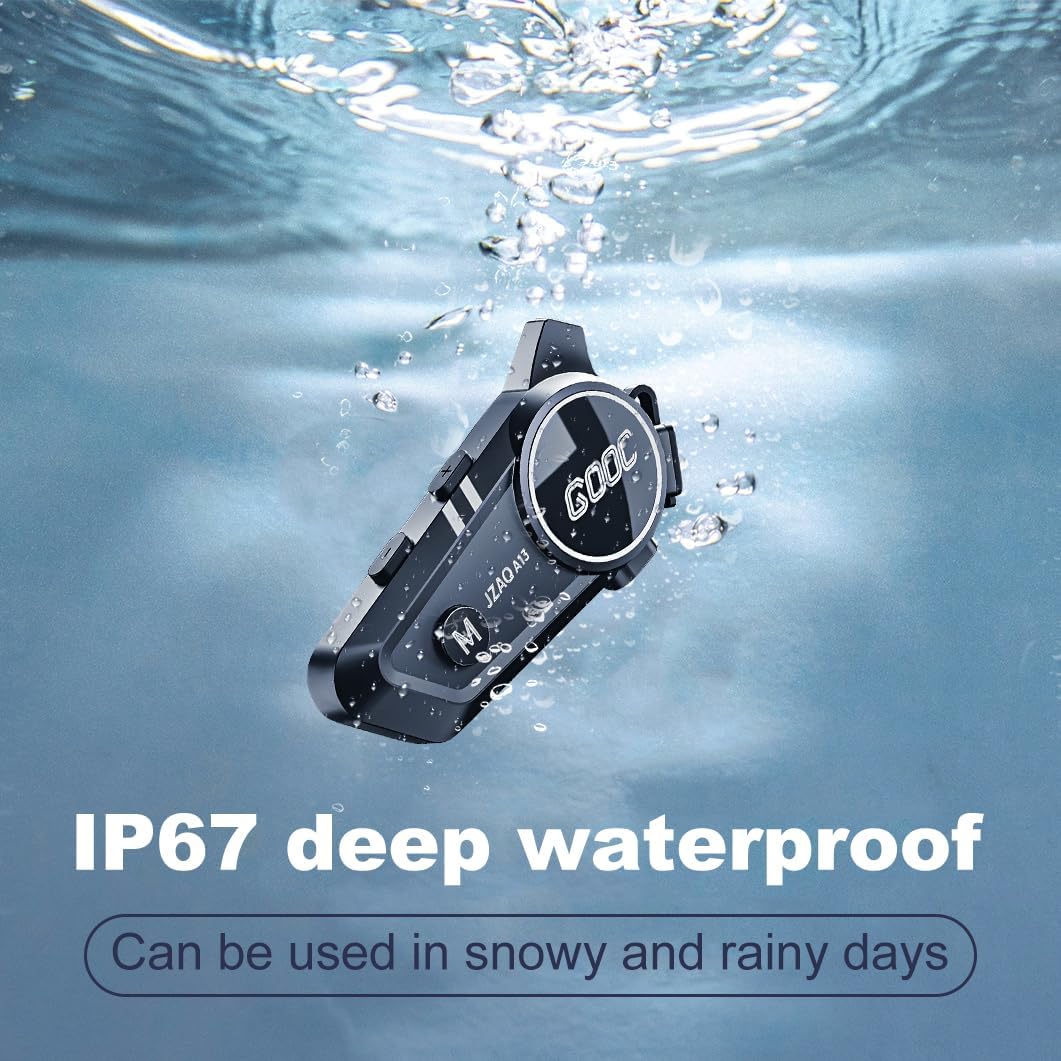
Image 6.1: The JZAQ A13 demonstrating its IP67 deep waterproof capability.
6.2 Մաքրում և պահպանում
- Սրբեք միավորը փափուկով, դamp կտոր. Խուսափեք կոշտ քիմիական կամ հղկող մաքրող միջոցներ օգտագործելուց:
- Համոզվեք, որ լիցքավորման միացքի կափարիչը ամուր փակ է՝ ջրակայունությունը պահպանելու համար։
- Պահպանեք սարքը զով, չոր տեղում, երբ այն չի օգտագործվում:
7: Անսարքություն
If you encounter issues with your JZAQ A13, refer to the following common problems and solutions:
| Խնդիր | Հնարավոր պատճառ | Լուծում |
|---|---|---|
| Սարքը չի միանում | Մարտկոցի լիցքը թույլ է։ Սարքը կախվել է։ | Charge the device fully; Perform a hard reset (if applicable, refer to manufacturer for specific steps). |
| Հնարավոր չէ զուգակցել հեռախոսի հետ | Not in pairing mode; Bluetooth off on phone; Device already paired | Ensure device is in pairing mode (flashing red/blue); Turn on phone's Bluetooth; Forget previous connections on phone and re-pair. |
| Բարձրախոսներից ձայն չկա | Volume too low; Speakers disconnected; Faulty connection | Increase volume on device and phone; Check speaker connections; Try re-plugging speakers into the main unit. |
| Ինտերֆոմը չի միանում | Out of range; Incorrect pairing procedure | Ensure riders are within 200m range; Repeat intercom pairing steps for both units. |
| Poor voice quality during calls/intercom | Microphone position; Excessive wind noise | Adjust microphone closer to mouth; Ensure microphone is shielded from direct wind. |
8. Տեխնիկական պայմաններ
Key technical specifications for the JZAQ A13 Bluetooth Helmet Speakers & Intercom System:
| Առանձնահատկություն | Հստակեցում |
|---|---|
| Մոդելի անվանումը | A13 |
| Բրենդ | JZAQ |
| Միացման տեխնոլոգիա | Անլար (Bluetooth) |
| Bluetooth տարբերակ | 5.3 |
| Մարտկոցի հզորությունը | 1500 mAh |
| Մարտկոցի աշխատանքի տևողությունը (նվագարկման ժամանակը) | Մինչև 180 ժամ |
| Լիցքավորման ժամանակ | 2 Ժամ |
| Intercom Range | Up to 200 meters (two-way) |
| Ջրի դիմադրության մակարդակը | IPX67 (անջրանցիկ) |
| Աղմուկի վերահսկում | Sound Isolation, DSP Noise Reduction |
| Հատուկ առանձնահատկություններ | Built-In Voice Assistant, Fast Charging, Includes microphone, Lightweight |
| Նյութի քաշը | 7.4 ունցիա (0.21 կիլոգրամ) |
| Գործող ջերմաստիճանը | -20°F to (unspecified upper limit) |
9. Երաշխիք և աջակցություն
The JZAQ A13 Bluetooth Helmet Speakers & Intercom System comes with a 2 տարվա երաշխիք. For any product-related inquiries, technical assistance, or warranty claims, please contact JZAQ customer service through the Amazon Buyer Center. Our customer service team is available to assist you.