
1. Ներածություն
Thank you for choosing the AULCMEET Replacement Remote Control. This remote is designed to be fully compatible with specific QBell 4K OLED Smart TV models, offering a seamless replacement experience without the need for complex setup or programming. Simply insert batteries, and it's ready for use.
Համատեղելի հեռուստացույցների մոդելներ՝ QBell 4K OLED Smart TV QT43J03, QT40K02, QT40J03.
2. Կարգավորում. Մարտկոցի տեղադրում
To begin using your remote control, you must first install the batteries. This remote requires two AAA alkaline batteries (not included).
- Տեղադրեք մարտկոցի խցիկը հեռակառավարման վահանակի հետևի մասում:
- Սեղմեք լեզվակը և մարտկոցի կափարիչը ներքև սահեցրեք՝ այն բացելու համար։
- Insert two AAA alkaline batteries, ensuring the positive (+) and negative (-) terminals align correctly with the markings inside the compartment.
- Սահեցրեք մարտկոցի կափարիչը իր տեղը, մինչև այն ապահով սեղմվի:
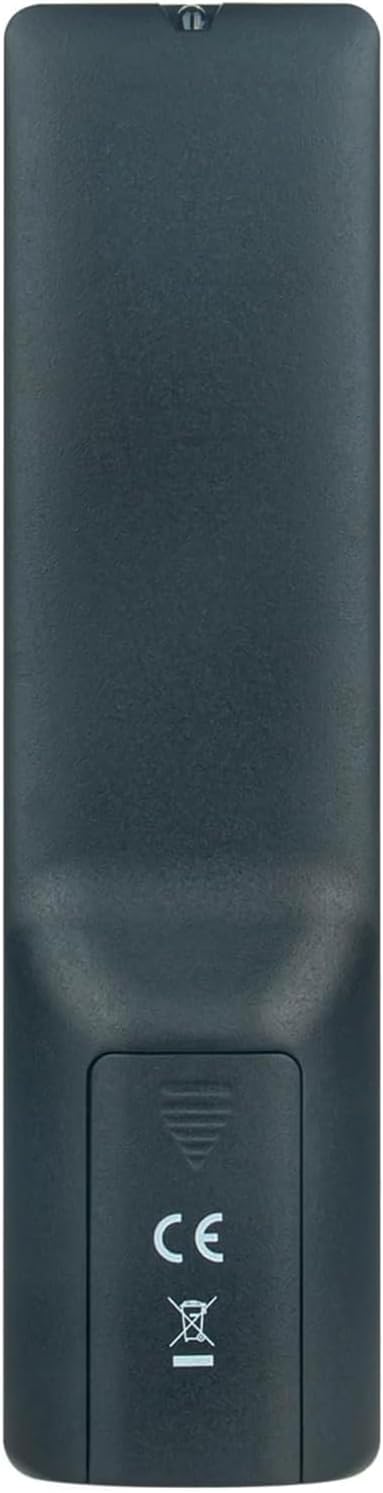
Պատկեր 2.1: Հետևի view of the remote control with the battery cover open, illustrating the correct orientation for AAA battery insertion.
Once batteries are installed, the remote is ready for immediate use with your compatible QBell Smart TV. No additional programming or pairing is required.
3. Գործառնական հրահանգներ
This remote control provides full functionality for your compatible QBell 4K OLED Smart TV. Below is a general overview of common buttons and their functions.

Պատկեր 3.1. Առջև view of the AULCMEET remote control, displaying the layout of all control buttons.
- Power կոճակը (●): Միացնում կամ անջատում է հեռուստացույցը:
- Համարային կոճակներ (0-9): Անմիջապես ընտրեք ալիքները։
- CH +/-: Փոխում է ալիքները վերև կամ ներքև։
- VOL +/-: Կարգավորում է ձայնի մակարդակը:
- Անջատել՝ Անջատում կամ միացնում է հեռուստացույցի ձայնը։
- ԱՂԲՅՈՒՐ: Ընտրում է մուտքային աղբյուրները (HDMI, AV և այլն):
- ՄԵՆՈՒ. Մուտք է գործում հեռուստացույցի գլխավոր մենյու։
- Նավիգացիոն կոճակներ (վերև, ներքև, ձախ, աջ, լավ): Նավարկեք ընտրացանկերի միջով և հաստատեք ընտրությունները։
- ԵԼՔ: Դուրս է գալիս ընթացիկ ընտրացանկից կամ գործառույթից:
- INFO: Ցուցադրում է ընթացիկ ծրագրի մասին տեղեկատվություն:
- Գունավոր կոճակներ (կարմիր, կանաչ, դեղին, կապույտ): Access specific functions depending on the TV menu or application.
- ՏԵՔՍՏ: Activates or deactivates Teletext.
- Ենթավերնագիր. Միացնում կամ անջատում է ենթագրերը։
- ԼՐԱՏՎԱՄԻՋՈՑՆԵՐ. Մուտք է գործում մեդիա վերարտադրման գործառույթներին։
- ՔՆԵԼ: Sets the TV sleep timer.
For detailed functions of specific buttons, please refer to your QBell Smart TV's original user manual.
4. Պահպանում
- Մարտկոցի փոխարինում. Փոխարինեք մարտկոցները, երբ հեռակառավարիչի արձագանքը դանդաղ է դառնում կամ դադարում է աշխատել: Միշտ փոխարինեք երկու մարտկոցները միաժամանակ նոր AAA ալկալային մարտկոցներով: Մի խառնեք հին և նոր մարտկոցներ կամ տարբեր տեսակի մարտկոցներ:
- Մաքրում: Հեռակառավարիչը մաքրելու համար այն նրբորեն սրբեք փափուկ, չոր կտորով: Մի օգտագործեք հեղուկ մաքրող միջոցներ, սփրեյներ կամ հղկող նյութեր, քանի որ դրանք կարող են վնասել հեռակառավարիչի մակերեսը կամ ներքին բաղադրիչները:
- Պահպանում: If the remote will not be used for an extended period, remove the batteries to prevent leakage and potential damage. Store the remote in a cool, dry place away from direct sunlight and extreme temperatures.
5: Անսարքություն
| Խնդիր | Հնարավոր պատճառ | Լուծում |
|---|---|---|
| Հեռակառավարիչը չի աշխատում։ |
|
|
| Buttons are unresponsive or delayed. |
|
|
6. Տեխնիկական պայմաններ
| Բրենդ | AULCMEET |
| Մոդելի անվանումը | BJKJ-MB1807-JKJBEU |
| Համատեղելի սարքեր | QBell 4K OLED Smart TV QT43J03, QT40K02, QT40J03 |
| Միացման տեխնոլոգիա | Ինֆրակարմիր (IR) |
| Առավելագույն միջակայք | 10 մետր |
| Կոճակների քանակը | 20 |
| Վերահսկիչի տեսակը | Կոճակի վերահսկում |
| Մարտկոցի տեսակը | AAA Alkaline (x2) |
| Հատուկ առանձնահատկություն | Ծրագրավորում չի պահանջվում |
| Ծագման երկիր | Չինաստան |
7. Աջակցություն
For any questions, concerns, or further assistance regarding your AULCMEET Replacement Remote Control, please do not hesitate to contact the manufacturer or your retailer. We are committed to ensuring your satisfaction.
Խնդրում ենք պահպանել այս ձեռնարկը հետագա հղումների համար: