
1. Ներածություն
This manual provides essential information for the safe and effective operation of your HAVIT Smart Life Series PJ211 PRO projector. Please read this manual thoroughly before using the device and retain it for future reference.
The HAVIT PJ211 PRO is a compact smart projector designed for home entertainment, gaming, and presentations. It features a native HD resolution of 1280x720, supporting up to 4K input, and integrates Android TV 9.0 for direct access to streaming services.
2. Փաթեթի բովանդակությունը
Փաթեթավորումից հանելիս համոզվեք, որ բոլոր իրերը առկա են և լավ վիճակում են՝
- HAVIT Smart Life Series PJ211 PRO Projector
- Power Cable
- Հեռակառավարման վահանակ
- Օգտագործողի ձեռնարկ (այս փաստաթուղթը)
3. Ապրանքը ավարտված էview
Ծանոթացեք պրոյեկտորի ֆիզիկական բաղադրիչներին և միացման միացքներին։
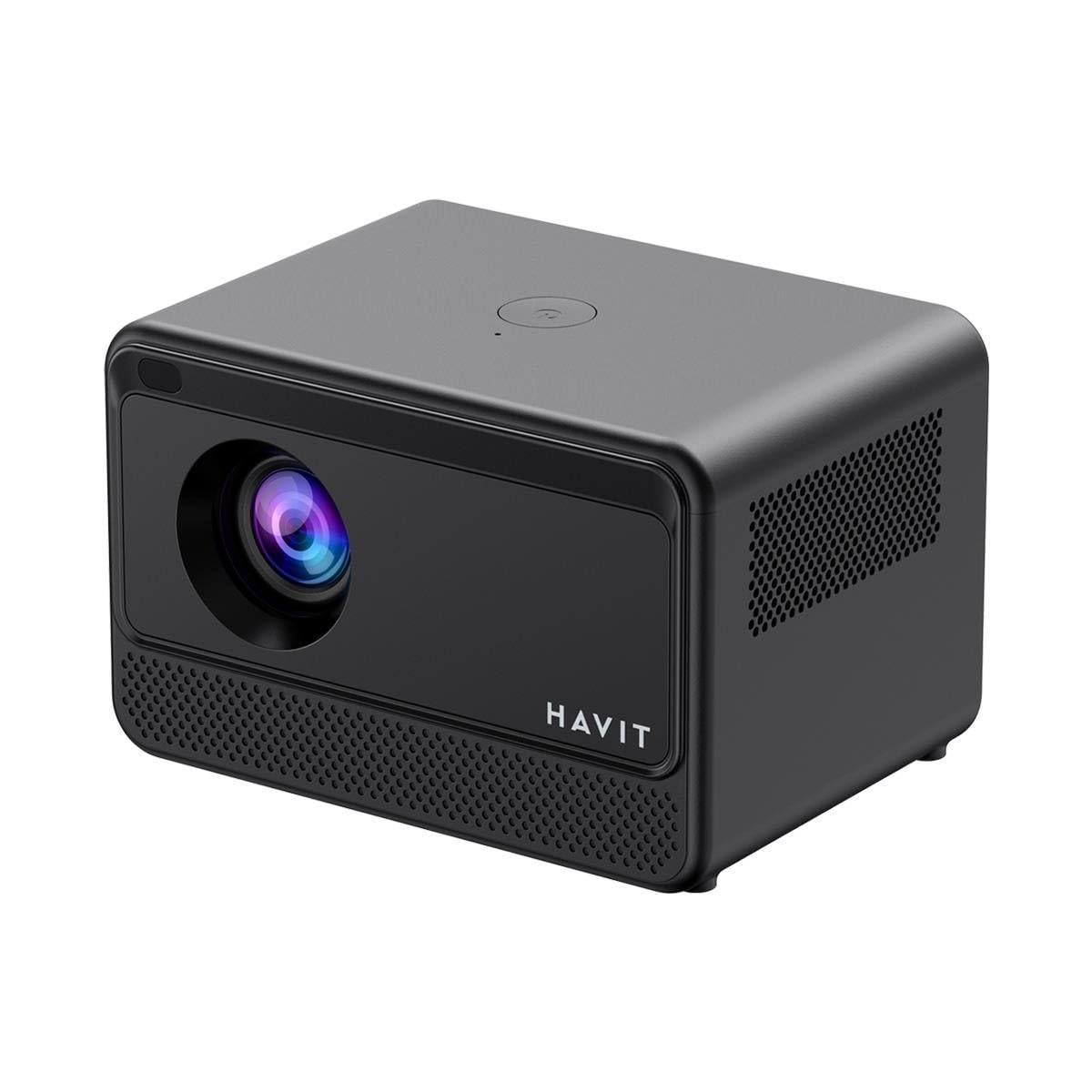
Image: Rear and side view of the HAVIT PJ211 PRO projector, highlighting the power input, HDMI, USB, and audio ports.

Պատկեր՝ առջևի view of the HAVIT PJ211 PRO projector, showing the projection lens and front grille.
Պորտեր և կառավարման տարրեր՝
- Էլեկտրաէներգիայի մուտքագրում. Միանում է հոսանքի ադապտերին:
- HDMI պորտ. Արտաքին տեսաաղբյուրներ, ինչպիսիք են նոութբուքերը, խաղային կոնսոլները կամ Blu-ray նվագարկիչները, միացնելու համար։
- USB պորտեր. Մեդիա նվագարկելու համար USB կրիչներ միացնելու համար files or connect peripherals.
- AV մուտքագրում. Հին սարքերը AV մալուխի միջոցով միացնելու համար։
- 3.5 մմ Աուդիո Jack: Արտաքին բարձրախոսներ կամ ականջակալներ միացնելու համար։
- Power կոճակը. Located on the top panel for turning the projector on/off.
4. Կարգավորում
4.1 Տեղադրում
Position the projector on a stable, flat surface. Ensure there is adequate ventilation around the device. The optimal projection distance ranges from 1 to 4 meters, yielding a screen size between 32 and 150 inches.
4.2 Էլեկտրաէներգիայի միացում
- Միացրեք սնուցման մալուխը պրոյեկտորի սնուցման մուտքի միացքին։
- Միացրեք սնուցման մալուխի մյուս ծայրը համապատասխան էլեկտրական վարդակիցի մեջ։
4.3 Նախնական միացում
Press the power button on the projector or the remote control to turn on the device. The projector will boot up and display the Android TV interface.
4.4 Ֆոկուսի և բանալիի ուղղում
The PJ211 PRO features semi-auto focus and semi-auto keystone correction. The projector will attempt to adjust these settings automatically upon startup or movement. Fine-tuning can be done via the on-screen menu if needed.
4.5 Networkանցային կապ
To access online content, connect the projector to a Wi-Fi network.

Image: Illustration showing the projector's support for both 2.4G and 5G dual-band Wi-Fi connections, indicating improved transmission rates and smoother online viewing with 5G.
- Navigate to the 'Settings' menu on the Android TV interface.
- Ընտրեք «Ցանց և ինտերնետ»։
- Ընտրեք ձեր ցանկալի Wi-Fi ցանցը ցանկից։
- Enter the password if prompted and confirm the connection. The projector supports 2.4G and 5G dual-band Wi-Fi for stable connectivity.
5. Գործառնական հրահանգներ
5.1 Android TV 9.0 Interface
The projector runs on Android TV 9.0, providing access to various applications and streaming services. Use the remote control to navigate the interface, select apps, and adjust settings.
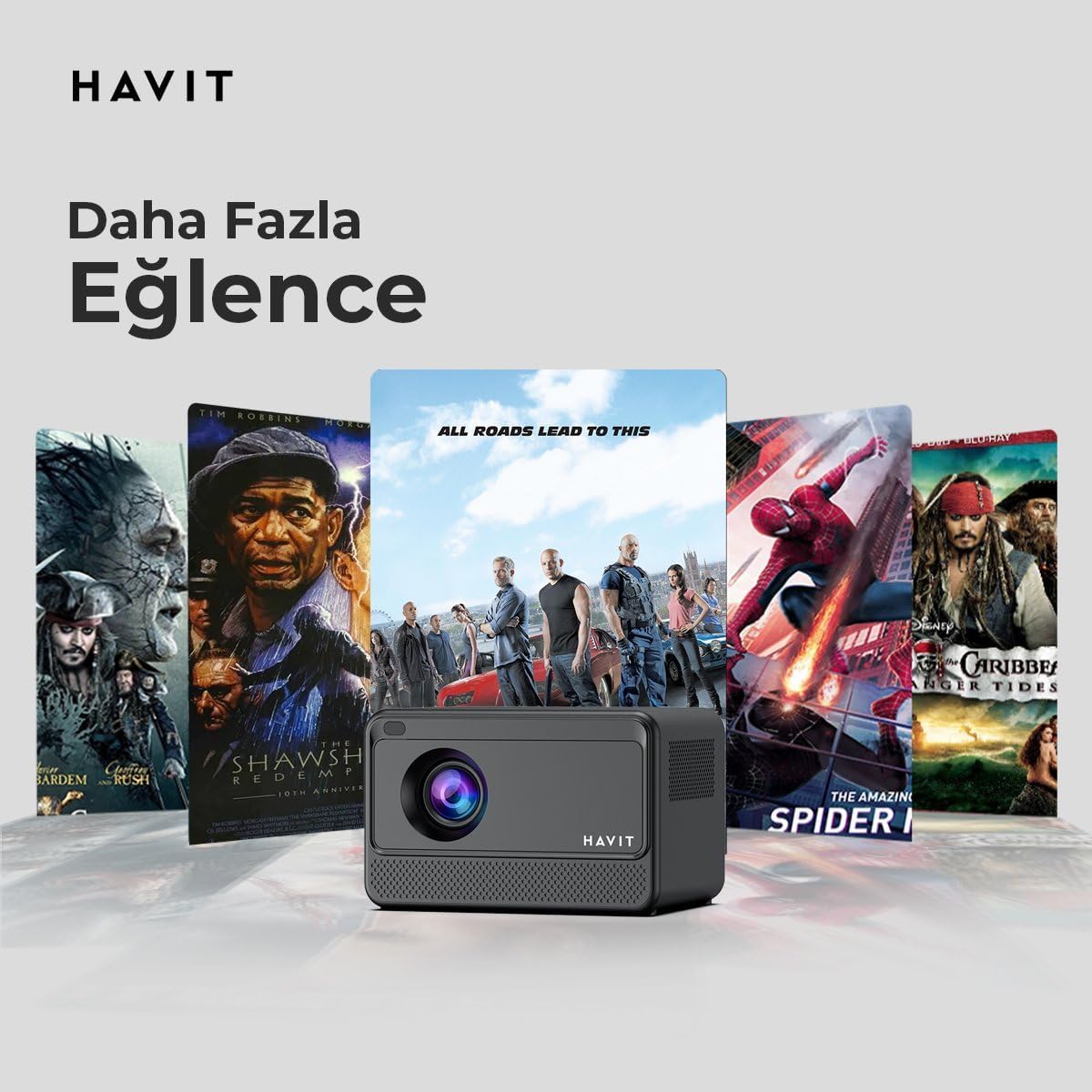
Image: The HAVIT PJ211 PRO projector displaying a selection of popular streaming service icons, illustrating its 'More Entertainment' capability through Android TV.
5.2 Արտաքին սարքերի միացում
You can connect various external devices to the projector:
- HDMI: Connect a device (e.g., laptop, game console) using an HDMI cable. Select the HDMI input source from the projector's input menu.
- USB: Insert a USB drive into a USB port. The projector's media player will typically detect the drive, allowing you to browse and play supported media files.
- Ա.Վ. Use an AV cable to connect compatible devices. Select the AV input source.
- Աուդիո ելք (3.5 մմ Jack): Connect external speakers or headphones for enhanced audio. The projector has a built-in 3W speaker for standard audio output.
6. Պահպանում
6.1 Մաքրում
- Ոսպնյակներ: Օգտագործեք փափուկ, թել չթողնող կտոր, որը հատուկ նախատեսված է օպտիկական ոսպնյակների համար: Մի օգտագործեք հղկող մաքրող միջոցներ կամ կտորներ:
- Արտաքին տեսք: Wipe the projector's exterior with a soft, dry cloth. Avoid using liquid cleaners directly on the device.
- Օդափոխում: Համոզվեք, որ օդափոխության անցքերը մաքուր են փոշուց և խոչընդոտներից՝ գերտաքացումը կանխելու համար։
6.2 Լamp Կյանք
LED լamp in your PJ211 PRO projector has an estimated life of 30,000 hours, providing long-term reliability under normal usage conditions.
7: Անսարքություն
Եթե ձեր պրոյեկտորի հետ կապված խնդիրներ ունեք, դիմեք հետևյալ տարածված խնդիրներին և լուծումներին.
| Խնդիր | Հնարավոր պատճառ | Լուծում |
|---|---|---|
| Պատկեր չի ցուցադրվում | Power cable disconnected, incorrect input source, lens cap on. | Check power connection, select correct input source (HDMI, USB, AV), remove lens cap. |
| Պատկերը մշուշոտ է | Ֆոկուսից դուրս, սխալ պրոյեկցիայի հեռավորություն։ | Adjust focus manually via settings, ensure projector is within 1-4 meters of screen. |
| Ոչ մի ձայն | Volume too low, external speakers not connected properly, audio settings. | Increase volume, check external speaker connection, verify audio output settings. |
| Wi-Fi կապի հետ կապված խնդիրներ | Սխալ գաղտնաբառ, ռաութերի խնդիրներ, ազդանշանի խանգարում։ | Re-enter Wi-Fi password, restart router, ensure projector is within Wi-Fi range. |
8. Տեխնիկական պայմաններ
Detailed technical specifications for the HAVIT Smart Life Series PJ211 PRO projector:

Image: A visual representation of the HAVIT PJ211 PRO projector's specifications, including system, resolution, projection distance, brightness, and connectivity.
- Ցուցադրման տեխնոլոգիա. LCD
- Մայրենի բանաձեւ. 1280 x 720 (HD)
- Աջակցվող բանաձեւ. Up to 3840 x 2160 (4K)
- Պայծառություն: Over 5000 lumens (180+ ANSI lumens)
- Կոնտրաստ հարաբերակցությունը. 1500։1
- Հարաբերակցությունը: 16:9 / 4:3
- Պրոյեկցիոն հեռավորություն. 1 – 4 մետր
- Էկրանի չափի միջակայք. 32 - 150 դյույմ
- Ֆոկուսի ճշգրտում. Semi-Auto Focus
- Keystone ուղղում: Semi-Auto Keystone
- Ներկառուցված խոսնակ. 3W
- Օպերացիոն համակարգ: Android TV 9.0
- Անլար միացում: Wi-Fi (2.4G/5G երկակի դիապազոն)
- Մուտքային նավահանգիստներ: HDMI, USB, AV, 3.5mm audio jack
- Lamp Տեսակը: LED
- Lamp Կյանք. 30,000 ժամ
- Էլեկտրաէներգիայի սպառում. 65 Վտ
- Նյութի Քաշը: 2.3 կգ
- Գույնը: Սեւ
9. Երաշխիք և աջակցություն
9.1 Երաշխիքային տեղեկատվություն
The HAVIT Smart Life Series PJ211 PRO projector comes with a 1 տարի երաշխիք գնման օրվանից։ Այս երաշխիքը ներառում է արտադրական թերությունները և անսարքությունները նորմալ օգտագործման դեպքում։ Խնդրում ենք պահպանել գնման ապացույցը երաշխիքային պահանջների համար։
9.2 Հաճախորդների աջակցություն
For technical assistance, troubleshooting beyond this manual, or warranty inquiries, please contact HAVIT customer support through their official website or the retailer where the product was purchased. Please have your model number (PJ211 PRO) and purchase details ready when contacting support.