
1. Ներածություն
This manual provides essential information for setting up, operating, maintaining, and troubleshooting your Alienware AW Pro Wireless Gaming Headset. Please read this manual thoroughly before using the product to ensure optimal performance and longevity.

Figure 1: Alienware Pro Wireless Gaming Headset and accessories.
2. Փաթեթի բովանդակությունը
Ստուգեք, որ բոլոր իրերը առկա են ձեր փաթեթում.
- Alienware Pro Wireless Headset
- USB-C անլար Dongle
- USB-A- ից USB-C ադապտեր
- USB-A դեպի USB-C մալուխ
- Անջատվող Boom Mic
- Mic Shield
- Փաստաթղթավորում (այս ձեռնարկը)
3. Կարգավորում
3.1 Սկզբնական լիցքավորում
Before first use, fully charge your headset. Connect the provided USB-A to USB-C cable to the headset's USB-C port and a power source. A full charge provides up to 75 hours of battery life via Bluetooth (ANC off) or 70 hours via 2.4GHz (ANC off). A 15-minute rapid charge can provide up to 8 hours of playback (ANC off).
3.2 Միկրոֆոնի միացումը
Insert the detachable boom mic into the designated port on the left earcup. Ensure it is securely connected. The mic shield can be placed over the microphone for reduced plosive sounds.
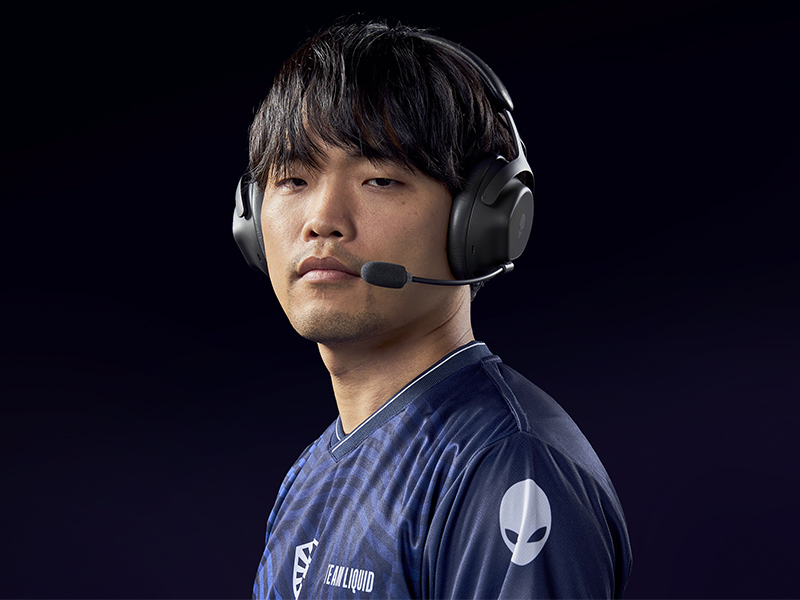
Figure 2: Attaching the detachable boom microphone.
3.3 Կապի տարբերակներ
The headset supports tri-mode connectivity: 2.4GHz wireless, Bluetooth 5.3, and USB wired connection.
3.3.1 2.4GHz անլար կապ
- Insert the USB-C Wireless Dongle into a compatible USB-C port on your device (PC, gaming console). Use the USB-A to USB-C adapter if your device only has USB-A ports.
- Power on the headset. It should automatically connect to the dongle. The LED indicator on the headset will confirm connection.
3.3.2 Bluetooth միացում
- Ականջակալի միացում:
- Activate Bluetooth pairing mode on the headset (refer to the operating controls section for specific button presses).
- On your device (PC, mobile, etc.), go to Bluetooth settings and select "Alienware Pro Headset" from the list of available devices.
- The headset supports Bluetooth 5.3 with a range of up to 30 meters.
3.3.3 USB լարային միացում
Connect the headset directly to your device using the USB-A to USB-C cable for a wired audio and charging connection.
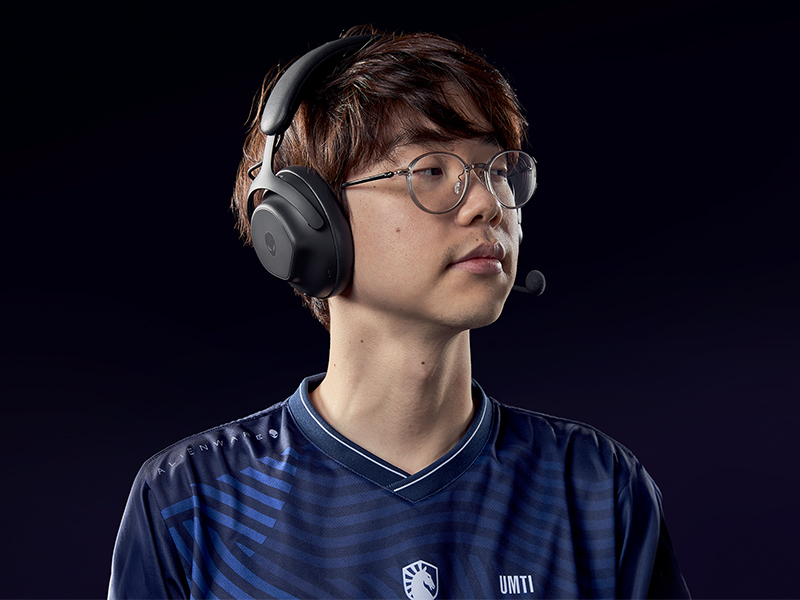
Figure 3: Connectivity options with dongle and adapter.
3.4 Ծրագրաշարի տեղադրում
For full customization and advanced features, install the Alienware Command Center software on your PC. This software allows you to tailor your sound experience, including Dolby Atmos integration, and manage headset settings.
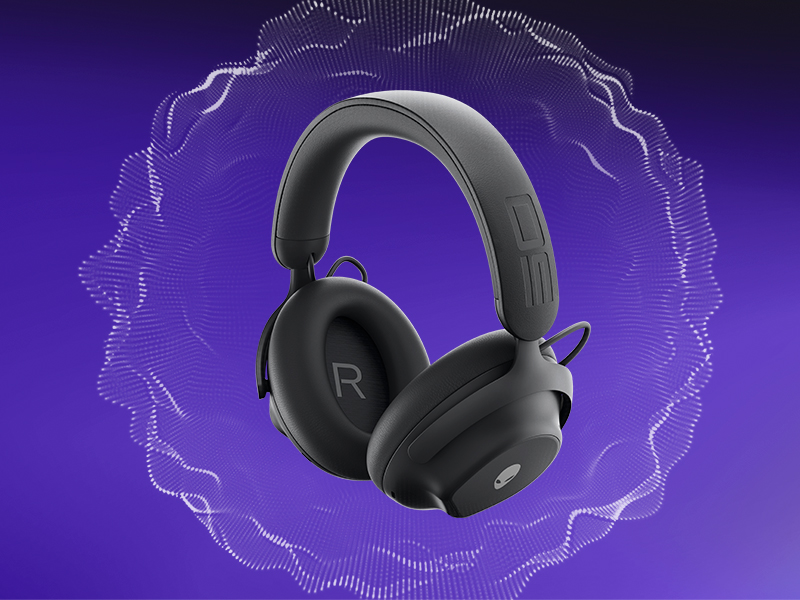
Figure 4: Customizing audio settings via Alienware Command Center.
4. Ականջակալների շահագործում
4.1 Վերահսկում էview
The headset features intuitive controls for power, volume, microphone, and ANC modes. Refer to the product diagram for exact button locations.
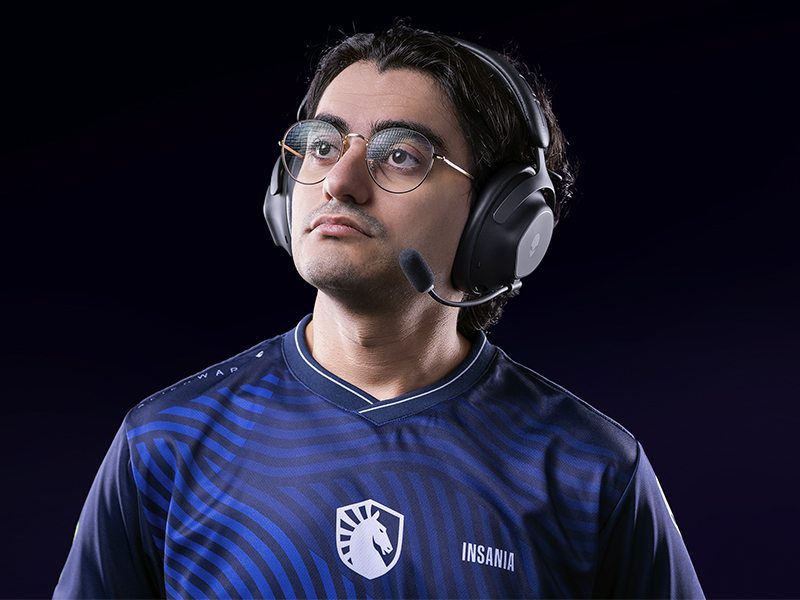
Figure 5: Built-in controls on the headset.
4.2 Աուդիո հատկանիշներ
4.2.1 50mm Graphene-Coated Drivers
The headset is equipped with 50mm graphene-coated dynamic drivers, providing high-fidelity audio with a frequency response up to 40 KHz for an immersive sound experience.
Video 1: Demonstration of Alienware 50mm Graphene-Coated Drivers technology.
4.2.2 Աղմուկի ակտիվ ջնջում (ANC)
Engage Active Noise Cancellation to minimize external distractions and maintain focus during gameplay or other activities. The headset features Hybrid Noise Cancellation technology.
Video 2: Explanation of Alienware Active Noise Cancellation feature.
4.2.3 Թափանցիկության ռեժիմ
Transparency Mode allows you to hear your surroundings without removing the headset, useful for situational awareness.
4.3 Միկրոֆոնի օգտագործումը
The two-mic AI Noise Cancellation system focuses on your voice, ensuring clear communication by filtering out background noise. Adjust microphone volume and settings via the Alienware Command Center software.
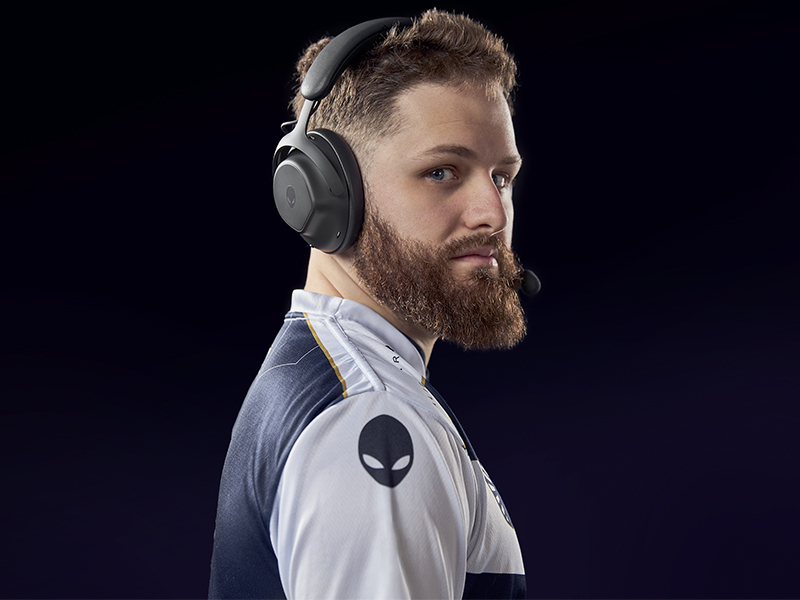
Figure 6: Two-Mic AI Noise Cancellation in action.
5. Պահպանում
5.1 Մաքրում
To clean your headset, use a soft, dry cloth. Avoid abrasive cleaners, solvents, or harsh chemicals. For earcups, gently wipe with a slightly damp կտորով և օգտագործելուց առաջ թողեք, որ օդում ամբողջությամբ չորանա։
5.2 Պահպանում
Store the headset in a cool, dry place away from direct sunlight and extreme temperatures. When not in use, it is recommended to store it in a protective case to prevent damage.
6: Անսարքություն
If you encounter issues with your Alienware Pro Wireless Gaming Headset, refer to the following common solutions:
6.1 No Audio or Intermittent Sound
- Ստուգեք կապը. Ensure the 2.4GHz dongle is properly inserted, or Bluetooth is correctly paired. For wired connection, verify the USB cable is secure.
- Էլեկտրաէներգիա և մարտկոց. Confirm the headset is powered on and has sufficient battery charge.
- Ծավալի մակարդակներ. Check both the headset's volume control and your device's audio output settings.
- Աուդիո Աղբյուր. Ensure the correct audio output device is selected on your computer or console.
- Drivers/Software: Update your audio drivers and Alienware Command Center software to the latest version.
6.2 Microphone Issues
- Խոսափողի միացում. Ensure the detachable boom mic is fully inserted into its port.
- Անջատման կարգավիճակը՝ Check if the microphone is muted on the headset or in your device's settings.
- Մուտքային սարք. Verify that the Alienware Pro Headset microphone is selected as the default input device in your system's sound settings.
- Ծրագրային ապահովման կարգավորումներ. Adjust microphone sensitivity and AI Noise Cancellation settings within Alienware Command Center.
6.3 Կապի խնդիրներ
- Վերամիավորել Bluetooth-ը. If Bluetooth connection is unstable, unpair and re-pair the headset with your device.
- Dongle Re-connection: For 2.4GHz, try unplugging and re-inserting the USB dongle.
- Միջամտություն: Հեռացեք այլ անլար սարքերից, որոնք կարող են խանգարել:
- Ներկառուցված ծրագրի թարմացում. Check for and install any available firmware updates for the headset via Alienware Command Center.
7. Տեխնիկական պայմաններ
| Առանձնահատկություն | Մանրամասն |
|---|---|
| Մոդելի անվանումը | AW Pro Headset |
| Միացման տեխնոլոգիա | Bluetooth / 2.4 GHz radio frequency / USB |
| Անլար կապի տեխնոլոգիա | 2.4 ԳՀց, Bluetooth 5.3 |
| Bluetooth միջակայք | 30 մետր |
| Աղմուկի վերահսկում | Հիբրիդային աղմուկի չեղարկում |
| Աուդիո վարորդի տեսակը | Dynamic Driver (50mm Graphene-Coated) |
| Հաճախականության արձագանք | 40 ԿՀց |
| Մարտկոցի կյանք | Up to 75 Hours (Bluetooth, ANC off) |
| Լիցքավորման ժամանակ | 15 minutes for up to 8 hours playback (ANC off) |
| Միկրոֆոն | Detachable Boom Mic with 2-Mic AI Noise Cancellation, Beamforming |
| Հատուկ առանձնահատկություններ | Hearing Protection, Transparency Mode |
| Համատեղելի սարքեր | Gaming Consoles, Computers, Mobile Devices |
| Նյութի քաշը | 11 ունցիա (312 գ) |
| Ապրանքի չափերը | 3.55 x 5.91 x 8.07 դյույմ (9.02 x 15.01 x 20.50 սմ) |
| UPC | 884116469728 |
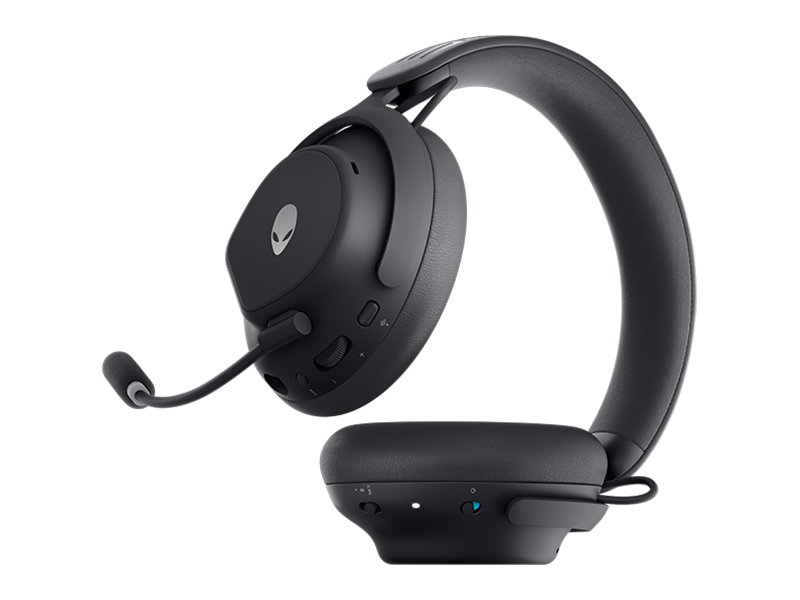
Figure 7: Headset dimensions.
8. Երաշխիք և աջակցություն
For warranty information, technical support, or further assistance, please visit the official Alienware or Dell support website. You can find drivers, firmware updates, and detailed troubleshooting guides there.
Արտադրող՝ Dell