
Ապրանքը ավարտվել էview
The NDYIN PrintPods Mini Printer D21 is a compact and lightweight portable thermal printer designed for on-the-go printing of various items such as tickets, labels, notes, and stickers. Its inkless thermal printing technology eliminates the need for ink cartridges, offering a convenient and economical printing solution.
This device connects wirelessly via Bluetooth to your smartphone or tablet, utilizing the NADA Print App for content creation and management. It supports the creation of personalized stickers and notes, making it suitable for journaling, DIY projects, and educational activities.
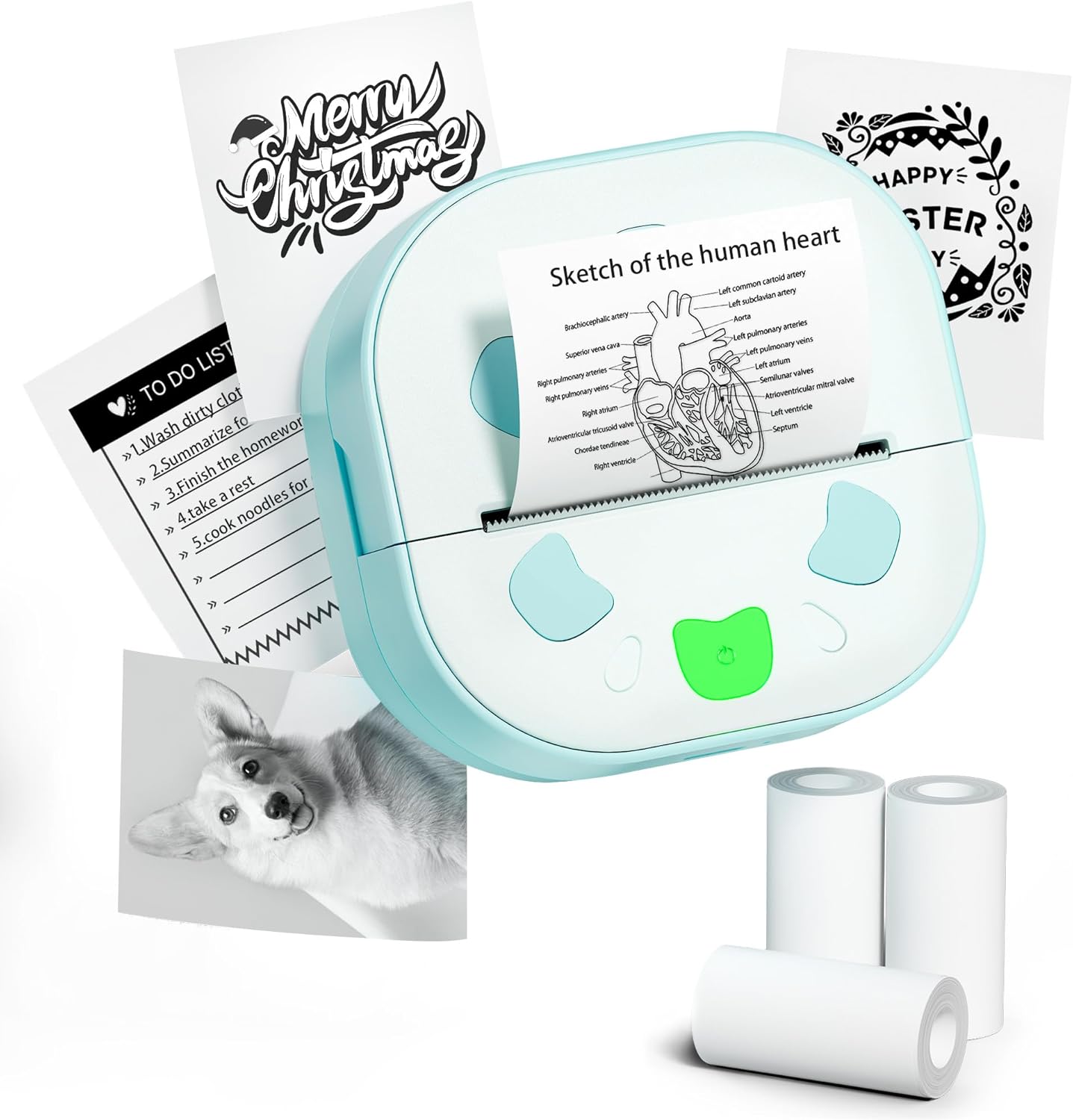
Image: The NDYIN PrintPods Mini Printer D21, showcasing its compact design alongside examples of printed notes, to-do lists, and stickers, and three rolls of thermal paper.
Կարգավորման ուղեցույց
Փաթեթի բովանդակությունը
Before beginning, please verify that all components are present in the package:
- 1 x D21 Sticker Printer
- 1 x USB Type-C մալուխ
- 1 x Օգտագործողի ձեռնարկ (այս փաստաթուղթը)
- 3 Rolls of Sticker Papers

Image: A clear display of all items included in the product package: the D21 printer, USB Type-C charging cable, user manual, and three rolls of thermal sticker paper.
Սկզբնական կարգավորման քայլեր
- Լիցքավորեք տպիչը՝ Connect the D21 printer to a power source using the provided USB Type-C cable. Ensure the printer is fully charged before first use.
- Ներբեռնեք ջերմային թուղթ.
Open the printer's paper compartment. Insert a roll of 2.24-inch (57mm) thermal paper, ensuring the paper feeds smoothly through the output slot. Close the compartment securely.

Image: The D21 printer with its top cover open, illustrating the correct way to insert a 57mm thermal paper roll into the designated slot.
- Միացում՝ Long press the power button located on the printer to turn it on.
- Download the NADA Print App: Որոնել "NADA Print" in your device's app store (available on iOS App Store and Google Play Store) and install it.

Image: A visual representation highlighting the NADA Print App and the printer's Bluetooth connectivity, along with icons indicating no ink or toner is required.
- Միացեք Bluetooth-ի միջոցով.
- Open the NADA Print App on your smartphone or tablet.
- Navigate to the connection section within the app.
- Select the corresponding printer model (D21) from the list of available devices to establish a Bluetooth connection. Ensure Bluetooth is enabled on your mobile device.

Image: A step-by-step guide illustrating how to power on the printer, connect it within the NADA Print App, and select the correct printer model for Bluetooth pairing.
Գործառնական հրահանգներ
Using the NADA Print App
The NADA Print App is the primary interface for creating and managing your prints. It offers various functionalities:
- Տպել պատկերներ՝ Select photos or images from your device's gallery to print.
- Տպել փաստաթղթեր. Print text documents or notes created within the app.
- Կաղապարներ: Access a library of pre-designed templates for labels, notes, to-do lists, and decorative graphics.
- Տեքստի խմբագրում. Create and edit text directly within the app for printing.
- Գրաֆիկական դիզայն. Utilize built-in graphic tools to add icons, borders, and other design elements to your prints.

Պատկեր՝ Վերևview of the NADA Print App's user interface, displaying its main menu, graphic design options, and a marketplace for various printing templates.
Տպագրման գործընթաց
- Պատրաստել բովանդակությունը. Within the NADA Print App, create or select the content you wish to print (e.g., text, image, template).
- Տպագրության մեկնարկ՝ Tap the "Print" button or icon within the app. The printer will begin thermal printing.
- Վերցրեք տպագիր տարբերակը՝ Once printing is complete, gently tear off the printed output from the printer's output slot. The printer features a built-in cutter for clean tears.
The D21 printer produces monochrome (black and white) prints only. It is compatible with 2.24-inch (57mm) continuous thermal paper rolls.
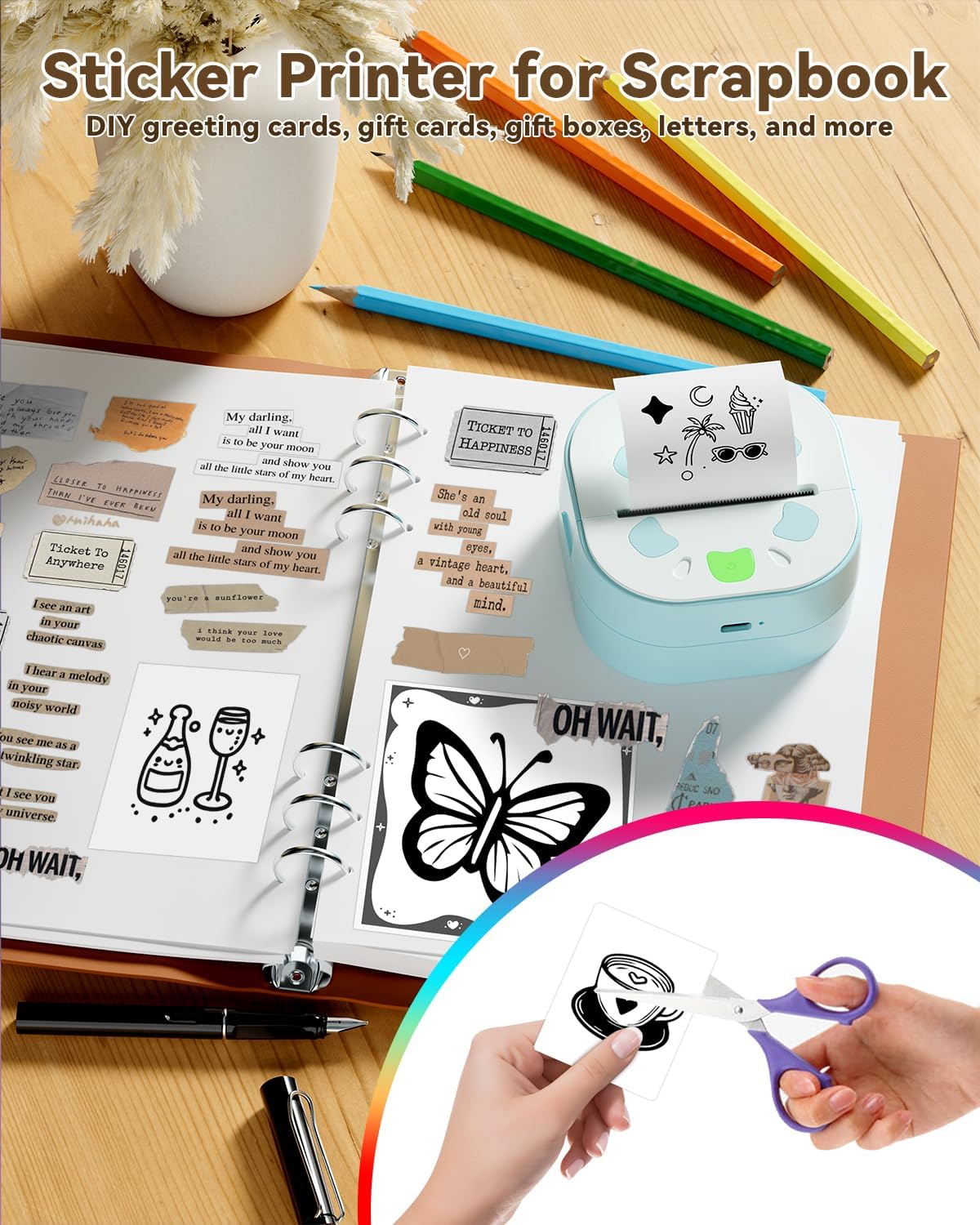
Image: The D21 printer in use, positioned next to an open scrapbook, illustrating how it can be used to print various stickers and notes for creative and organizational purposes.

Image: A collage demonstrating the versatility of the D21 printer, showcasing examples of printed photos, study notes, personalized gift cards, and various stickers.
Տեխնիկական սպասարկում
The NDYIN PrintPods Mini Printer D21 is designed for low maintenance due to its inkless thermal printing technology. Regular cleaning and proper handling will ensure optimal performance and longevity.
- Տպման գլխի մաքրում. If print quality degrades (e.g., faded lines, streaks), gently wipe the thermal print head with a lint-free cloth lightly dampիզոպրոպիլային սպիրտով լցված։ Օգտագործելուց առաջ համոզվեք, որ տպիչն անջատված է և լիովին չոր։
- Արտաքին մաքրում. Clean the exterior of the printer with a soft, dry cloth. Avoid using abrasive cleaners or solvents.
- Պահպանում: Պահեք տպիչը զով, չոր տեղում՝ ուղիղ արևի լույսից և ծայրահեղ ջերմաստիճաններից հեռու։
- Թղթի մշակում. Use only high-quality thermal paper designed for your printer model. Store paper rolls in a cool, dark place to prevent premature fading.
Անսարքությունների վերացում
| Խնդիր | Հնարավոր պատճառ | Լուծում |
|---|---|---|
| Տպիչը չի միանում։ | Մարտկոցի ցածր լիցք կամ էներգիայի խնդիր։ | Ensure the printer is charged using the provided USB Type-C cable. Verify the charging cable and adapter are functioning correctly. |
| Հնարավոր չէ միանալ Bluetooth-ի միջոցով։ | Bluetooth is off on device, printer not in pairing mode, or app issue. |
|
| Poor print quality (faded, unclear, streaks). | Dirty print head, low battery, or poor paper quality. |
|
| Թղթի խցանում կամ թուղթը չի մատակարարվում։ | Թղթի սխալ բեռնում կամ օտար մարմին։ |
|
Ապրանքի բնութագրերը
| Առանձնահատկություն | Մանրամասն |
|---|---|
| Բրենդ | ՆԴՅԻՆ |
| Մոդելի անվանումը | D21 |
| Տպագրության տեխնոլոգիա | Ջերմային |
| Տպիչի ելք | Մոնոխրոմ (սև և սպիտակ) |
| Միացման տեխնոլոգիա | Bluetooth |
| Տպիչի թանաքի տեսակը | Մելան անհրաժեշտ չէ |
| Առավելագույն մեդիայի չափը | 57 millimeters (2.24 inches) |
| Մուտքային թերթիկի առավելագույն հզորությունը | 3 ռուլետ |
| Սև ու սպիտակ տպագրության առավելագույն լուծաչափ | 300 DPI |
| Max Printspeed Monochrome | 60 էջ/րոպե (էջեր րոպեում) |
| Ապրանքի չափերը | 3.34 x 3.38 x 1.69 դյույմ |
| Նյութի քաշը | 5.8 ունցիա |
| Մարտկոցներ | 1 x 12V մարտկոց (ներառված է) |
| UPC | 762849575100 |
| Ներառված բաղադրիչներ | 1 x D21 Sticker Printer, 1 x USB Type-C Cable, 1 x User Manual, 3 Rolls Sticker Papers |
Երաշխիք և աջակցություն
Երաշխիքային տեղեկատվություն
The NDYIN PrintPods Mini Printer D21 comes with a limited warranty. Please refer to the warranty card included in your package or contact the manufacturer for specific terms and conditions regarding coverage and duration.
Հաճախորդների աջակցություն
For technical assistance, troubleshooting not covered in this manual, or warranty claims, please contact NDYIN customer support. Contact information can typically be found on the product packaging, the manufacturer's official webկայքում կամ ձեր գնման կետի միջոցով։
When contacting support, please have your product model (D21) and purchase information readily available.
Անվտանգության կարևոր տեղեկատվություն
- Մի՛ ապամոնտաժեք կամ մի՛ փոփոխեք տպիչը։
- Տպիչը հեռու պահեք ջրից և այլ հեղուկներից:
- Խուսափեք տպիչը ծայրահեղ ջերմաստիճանների կամ ուղիղ արևի լույսի ազդեցության տակ ենթարկելուց։
- Օգտագործեք միայն նշված լիցքավորման մալուխը և սնուցման ադապտերը։
- Keep out of reach of small children to prevent accidental ingestion of small parts or paper.