
LongPlus X84
LongPlus 2K Vicohome Wireless Outdoor Security Camera Instruction Manual
Մոդել ՝ X84
Ներածություն
This manual provides detailed instructions for the installation, operation, and maintenance of your LongPlus 2K Vicohome Wireless Outdoor Security Camera. Please read this manual thoroughly before using the product to ensure proper functionality and safety.

Image: Two LongPlus 2K Vicohome Wireless Outdoor Security Cameras, black, with water droplets, mounted on a wall bracket.
Փաթեթի բովանդակությունը
Ստուգեք, որ ստորև թվարկված բոլոր ապրանքները ներառված են ձեր փաթեթում.
- Անվտանգության տեսախցիկ՝ ամրակով
- Պտուտակների փաթեթ
- Վերականգնել ասեղը
- USB մալուխ
- Արագ մեկնարկի ուղեցույց
Ապրանքի առանձնահատկությունները
- Արհեստական բանականության իրադարձությունների վերլուծություն. Նույնականացնում և տարբերակում է մարդկանց, կենդանիներին, տրանսպորտային միջոցներին և փաթեթներին՝ կեղծ տագնապները նվազեցնելու համար։
- 3MP գունավոր գիշերային տեսողություն։ Captures clear color images in low light conditions up to 33 feet.
- PIR շարժման հայտնաբերում և սիրենային ազդանշան. Triggers an audio and strobe light alarm upon detecting humanoid motion.
- Ճկուն պահեստավորում. Supports up to 128GB Micro SD card (not included) and optional cloud storage.
- Երկկողմանի զրույց. Allows communication through the Vicohome app.
- 100% Wire-free: Battery-operated design for easy installation without wiring.
- Խելացի տան ինտեգրում. Compatible with Amazon Alexa.
- Լայն դաշտ View: 125 աստիճան viewանգլ.
- Եղանակակայուն դիզայն. IP65 գնահատված է բացօթյա օգտագործման համար։
Կարգավորում
1. Տեսախցիկի լիցքավորում
Before initial use, fully charge the camera using the provided USB cable. The charging indicator light will show the charging status.
2. Հավելվածի տեղադրում և հաշվի ստեղծում
- Download the "Vicohome" app from your smartphone's app store (iOS or Android).
- Բացեք հավելվածը և հետևեք էկրանի հրահանգներին՝ հաշիվ ստեղծելու և մուտք գործելու համար:
3. Միացում Wi-Fi-ին
- Ensure your camera is powered on and near your Wi-Fi router.
- In the Vicohome app, tap the "+" icon to add a new device.
- Follow the app's instructions to connect the camera to your 2.4GHz Wi-Fi network. 5GHz networks are not supported.
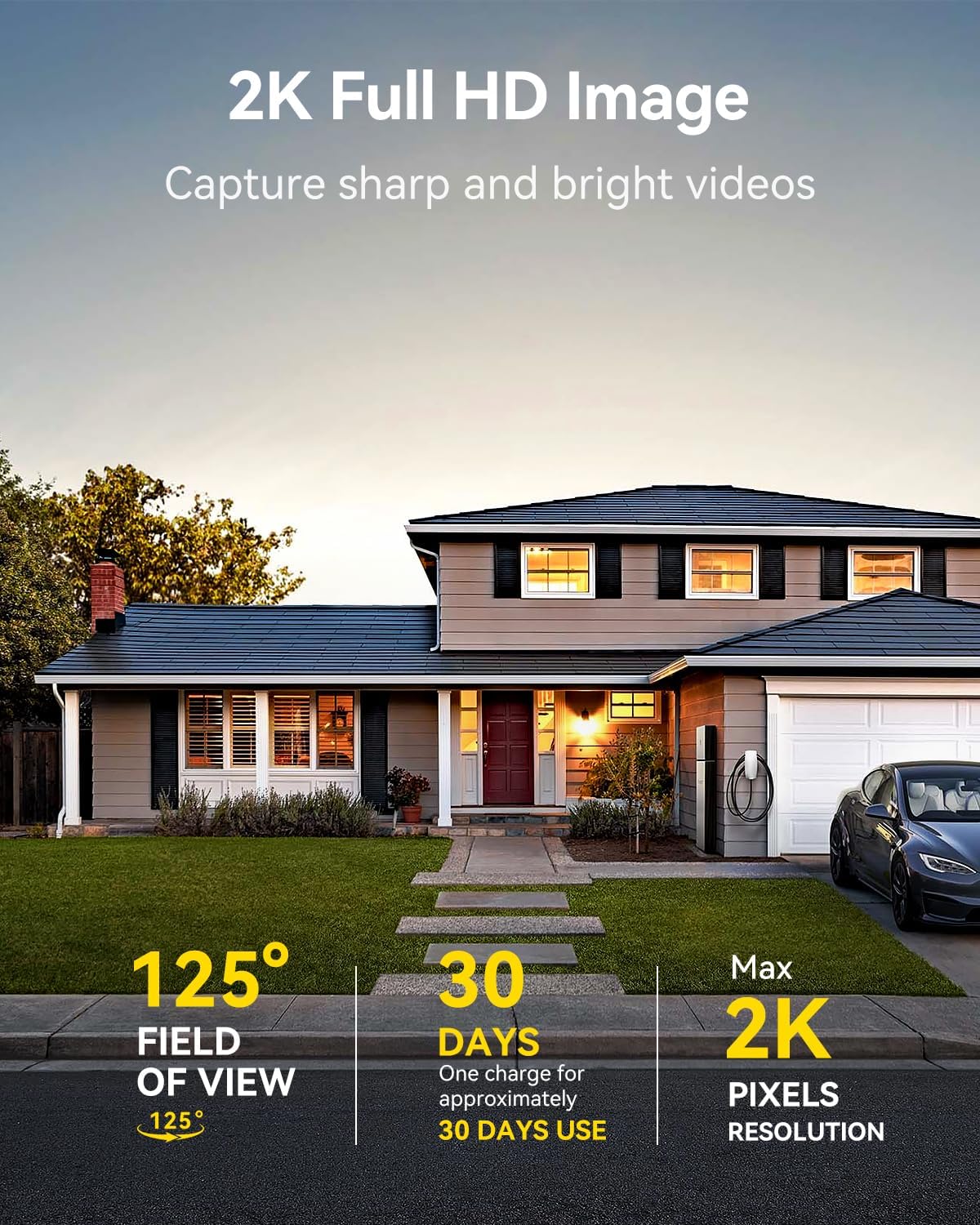
Image: A LongPlus security camera on a wooden table, illustrating its 2.4GHz WiFi connectivity.
4. Տեսախցիկի տեղադրում
The camera can be mounted on a ceiling or wall. Choose a location that provides the desired viewing angle and is within Wi-Fi range.
- Mark the positions for drilling using the camera bracket as a template.
- Անհրաժեշտության դեպքում փորեք ուղղորդող անցքեր և տեղադրեք պատի խարիսխներ։
- Secure the bracket to the surface using the provided screws.
- Attach the camera to the bracket and adjust the angle.

Image: A LongPlus security camera mounted on an outdoor wall, demonstrating its wire-free installation.
Գործողություն
1. Կենդանի View
Open the Vicohome app and select your camera to view the live feed. You can monitor your surroundings in real-time.

Image: A smartphone displaying the live feed from a LongPlus security camera, showing children playing in a yard.
2. Երկկողմանի զրույց
Ուղիղ եթերից view screen in the app, tap the microphone icon to initiate two-way communication. Speak into your phone to communicate with individuals near the camera.

Image: A person receiving a package at their front door, demonstrating the two-way talk feature of the LongPlus camera.
3. Motion Detection Settings
Configure motion detection sensitivity and define detection zones within the Vicohome app settings for your camera. This helps in reducing unwanted alerts.

Image: A man walking past a LongPlus security camera, illustrating motion detection and app alerts.

Պատկեր՝ օդային նկարահանում view of a house with a pool, illustrating customizable motion detection zones for different objects.

Image: A house with a lawn, demonstrating the ability to set specific motion detection zones.
4. Գիշերային տեսիլք
The camera automatically switches to color night vision in low light conditions, providing clear visibility.

Image: A LongPlus security camera mounted outdoors at night, showing its color night vision capability on a smartphone screen.
5. Ձայնագրում և նվագարկում
Recordings are stored on a Micro SD card (if installed) or in the cloud (subscription may be required). Access and playback recorded events through the Vicohome app's library section.

Image: A LongPlus camera with an SD card being inserted, illustrating local and cloud storage options.
6. Սարքի փոխանակում
You can share access to your camera with other users through the Vicohome app, allowing multiple individuals to monitor the feed simultaneously.
7. Խելացի տան ինտեգրում
The camera is compatible with Amazon Alexa. Follow the instructions in the Vicohome app or Alexa app to link your devices and use voice commands for monitoring.

Image: A person using an Amazon Echo Show to view the camera feed via Alexa voice commands.
Տեխնիկական սպասարկում
1. Մարտկոցի լիցքավորում
Monitor the battery level through the Vicohome app. Recharge the camera when the battery is low to ensure continuous operation. If the camera is installed in a hard-to-reach location, consider using a compatible solar panel charger (sold separately) to reduce the frequency of manual charging.
2. SD քարտի կառավարում
If using a Micro SD card, ensure it is a genuine card and inserted correctly. Periodically review և կառավարել պահված սնունդըtage. The card can be ejected with a gentle press.
3. Մաքրում
Gently wipe the camera lens and body with a soft, dry cloth to remove dust and debris. Avoid using harsh chemicals or abrasive materials.
Անսարքությունների վերացում
| Խնդիր | Հնարավոր պատճառ | Լուծում |
|---|---|---|
| Տեսախցիկը չի միանում Wi-Fi-ին | Incorrect Wi-Fi password; camera too far from router; 5GHz Wi-Fi network used. | Verify Wi-Fi password. Move camera closer to router. Ensure you are connecting to a 2.4GHz Wi-Fi network. Reset the camera using the reset needle and try pairing again. |
| Հաճախակի կեղծ ահազանգեր | High motion detection sensitivity; environmental factors (e.g., moving branches, insects). | Reduce motion detection sensitivity in the Vicohome app. Define specific detection zones to exclude irrelevant areas. |
| Մարտկոցի կարճ կյանք | Հաճախակի շարժման հայտնաբերման դեպքեր, ցուրտ եղանակ, անընդհատ ուղիղ եթեր view օգտագործումը. | Նվազեցրեք շարժման հայտնաբերման զգայունությունը։ Սահմանափակեք ակտիվությունը։ view sessions. Consider purchasing a solar panel charger for continuous power. Ensure the camera is fully charged before deployment. |
| Գիշերը պատկերի վատ որակը | Obstructions near the lens; insufficient ambient light for color night vision. | Ensure the camera lens is clean and free from obstructions. Verify that the night vision mode is active in the app settings. |
| SD քարտը չի ձայնագրում | SD card not inserted correctly; incompatible SD card; SD card full or corrupted. | Reinsert the SD card carefully. Use a genuine Micro SD card up to 128GB. Format the SD card through the app. Replace the SD card if corrupted. |
Տեխնիկական պայմաններ
| Առանձնահատկություն | Մանրամասն |
|---|---|
| Մոդելի համարը | X84 |
| Ներքին/Դրսի օգտագործումը | Ներքին, Դրսի |
| Էլեկտրաէներգիայի աղբյուր | սնուցվում է մարտկոցով |
| Միացման արձանագրություն | Wi-Fi (2.4 ԳՀց) |
| Վերահսկիչի տեսակը | Amazon Alexa, Vicohome App |
| Տեսանյութի նկարահանման լուծում | 1440p (2K) |
| Արդյունավետ դեռ լուծում | 3 պատգամավոր |
| Viewանգլ | 130 աստիճան |
| Գիշերային տեսողության տիրույթ | 33 ոտնաչափ |
| Շրջանակի արագություն | 15 կադր վայրկյանում |
| Նյութ | Բարձր որակի ABS |
| Ջրի դիմադրության մակարդակը | IP65 (անջրանցիկ) |
| Ֆլեշ հիշողության աջակցվող առավելագույն չափը | 128 ԳԲ (միկրո SD) |
| Նյութի չափերը (L x W x H) | 2.36 x 2.16 x 4 դյույմ |
| Նյութի քաշը | 1.59 ֆունտ (0.72 կիլոգրամ) |
| Մարտկոցներ | Պահանջվում է 1 Lithium Ion մարտկոց (ներառված է) |
Աջակցություն
For technical assistance, troubleshooting beyond this manual, or warranty inquiries, please contact LongPlus customer support. Refer to the product packaging or the official LongPlus webկայքը կոնտակտային տեղեկատվության համար:
Դուք կարող եք նաև այցելել՝ LongPlus խանութը Amazon-ում լրացուցիչ ապրանքի մասին տեղեկատվության և ռեսուրսների համար։