
1. Ներածություն
Thank you for choosing the UCOCARE Mini Portable Projector V18. This projector is designed to provide a high-quality visual and audio experience for various entertainment and presentation needs. Featuring native 1080P resolution with 4K support, AI-enhanced visuals and audio, and smart screen adjustments, it offers versatility and ease of use. Please read this manual thoroughly before using the product to ensure proper operation and to maximize its lifespan.
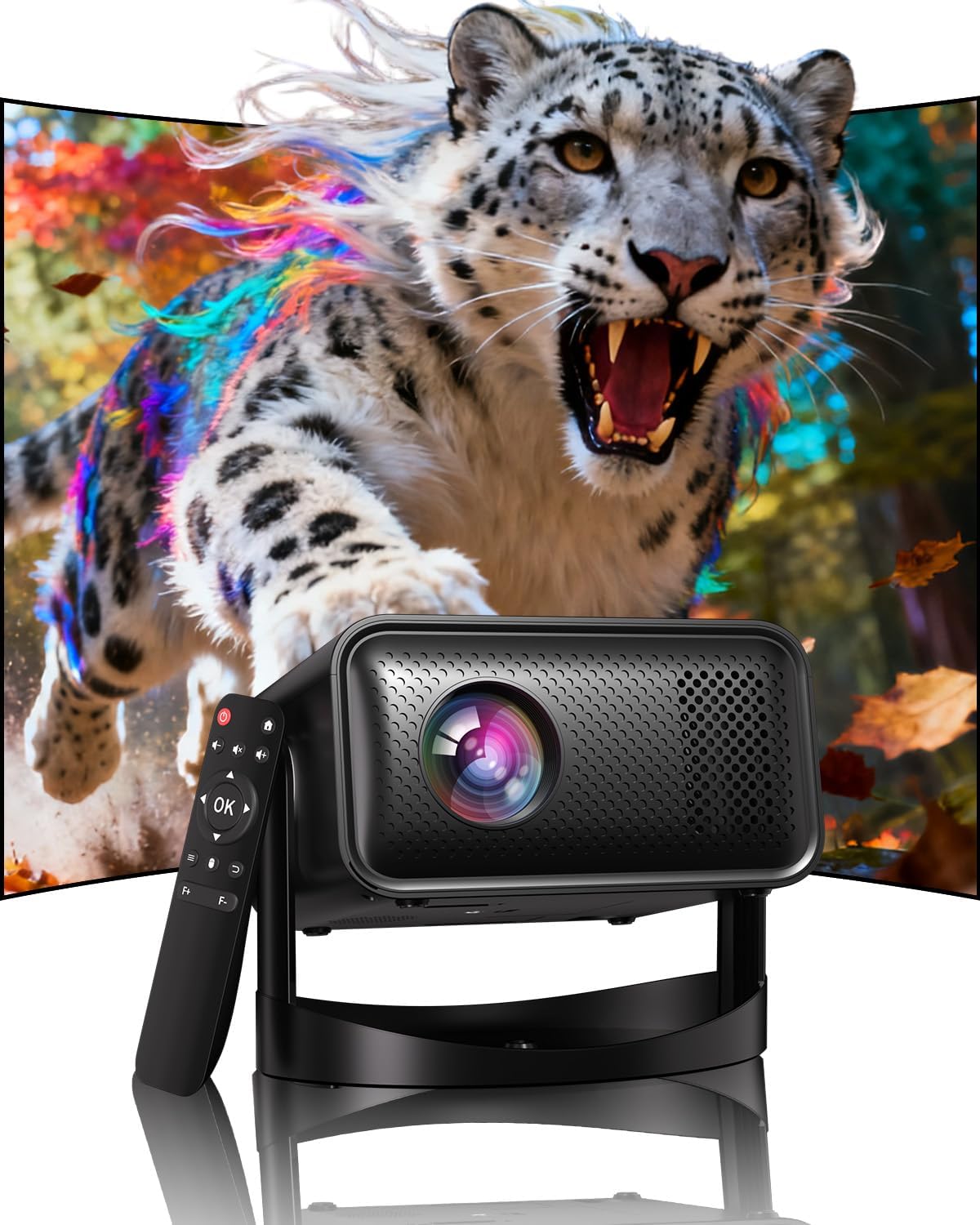
Image: The UCOCARE Mini Portable Projector V18, showcasing its compact design and the vibrant projection capabilities.
2. Անվտանգության տեղեկատվություն
- Մի՛ նայեք ուղիղ պրոյեկտորի օբյեկտիվի մեջ, երբ…amp միացված է:
- Ապահովեք պատշաճ օդափոխություն պրոյեկտորի շուրջ՝ գերտաքացումից խուսափելու համար:
- Օգտագործեք միայն սարքի հետ տրվող հոսանքի ադապտեր:
- Keep the projector away from water, moisture, and flammable materials.
- Խուսափեք պրոյեկտորն անկայուն մակերեսների վրա դնելուց:
- Do not attempt to disassemble or repair the projector yourself. Contact customer support for assistance.
3. Փաթեթի բովանդակությունը
Ստուգեք, որ բոլոր իրերը առկա են ձեր փաթեթում.
- UCOCARE Mini Portable Projector V18
- Հեռակառավարման վահանակ
- Հոսանքի լարը
- Օգտագործողի ձեռնարկ (այս փաստաթուղթը)
4. Ապրանքը ավարտված էview
The UCOCARE V18 projector combines advanced features in a compact design, making it suitable for various environments. It weighs approximately 2.09 pounds and measures 8.35 x 8.03 x 5.28 inches.

Image: The compact and lightweight design of the UCOCARE Mini Portable Projector V18, highlighting its dimensions and portability.
4.1 Հիմնական հատկանիշները
- Բնօրինակ 1080P լուծաչափ՝ 4K աջակցությամբ։ Delivers sharp and detailed images.
- AI-Enhanced Visuals: Improves detail, contrast, and color for a lifelike viewփորձը.
- AI-Enhanced Audio: Provides clear dialogue and rich, distortion-free sound.
- Smart Screen Adjustment: Features electric focus, 50%-100% zoom, and auto keystone correction.
- Երկկողմանի WiFi. Supports 2.4GHz/5GHz for stable and high-speed streaming.
- Bluetooth միացում. For wireless audio devices.
- 180° Flexible Rotating Stand: Allows projection on walls, ceilings, or tables.
- Ունիվերսալ միացում. HDMI, USB, and 3.5mm audio jack.
5. Կարգավորում
5.1 Տեղադրում
Position the projector on a stable surface. The 180° flexible rotating stand allows you to adjust the projection angle to suit your needs, whether projecting on a wall, ceiling, or screen.
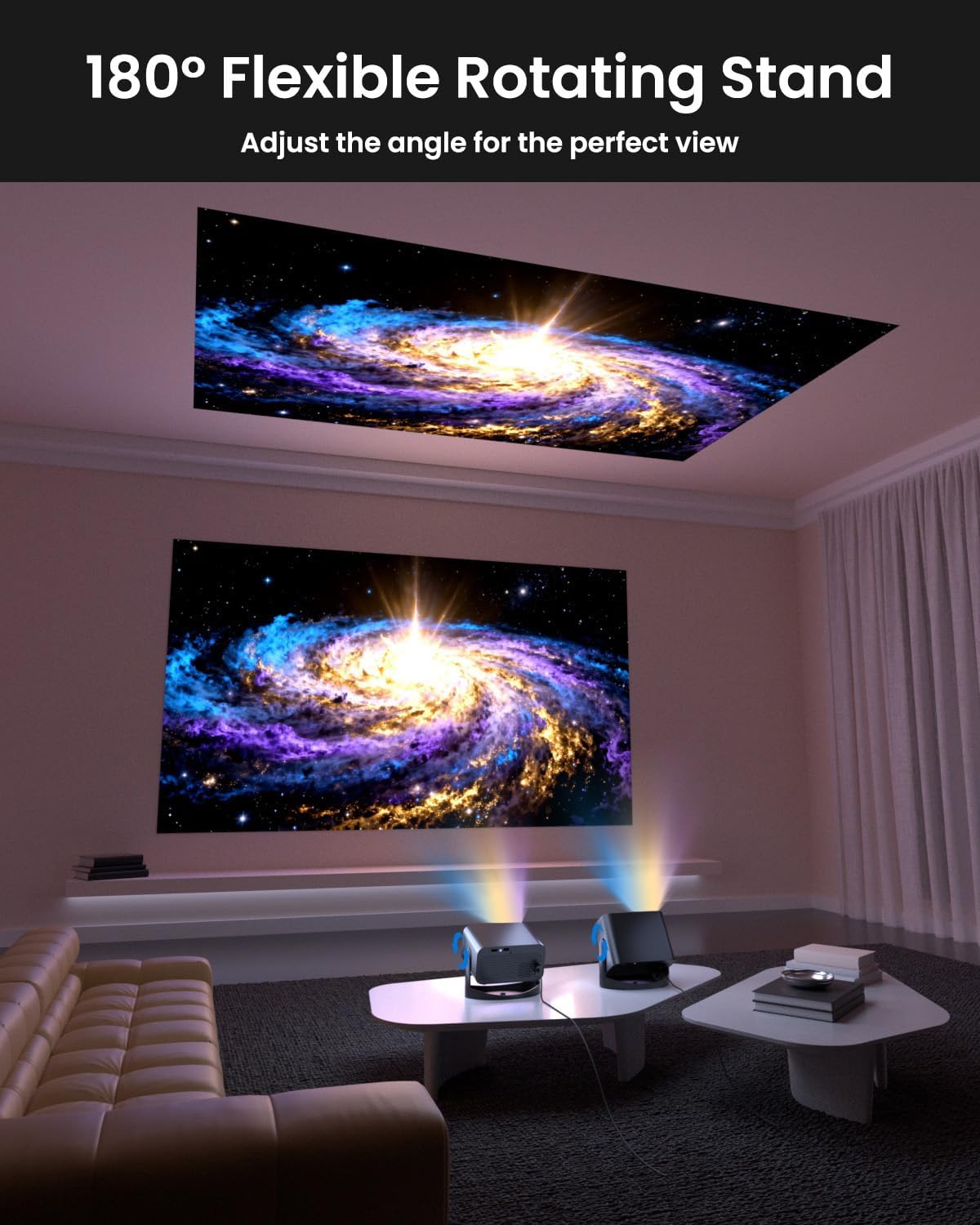
Image: The UCOCARE Mini Portable Projector V18 demonstrating its flexible 180° rotating stand, allowing projection onto various surfaces.
5.2 Էլեկտրաէներգիայի միացում
- Միացրեք սնուցման լարը պրոյեկտորի սնուցման մուտքի միացքին։
- Միացրեք հոսանքի մալուխի մյուս ծայրը հոսանքի վարդակից:
- Սեղմեք պրոյեկտորի կամ հեռակառավարման վահանակի վրա գտնվող միացման կոճակը՝ այն միացնելու համար։
5.3 Initial Screen Adjustment
The projector features smart screen adjustment for optimal viewինգ.
- Էլեկտրական ֆոկուս. Use the remote control to activate one-touch electric focus for a clear image.
- Ավտոմատ Keystone ուղղում: The projector will automatically correct vertical distortion.
- Zoom Function (50%-100%): Adjust the screen size without moving the projector using the remote control.

Image: Visual representation of the smart screen adjustment features: Electric Focus, 50%-100% Zoom, and Auto Keystone Correction.
5.4 Ցանցային միացում (WiFi)
- Անցեք պրոյեկտորի «Կարգավորումներ» մենյու։
- Ընտրեք «Ցանց» կամ «WiFi կարգավորումներ»։
- Choose your desired 2.4GHz or 5GHz WiFi network from the list.
- Մուտքագրեք գաղտնաբառը և միացեք:
5.5 Bluetooth զուգավորում
- Go to the 'Settings' menu and select 'Bluetooth'.
- Միացնել Bluetooth-ը պրոյեկտորի վրա:
- Put your Bluetooth audio device (e.g., speaker, headphones) into pairing mode.
- Select your device from the list on the projector screen to pair.
6. Գործում
6.1 Արտաքին սարքերի միացում
Պրոյեկտորը աջակցում է տարբեր մուտքային աղբյուրների.
- HDMI: Connect devices like laptops, gaming consoles, or TV sticks using an HDMI cable.
- USB: Plug in a USB drive to play media files ուղղակիորեն.
- 3.5 մմ Աուդիո Jack: Միացրեք արտաքին լարային բարձրախոսներ կամ ականջակալներ։
- Անլար ձուլում. Stream content from your smartphone or tablet via WiFi.

Պատկեր՝ Վերևview of the UCOCARE Mini Portable Projector V18's universal multi-device connectivity options.
6.2 Պատկերի որակ
Experience stunning visuals with AI-enhanced technology.

Image: The UCOCARE Mini Portable Projector V18's AI-enhanced video quality, detailing 4K support, HDR 10+, Native 1080P, and Wide Color Gamut.
6.3 Ձայնի որակ
The projector features AI-enhanced audio for an immersive sound experience.
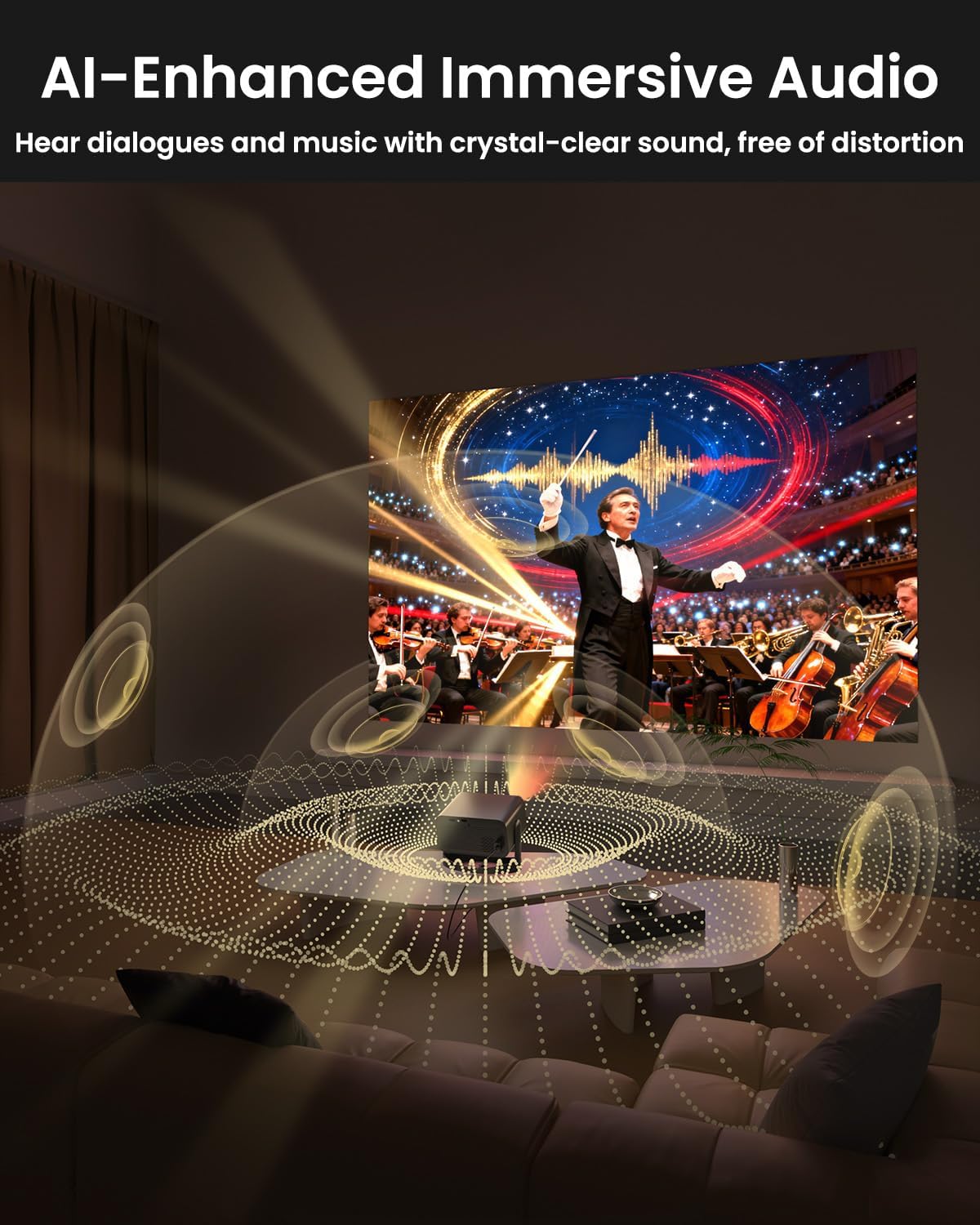
Image: The UCOCARE Mini Portable Projector V18 delivering AI-enhanced immersive audio, creating a surround sound experience.
6.4 Հեռակառավարման գործառույթներ
The included remote control allows you to navigate menus, adjust volume, change input sources, and control playback. Refer to the remote control diagram in your quick start guide for specific button functions.
6.5 Օգտագործման սցենարներ
The UCOCARE V18 projector is versatile for various uses:
- Տնային կինոթատրոն. Enjoy movies and shows on a large screen.
- Խաղեր. Connect your console for an immersive gaming experience.
- Բիզնես շնորհանդեսներ. Project documents and slides for meetings.
- Bedtime Relax: Project calming visuals or stories onto the ceiling.

Image: The UCOCARE Mini Portable Projector V18 adapting to various scenarios, including home theater, business, gaming, and relaxation.
7. Պահպանում
7.1 Լինզայի մաքրում
Use a soft, lint-free cloth specifically designed for optical lenses to gently wipe the projector lens. Avoid using abrasive materials or harsh chemicals.
7.2 Փոշու հեռացում
Regularly clean the projector's exterior with a soft, dry cloth. For ventilation openings, use a soft brush or compressed air to remove dust buildup, ensuring proper airflow.
7.3 Պահպանում
Երկար ժամանակ չօգտագործելու դեպքում պրոյեկտորը պահեք զով, չոր տեղում, արևի ուղիղ ճառագայթներից և ծայրահեղ ջերմաստիճաններից հեռու: Օգտագործեք բնօրինակ փաթեթավորումը կամ պաշտպանիչ պատյանը՝ փոշին և վնասը կանխելու համար:
8: Անսարքություն
Եթե ձեր պրոյեկտորի հետ կապված խնդիրներ ունեք, դիմեք հետևյալ տարածված խնդիրներին և լուծումներին.
| Խնդիր | Հնարավոր պատճառ | Լուծում |
|---|---|---|
| Էկրանի վրա պատկեր չկա | Power cable disconnected, incorrect input source, lens cap on. | Ստուգեք սնուցման միացումը, ընտրեք ճիշտ մուտքի աղբյուրը, հանեք ոսպնյակի կափարիչը։ |
| Պատկերը մշուշոտ է | Focus not adjusted, projector too far/close. | Use electric focus function. Adjust projector distance if necessary. |
| Ոչ մի ձայն | Volume too low, external audio device not connected, incorrect audio output. | Increase volume, check Bluetooth connection or 3.5mm cable, select correct audio output in settings. |
| WiFi/Bluetooth connectivity issues | Out of range, incorrect password, interference. | Ensure projector is within range of router/device. Re-enter password. Reduce interference. |
| Հեռակառավարումը չի աշխատում | Batteries low/dead, obstruction, remote not paired. | Replace batteries. Remove obstructions. Re-pair remote if applicable. |
9. Տեխնիկական պայմաններ
| Առանձնահատկություն | Մանրամասն |
|---|---|
| Բրենդ | UCOCARE |
| Մոդելի համարը | V18 |
| Ցուցադրման բանաձեւը | Native 1920 x 1080 (1080P), 4K Supported |
| Միացման տեխնոլոգիա | 2.4GHz/5GHz Wi-Fi, Bluetooth, 3.5mm Jack, HDMI, USB |
| Հատուկ առանձնահատկություններ | 4K Supported, Native 1080P, Adjustable Stand, Electric Focus, Auto Keystone, Portable Mini Size, Built-In 2.4G/5GHz WiFi, Built-In Bluetooth |
| Նյութի քաշը | 2.09 ֆունտ |
| Փաթեթի չափերը | 8.35 x 8.03 x 5.28 դյույմ |
| Առաջարկվող կիրառումներ | Բիզնես, Կրթություն, Խաղեր, Տնային կինոթատրոն |
10. Երաշխիք և աջակցություն
UCOCARE products are manufactured to high-quality standards. For warranty information, please refer to the documentation included with your purchase or visit the official UCOCARE website. If you require technical assistance or have questions not covered in this manual, please contact UCOCARE customer support.
Contact information can typically be found on the product packaging or the official brand webկայք։