
Ներածություն
This comprehensive guide is designed to help you understand and utilize all the features, settings, and functionalities of your Moto G Power 2026 smartphone. Whether you are a new user or looking to explore advanced capabilities, this manual provides clear, step-by-step instructions to enhance your device experience.
The Moto G Power 2026 is a versatile smartphone designed for everyday use. This manual covers essential topics from initial setup to advanced features, ensuring you can make the most of your device.
1. Նախնական կարգավորում
Follow these steps to power on and configure your Moto G Power 2026 for the first time.
- Միացում՝ Press and hold the power button located on the side of the device until the Motorola logo appears.
- Լեզվի ընտրություն. Ընտրեք ձեր նախընտրած լեզուն ցանկից։
- Միացեք Wi-Fi-ին. Select your Wi-Fi network and enter the password to connect to the internet. This is crucial for initial setup and updates.
- Google հաշվի կարգավորում՝ Sign in with your existing Google account or create a new one. This is necessary for accessing the Google Play Store, Gmail, and other Google services.
- Տվյալների փոխանցում (ըստ ցանկության): If you are upgrading from another device, follow the on-screen prompts to transfer your data.
- Անվտանգության կարգավորում. Set up a screen lock (PIN, pattern, password, or fingerprint) to protect your device.
- Անհատականացրեք կարգավորումները. Adjust settings such as date and time, display preferences, and notification sounds.
Once these steps are completed, your Moto G Power 2026 is ready for use.
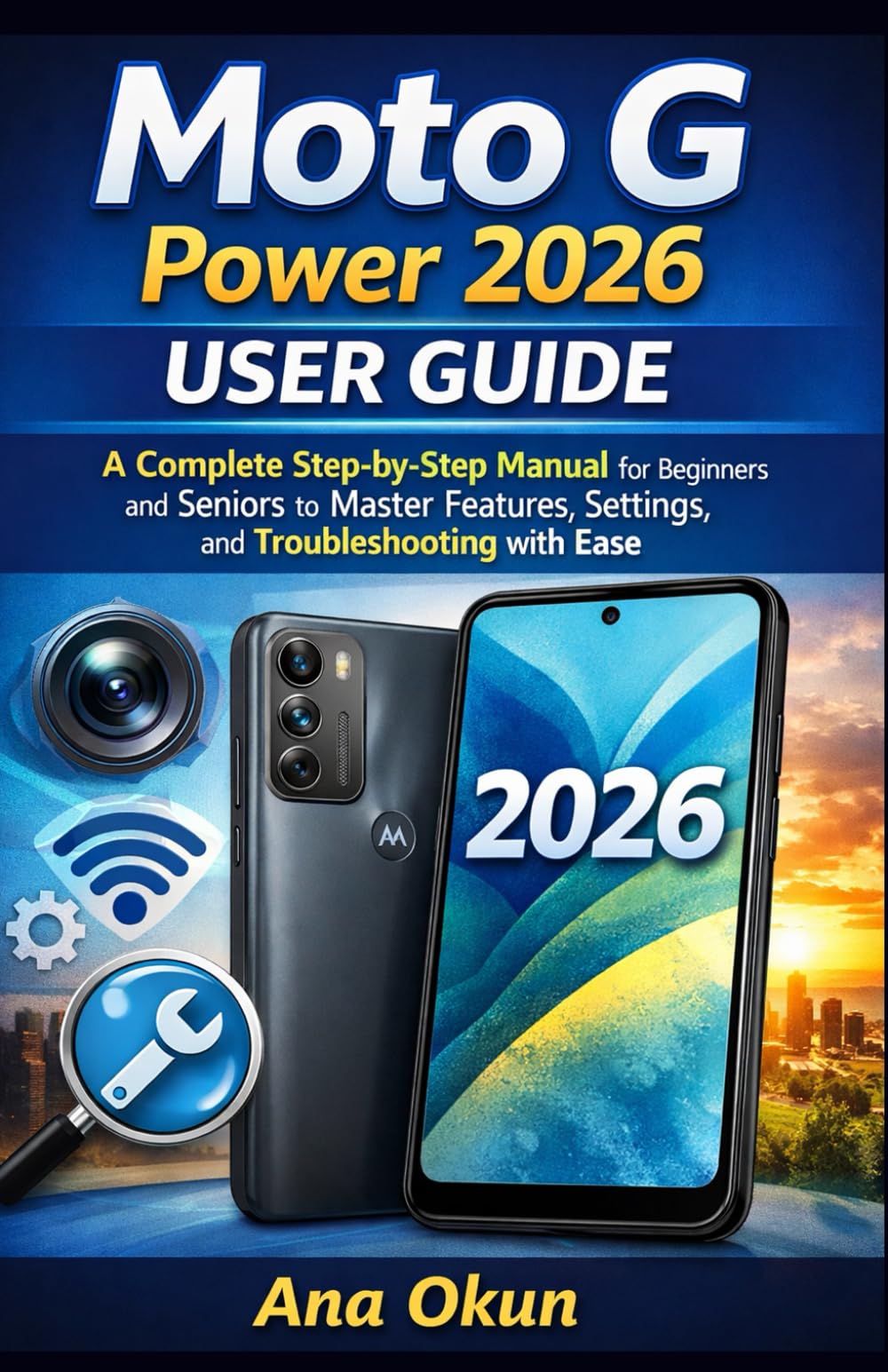
Image 1.1: Front cover of the Moto G Power 2026 User Guide. This image shows the book's title and overall design.
2. Ձեր սարքի շահագործումը
2.1 Navigating the Home Screen
The home screen is your central hub for accessing applications and information. Swipe left or right to view additional home screens. Swipe down from the top of the screen to access quick settings and notifications.
- Հավելվածի դարակ. Swipe up from the bottom of the home screen to open the app drawer, which contains all installed applications.
- Վիջեթներ. Long-press on an empty area of the home screen to add widgets for quick access to information like weather, calendar, or music controls.
- Թղթապանակներ: Drag one app icon over another to create a folder, helping you organize your applications.
2.2 Զանգեր և հաղորդագրություններ
Staying connected is a primary function of your Moto G Power 2026.
- Զանգեր կատարելը. Հպեք Հեռախոս icon, enter the number, and tap the call button. You can also select a contact from your address book.
- Կոնտակտների կառավարում. Օգտագործեք Կոնտակտներ app to add, edit, or delete contacts. You can sync contacts from your Google account.
- Հաղորդագրություններ ուղարկելը. Բացեք Հաղորդագրություններ app, tap the new message icon, enter the recipient's number or select from contacts, and type your message.
2.3 Internet Connectivity and Apps
Your device supports both Wi-Fi and mobile data for internet access.
- Wi-Fi: Գնալ դեպի Կարգավորումներ > Ցանց և ինտերնետ > Wi-Fi հասանելի ցանցերին միանալու համար։
- Բջջային տվյալներ. Ensure your SIM card is inserted and mobile data is enabled in Կարգավորումներ > Ցանց և ինտերնետ > Բջջային ցանց.
- Google օգնական. Activate Google Assistant by saying "Hey Google" or long-pressing the power button (if configured). Use voice commands for tasks, information, and device control.
- Հավելվածի կառավարում. Download new apps from the Google Play Store. Manage installed apps in Կարգավորումներ > Հավելվածներ և ծանուցումներ to adjust permissions, clear cache, or uninstall.
3. Տեսախցիկի հնարավորությունները
The Moto G Power 2026 camera allows you to capture high-quality photos and videos. Open the Տեսախցիկ app to begin.
- Լուսանկարներ նկարելը ՝ Հպեք լուսանկարելու համար փականի կոճակը։
- Տեսագրող տեսանյութեր. Անցեք տեսագրման ռեժիմի և սեղմեք ձայնագրման կոճակը՝ ձայնագրությունը սկսելու/դադարեցնելու համար։
- Տեսախցիկի ռեժիմներ. Explore various modes such as Portrait, Night Vision, Panorama, and Pro Mode for different photographic effects.
- Կարգավորումներ: Access camera settings to adjust resolution, aspect ratio, timer, and other preferences.
4. Ընդհանուր խնդիրների լուծում
This section addresses common problems you might encounter with your Moto G Power 2026.
- Սարքը չի արձագանքում. If your device freezes, press and hold the power button for about 10-15 seconds to force a restart.
- Մարտկոցի արագ սպառում. Ստուգեք մարտկոցի օգտագործումը Կարգավորումներ> Մարտկոց to identify power-hungry apps. Reduce screen brightness, disable unnecessary features like GPS or Bluetooth when not in use, and close background apps.
- Connectivity Problems (Wi-Fi/Mobile Data):
- Անջատեք և միացրեք Wi-Fi-ը կամ բջջային տվյալները։
- Wi-Fi-ի հետ կապված խնդիրների դեպքում վերագործարկեք ձեր ռաութերը։
- Ensure your mobile data plan is active and you have signal coverage.
- Հավելվածի խափանում. Մաքրեք ծրագրի քեշը և տվյալները Կարգավորումներ > Հավելվածներ և ծանուցումներ > [Հավելվածի անուն] > Պահեստ և քեշԵթե խնդիրը շարունակվում է, ապատեղադրեք և վերատեղադրեք հավելվածը։
- Low Storage: Ջնջել ավելորդը files, photos, and videos. Uninstall unused apps. Move large files to cloud storage or an external SD card (if supported). Check storage usage in Կարգավորումներ > Պահպանում.
5. Սպասարկում և խնամք
Proper maintenance ensures the longevity and optimal performance of your Moto G Power 2026.
- Ծրագրային թարմացումներ. Regularly check for and install system updates in Կարգավորումներ > Համակարգ > Համակարգի թարմացումներ. Updates often include performance improvements and security patches.
- Մաքրում: Սարքի էկրանը և կորպուսը մաքրելու համար օգտագործեք փափուկ, թել չթողնող կտոր։ Խուսափեք կոշտ քիմիական նյութերից կամ հղկող նյութերից։
- Մարտկոցի առողջություն. Avoid extreme temperatures. Do not leave the device charging for extended periods after it reaches 100%.
- Տվյալների կրկնօրինակում. Regularly back up your important data to a cloud service (like Google Drive) or a computer to prevent data loss.
- Ֆիզիկական պաշտպանություն. Խորհուրդ է տրվում օգտագործել պաշտպանիչ պատյան և էկրանի պաշտպանիչ՝ ընկնելուց և քերծվածքներից պաշտպանվելու համար։
6. Տեխնիկական պայմաններ
Key technical specifications for the Moto G Power 2026:
| Առանձնահատկություն | Մանրամասն |
|---|---|
| ASIN | B0GP71KXZ1 |
| Հրատարակիչ | Անկախ հրատարակված |
| Հրապարակման ամսաթիվը | 18 փետրվարի, 2026թ |
| Լեզու | Անգլերեն |
| Տպման երկարությունը | 144 էջ |
| ISBN-13 | 979-8248918850 |
| Նյութի քաշը | 8.6 ունցիա |
| Reading age | 12 - 18 տարի |
| Չափերը | 5.5 x 0.33 x 8.5 դյույմ |
Image 6.1: Back cover of the Moto G Power 2026 User Guide. This image displays the ISBN barcode and other publication information.
7. Երաշխիք և աջակցություն
Երաշխիքի և հաճախորդների աջակցության վերաբերյալ տեղեկությունների համար խնդրում ենք դիմել Motorola-ի պաշտոնական կայքէջին։ website or the documentation included with your device at the time of purchase. This manual provides general operational guidance and does not replace official warranty statements or specific support channels.
- Պաշտոնական Webկայքը: Visit the Motorola official webկայք՝ ամենաթարմ աջակցության ռեսուրսների, հաճախակի տրվող հարցերի և կոնտակտային տեղեկատվության համար։
- Հաճախորդների սպասարկում. Contact Motorola customer service for technical assistance or warranty claims.
- Առցանց ռեսուրսներ. Many common issues can be resolved by consulting online forums or support communities.