Ներածություն
Շնորհակալություն գնման համարasing the Paladone Pacman Pixelated Light. This manual provides essential information for the safe and efficient use of your new light. Please read these instructions carefully before use and retain them for future reference.
Անվտանգության կարևոր տեղեկատվություն
- Այս ապրանքը խաղալիք չէ: Պահել փոքր երեխաներից հեռու:
- Միայն փակ տարածքում օգտագործելու համար։ Մի՛ ենթարկեք ջրի կամ խոնավության ազդեցությանը։
- Use only with the provided USB cable or a compatible USB power source.
- Մի փորձեք ապամոնտաժել կամ փոփոխել արտադրանքը:
- Խուսափեք ծայրահեղ ջերմաստիճանից:
Կարգավորում
Փաթեթի բովանդակությունը
- 1 x Paladone Pacman Pixelated Light
- 1 x USB Power Cable- ը
Սարքի սնուցում
The Pacman Pixelated Light is primarily powered via USB. It can also operate using 3 AAA batteries (not included) for portable use, though it is not explicitly designed for battery operation based on available information. For optimal performance and sound features, USB power is recommended.
- Locate the USB port on the back of the Pacman light.
- Insert the small end of the provided USB cable into the light's USB port.
- Insert the larger end of the USB cable into a compatible USB power source (e.g., computer, USB wall adapter, power bank).

Image: Connecting the USB cable to the back of the Pacman light.

Պատկեր՝ Հետևի մաս view of the Pacman light, highlighting the USB port and power switch.
Գործառնական հրահանգներ
Turning On/Off and Activating Sounds
The Pacman Pixelated Light features a touch-activated control for illumination and sound effects.
- Ensure the light is connected to a power source via USB.
- Locate the power switch on the back of the unit and slide it to the 'ON' position.
- To turn the light on or off, gently tap the top of the Pacman unit.
- The light is designed to play official Pac-Man sounds upon touch activation, providing a nostalgic experience.

Image: Activating the Pacman light by touching its top surface.
Ձայնի առանձնահատկությունները
The light includes touch-activated Pac-Man sounds. These sounds are an integral part of the product's interactive design.
Տեսողական առանձնահատկություններ
The light emits a yellow glow, characteristic of the Pac-Man character. It serves as a decorative item and a night light.
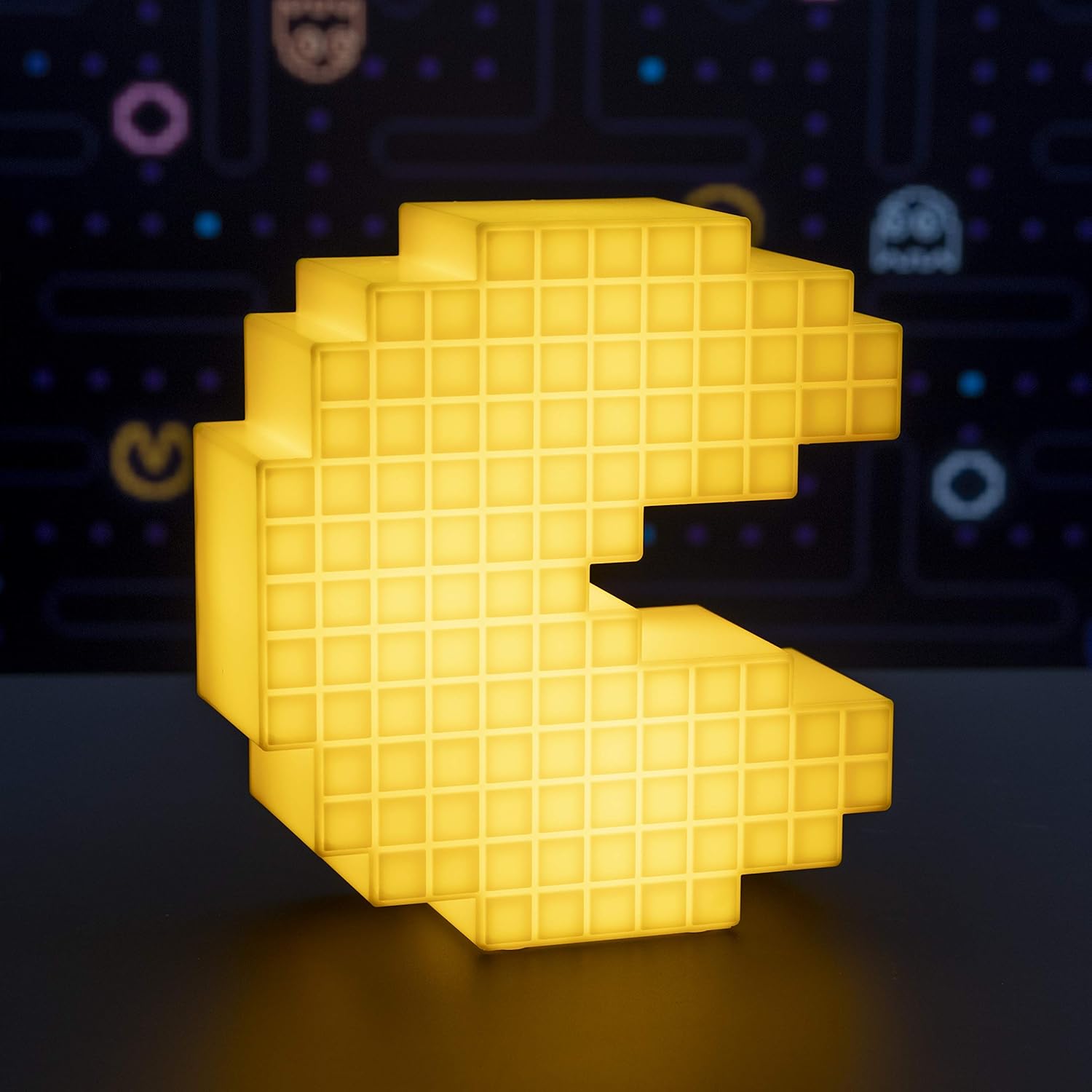
Image: The Pacman Pixelated Light illuminated, showcasing its yellow glow.
Video: Official demonstration of the Pacman Pixelated Light, showing its illumination and sound features.
Տեխնիկական սպասարկում
Մաքրում
To maintain the appearance of your Pacman Pixelated Light:
- Ensure the device is unplugged from its power source before cleaning.
- Սրբեք մակերեսը փափուկ, չոր շորով:
- Մի օգտագործեք հղկող մաքրող միջոցներ, լուծիչներ կամ կոշտ քիմիական նյութեր, քանի որ դրանք կարող են վնասել մակերեսը։
Անսարքությունների վերացում
Լույսը չի միանում
- Ստուգեք հոսանքի միացումը. Համոզվեք, որ USB մալուխը ապահով կերպով միացված է ինչպես լույսին, այնպես էլ հոսանքի աղբյուրին:
- Ստուգեք էներգիայի աղբյուրը. Try plugging the USB cable into a different USB port or wall adapter to rule out a faulty power source.
- Էլեկտրական անջատիչ. Confirm the power switch on the back of the unit is in the 'ON' position.
- Հպեք Ակտիվացում. Gently tap the top of the Pacman unit to activate the light.
Ձայն չկա
- Հպեք Ակտիվացում. Ensure you are tapping the top of the unit to trigger the sound effects.
- Power Source: Verify the unit is receiving adequate power via USB.
Տեխնիկական պայմաններ
| Առանձնահատկություն | Մանրամասն |
|---|---|
| Մոդելի համարը | PP4900PM |
| Բրենդ | Պալադոնե |
| Արտադրանքի չափերը (Լայնություն x Բարձրություն) | 6.7 դյույմ (17 սմ) x 7.5 դյույմ (19 սմ) |
| Նյութի քաշը | 0.25 կիլոգրամ (8.8 ունցիա) |
| Նյութ | Պլաստիկ |
| Էլեկտրաէներգիայի աղբյուր | USB Powered (3 AAA batteries required for optional use, not included) |
| Լույսի աղբյուրի տեսակը | LED |
| Վերահսկման մեթոդ | Հպեք |
| Բաց գույն | Դեղին |
| Ներառված բաղադրիչներ | USB մալուխ |

Image: Visual representation of the light's dimensions (Width: 6.7 inches, Height: 7.5 inches).
Երաշխիք և աջակցություն
Specific warranty information for the Paladone Pacman Pixelated Light is not provided in the product details. For warranty claims or technical support, please contact Paladone directly through their official webկայքը կամ այն մանրածախ վաճառողը, որտեղից գնվել է ապրանքը։


