1. Ներածություն
This manual provides instructions for the safe and effective use of your Paladone Disney Princess Projection Night Light. This device is designed to project various Disney Princess scenes onto walls and ceilings, offering multiple lighting modes and an optional music function to create a relaxing atmosphere.
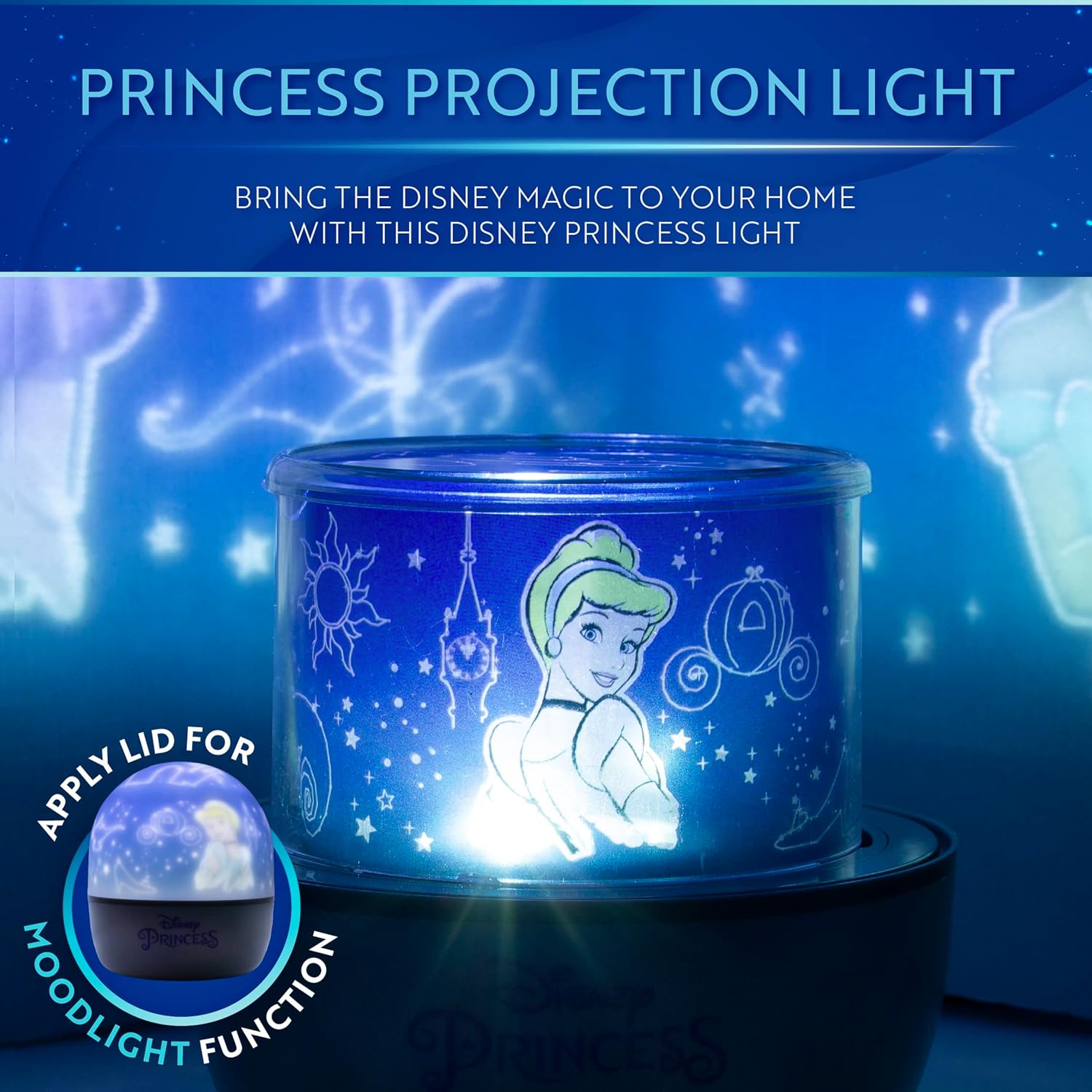
Image: The Disney Princess Projection Night Light in operation, projecting a scene featuring Cinderella onto a wall.
2. Անվտանգության տեղեկատվություն
- Սարքը հեռու պահեք ջրից կամ այլ հեղուկներից:
- Մի փորձեք ապամոնտաժել կամ փոփոխել սարքը:
- Use only the specified power source (USB cable or 3x AA batteries).
- Խուսափեք լույսի աղբյուրին աչքի անմիջական ազդեցությունից:
- This product is not a toy. Adult supervision is recommended for children.
- Ensure proper ventilation around the device during use.
3. Փաթեթի բովանդակությունը
Ստուգեք, որ բոլոր իրերը առկա են փաթեթում.
- Disney Princess Projection Night Light Unit
- USB հոսանքի մալուխ
- 4 x Projection Sheets (featuring Ariel, Rapunzel, Cinderella, Mulan, Princess Castle, and Little Mermaid Heart designs)
- Plastic Dome (for mood light function)

Image: The four included projection sheets, showing various Disney Princess characters and themed patterns.
4. Կարգավորում
4.1 Սարքի սնուցում
The night light can be powered by either a USB cable or 3x AA batteries (not included).
- USB հզորություն. Connect the provided USB cable to the Micro USB input port on the device and plug the other end into a compatible USB power adapter (5V DC 500mA) or a USB port on a computer.
- Մարտկոցի հզորությունը. Open the battery compartment on the bottom of the unit and insert 3x AA batteries, ensuring correct polarity. Close the compartment securely.

Պատկեր՝ մանրամասն view of the night light's base, showing the Micro USB input and control buttons.
4.2 Inserting Projection Sheets
- Carefully remove the clear plastic film from both sides of your chosen projection sheet.
- Bend the projection sheet into a cylinder and insert it into the clear inner cylinder of the night light unit. Ensure the tabs on the sheet align with the slots in the cylinder to secure it.
- Place the circular top piece of the projection sheet onto the top of the inner cylinder.
4.3 Attaching the Plastic Dome (Mood Light Function)
For a mood light effect without projections, place the opaque plastic dome over the inner projection cylinder. This diffuses the light, creating a softer glow.
5. Գործառնական հրահանգներ
5.1 Կառավարման կոճակներ
The device features three control buttons on its base:
- Power Button (Light Modes): Press and hold for 3 seconds to turn the device ON/OFF. Short press to cycle through different light colors/modes.
- Rotation Mode Button: Press to activate or deactivate the rotation of the projected images.
- Երաժշտության կոճակ. Press to play or stop the built-in music.
5.2 Պրոյեկցիոն ռեժիմ
With a projection sheet inserted and the plastic dome removed:
- Press and hold the Power Button to turn on the light.
- Short press the Power Button to change the light color (e.g., white, blue, yellow, multi-color fade).
- Press the Rotation Mode Button to make the projected images rotate.
- Press the Music Button to play the built-in music.

Image: The night light projecting an underwater scene with Ariel onto a bedroom wall.
5.3 Mood Light Mode
With the plastic dome attached:
- Press and hold the Power Button to turn on the light. The light will be diffused by the dome.
- Short press the Power Button to change the mood light color.
- The rotation and music functions operate the same as in projection mode.
5.4 Պաշտոնական ապրանքի տեսանյութ
Video: An official product video demonstrating the features of the Disney Princess Projection Light, including projection, music, rotation, and mood light functions.
6. Պահպանում
- Մաքրում: Սարքը սրբեք փափուկ, չոր կտորով։ Մի օգտագործեք հղկող մաքրող միջոցներ և մի ընկղմեք ջրի մեջ։
- Պահպանում: When not in use for extended periods, remove batteries and store the device in a cool, dry place.
- Projection Sheets: Handle projection sheets carefully to avoid scratches or damage. Store them flat when not in use.
7: Անսարքություն
| Խնդիր | Հնարավոր պատճառ | Լուծում |
|---|---|---|
| Սարքը չի միանում: | Լիցք չկա կամ մարտկոցները քիչ են։ | Համոզվեք, որ USB մալուխը ճիշտ է միացված կամ փոխարինեք մարտկոցները։ |
| Projections are blurry or unclear. | Protective film still on projection sheet; incorrect sheet placement. | Remove clear protective film from both sides of the projection sheet. Ensure the sheet is correctly seated in the inner cylinder. |
| Music is too loud or distorted. | Ձայնի վերահսկման գործառույթ չկա: | The device does not have a volume adjustment. If the music is too loud, consider using the light without the music function. |
| Images are not rotating. | Rotation mode is not activated. | Press the Rotation Mode Button to activate rotation. |
8. Տեխնիկական պայմաններ
- Մոդելի անվանումը: Disney Princess Projection Night Light
- Մոդելի համարը: RS561105
- Ապրանքանիշը: Պալադոնե
- Ապրանքի չափսերը. 4.52"Խ x 4.52"Լ x 5.31"Բ (11.48 սմ Խ x 11.48 սմ Լ x 13.49 սմ Բարձր)
- Նյութի Քաշը: 9.9 ունցիա (0.28 կիլոգրամ)
- Նյութը՝ Պլաստիկ
- Լույսի աղբյուրի տեսակը. LED
- Power Source: Battery Powered (3x AA, not included) or USB (5V, 500mA)
- Հատtage: 5 վոլտ
- Վերահսկման մեթոդ. Buttons on unit
- Ներքին/Դրսի Օգտագործումը. Փակ
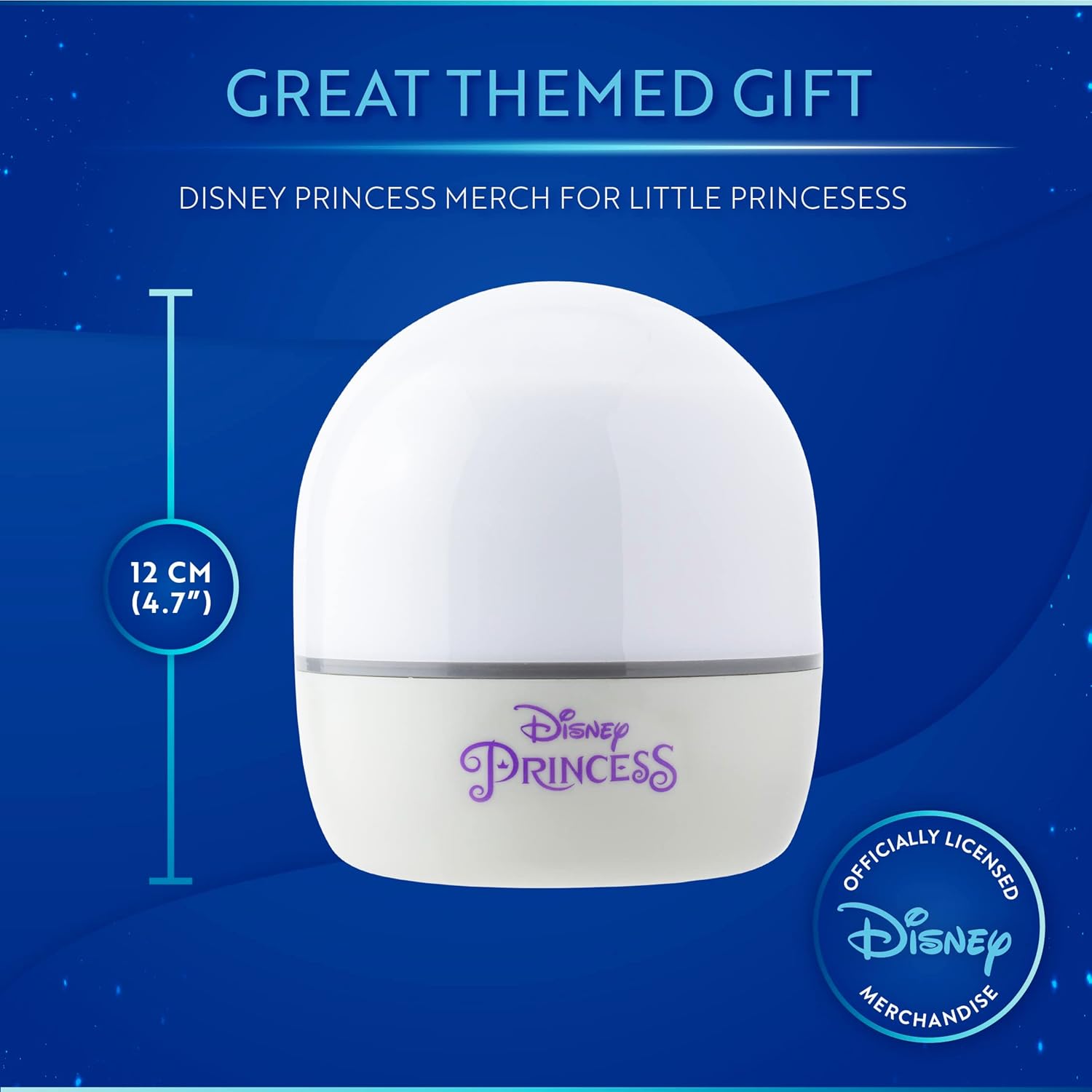
Image: The Disney Princess Night Light with its height dimension (12 cm / 4.7") indicated.
9. Երաշխիք և աջակցություն
Երաշխիք: This product comes with no warranty as per manufacturer specifications.
Աջակցություն: For further assistance or inquiries, please refer to the retailer's customer service or visit the official Paladone webկայք։


